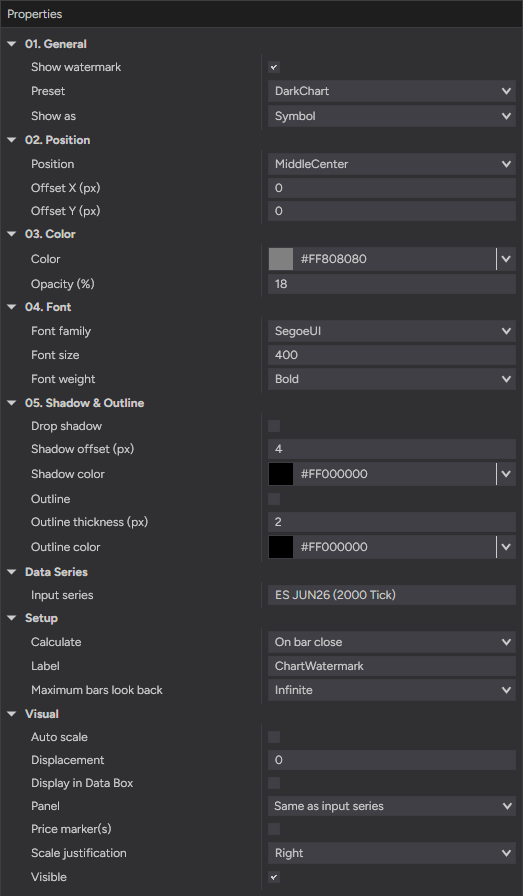
- Show as
- Instrument, timeframe or both
- Preset
- Quick ready-made looks
- Toggle
- Show / hide in one click
- Color
- Any color you like
- Opacity
- Subtle to bold
- Font
- Family, size & weight
- Chart types
- Every NinjaTrader 8 chart
- Platform
- NinjaTrader 8
- License
- Free — yours to keep
- Version
- 1.0 — 24 Jun 2026
- Placement
- Anywhere on the chart
- Offset X
- Nudge horizontally
- Offset Y
- Nudge vertically
- Shadow
- On / off for contrast
- Color
- Your choice
- Offset
- Set the shadow distance
- Outline
- Keeps text readable over price
- Color
- Your choice
- Thickness
- Adjustable in pixels
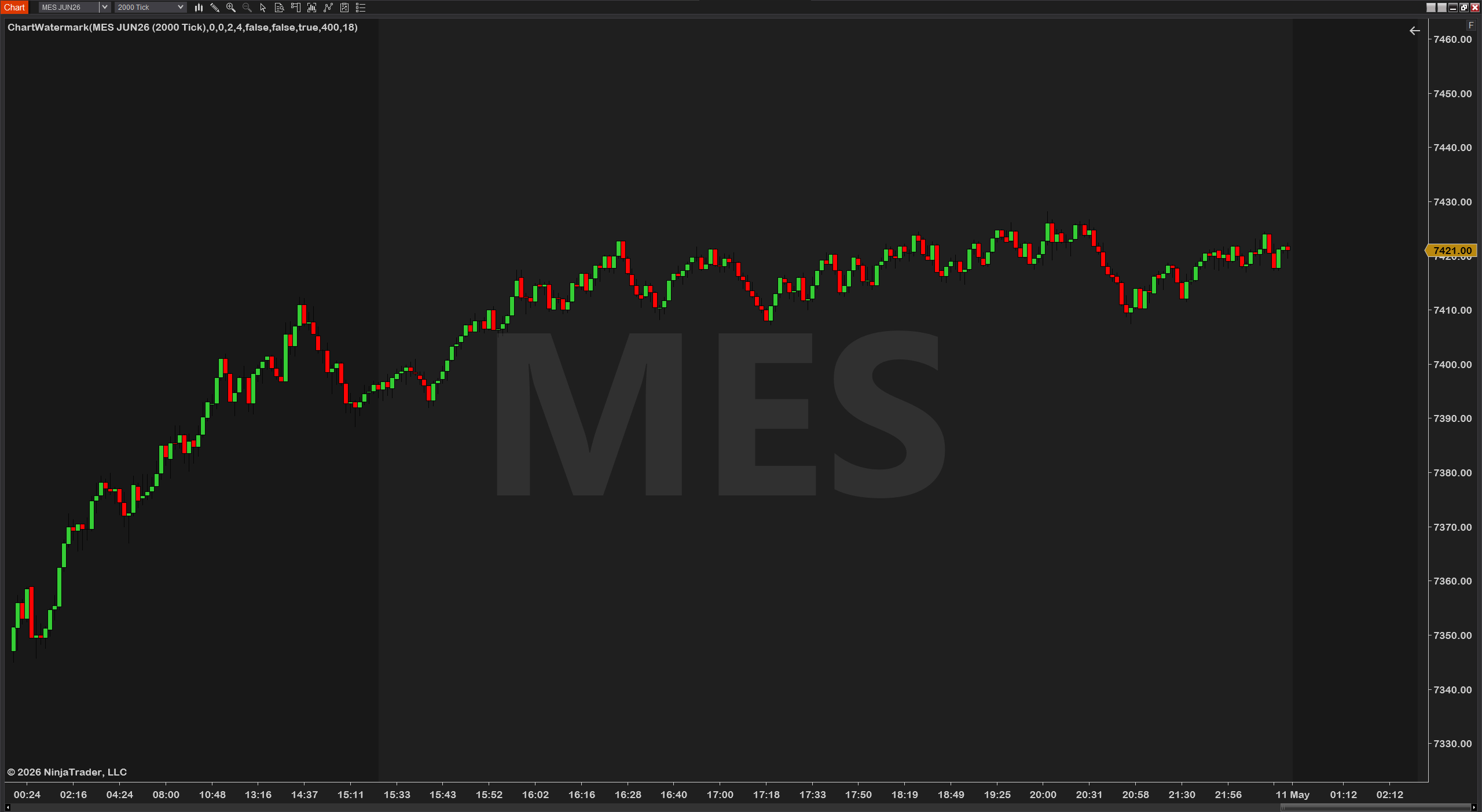
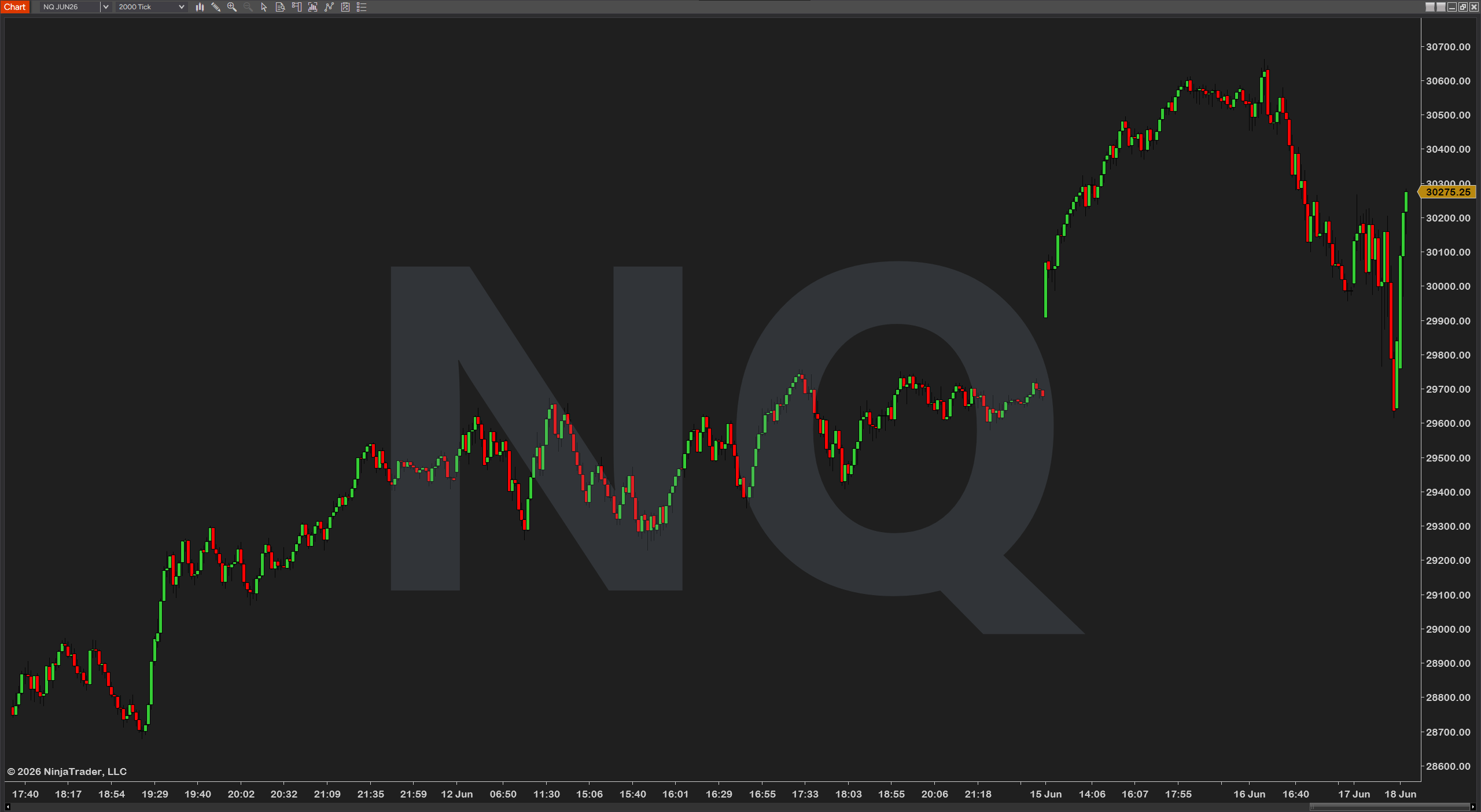
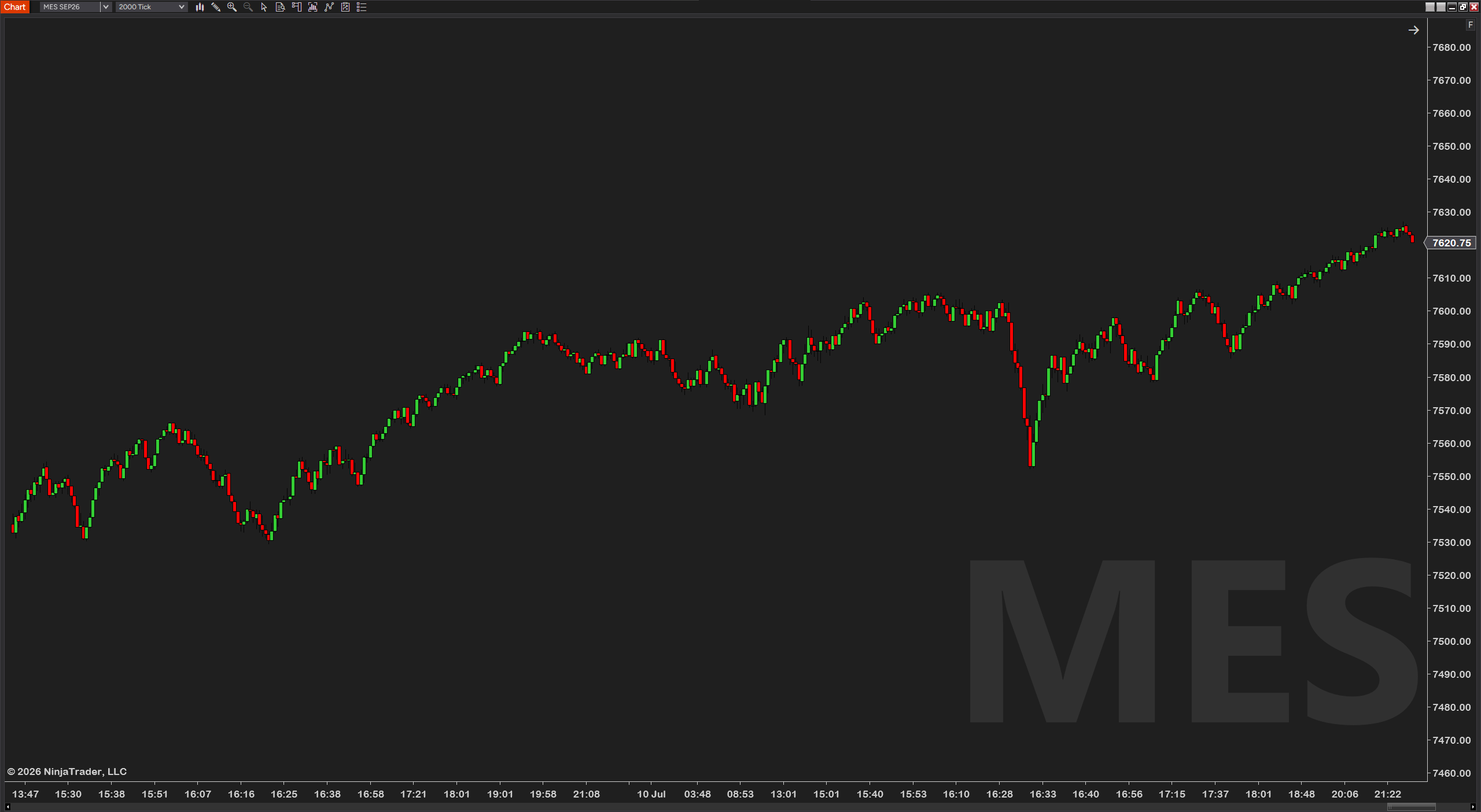
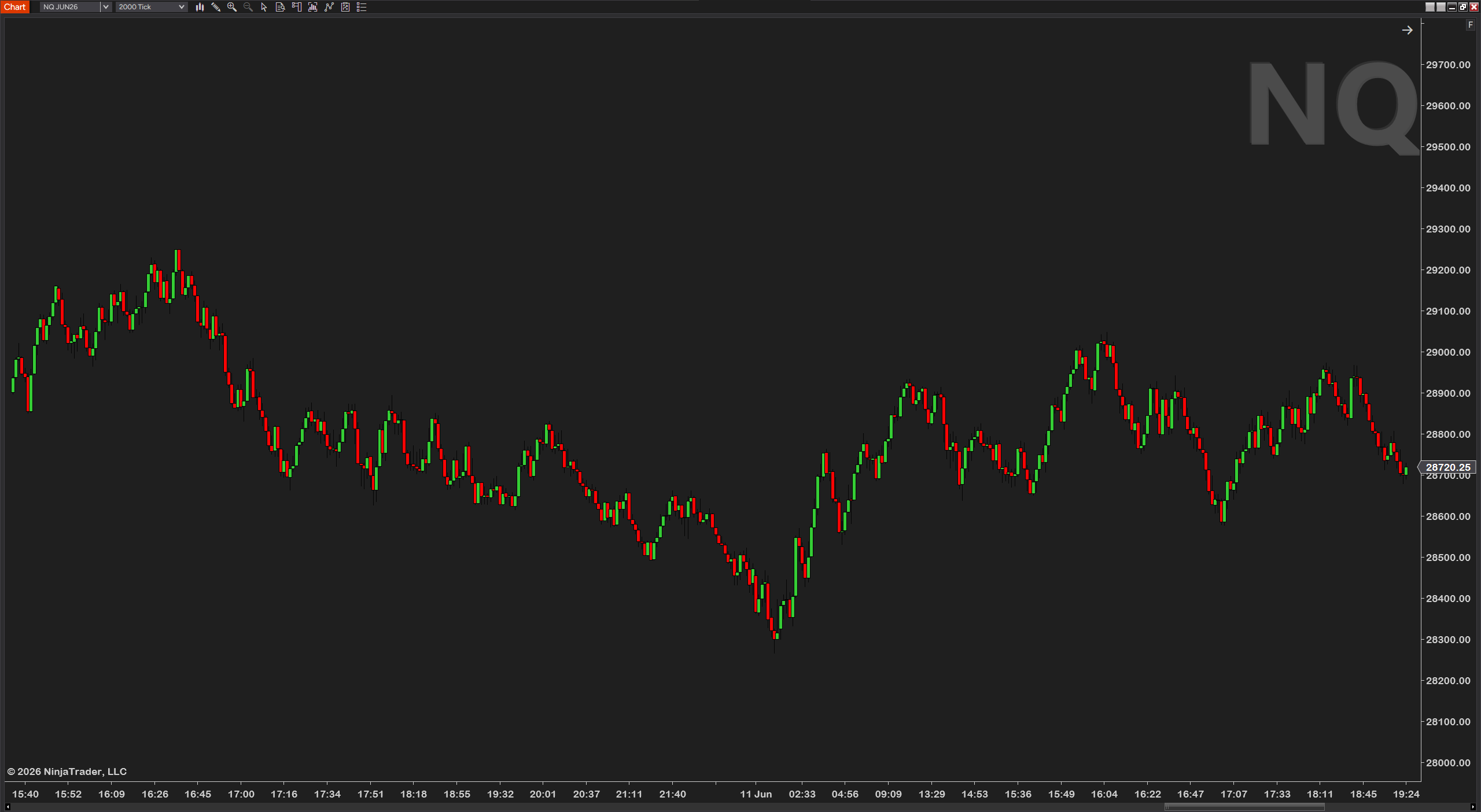
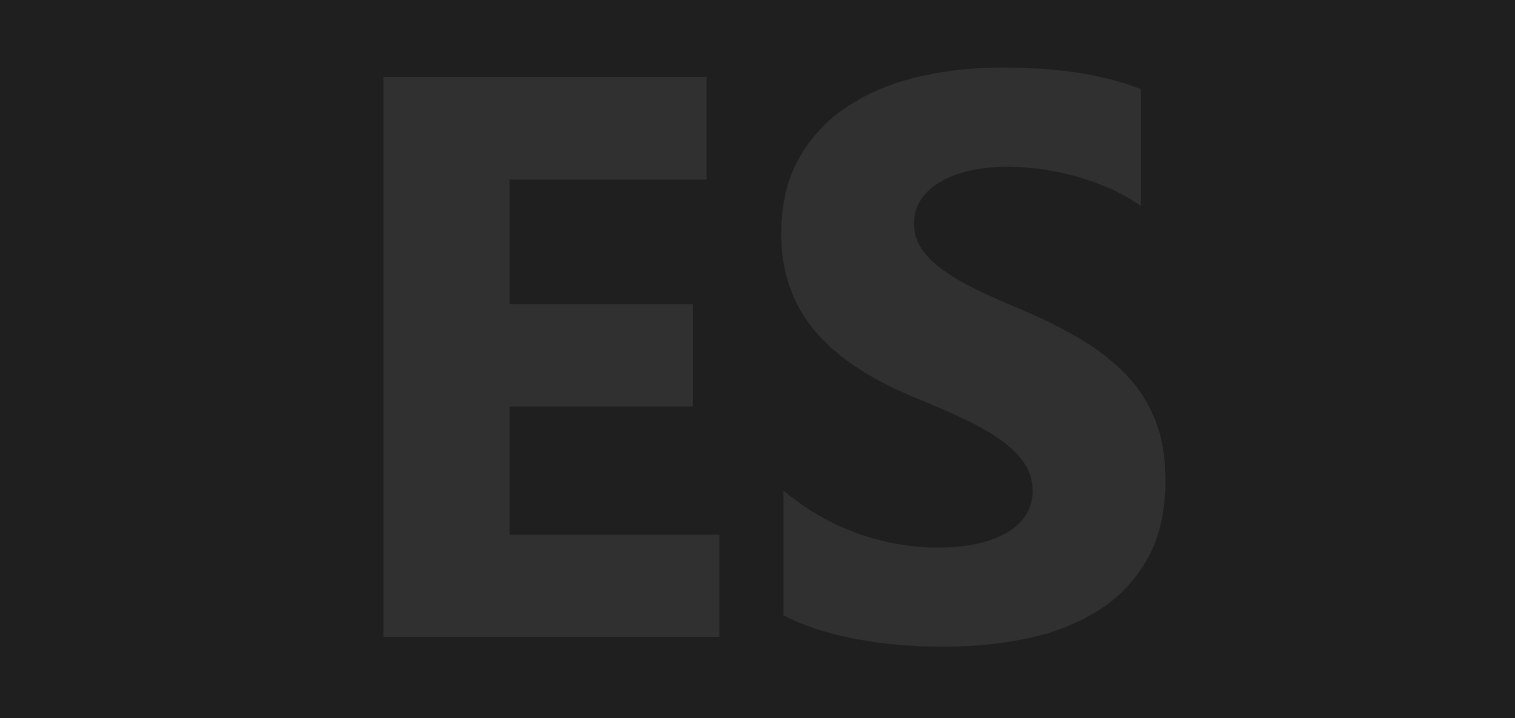
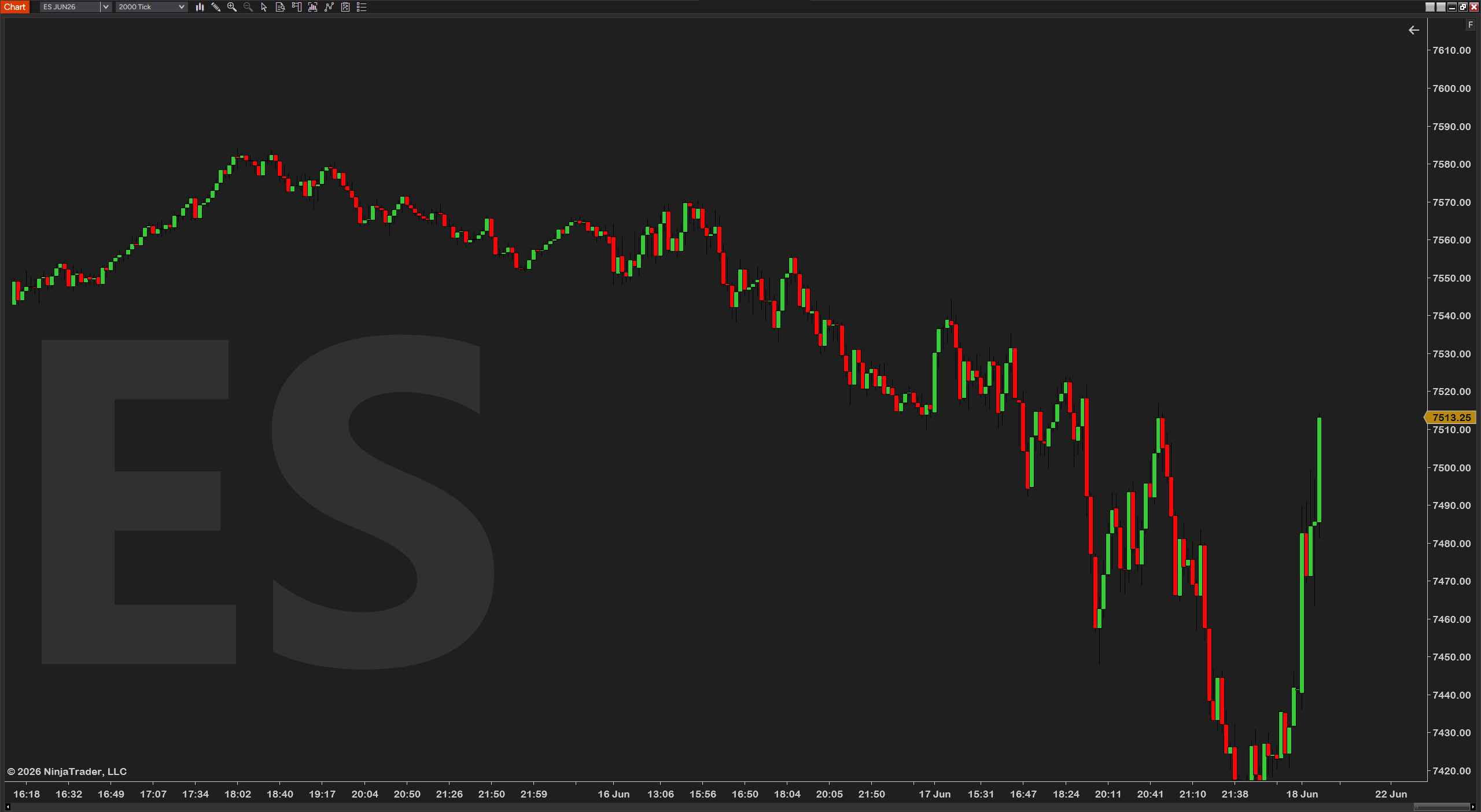
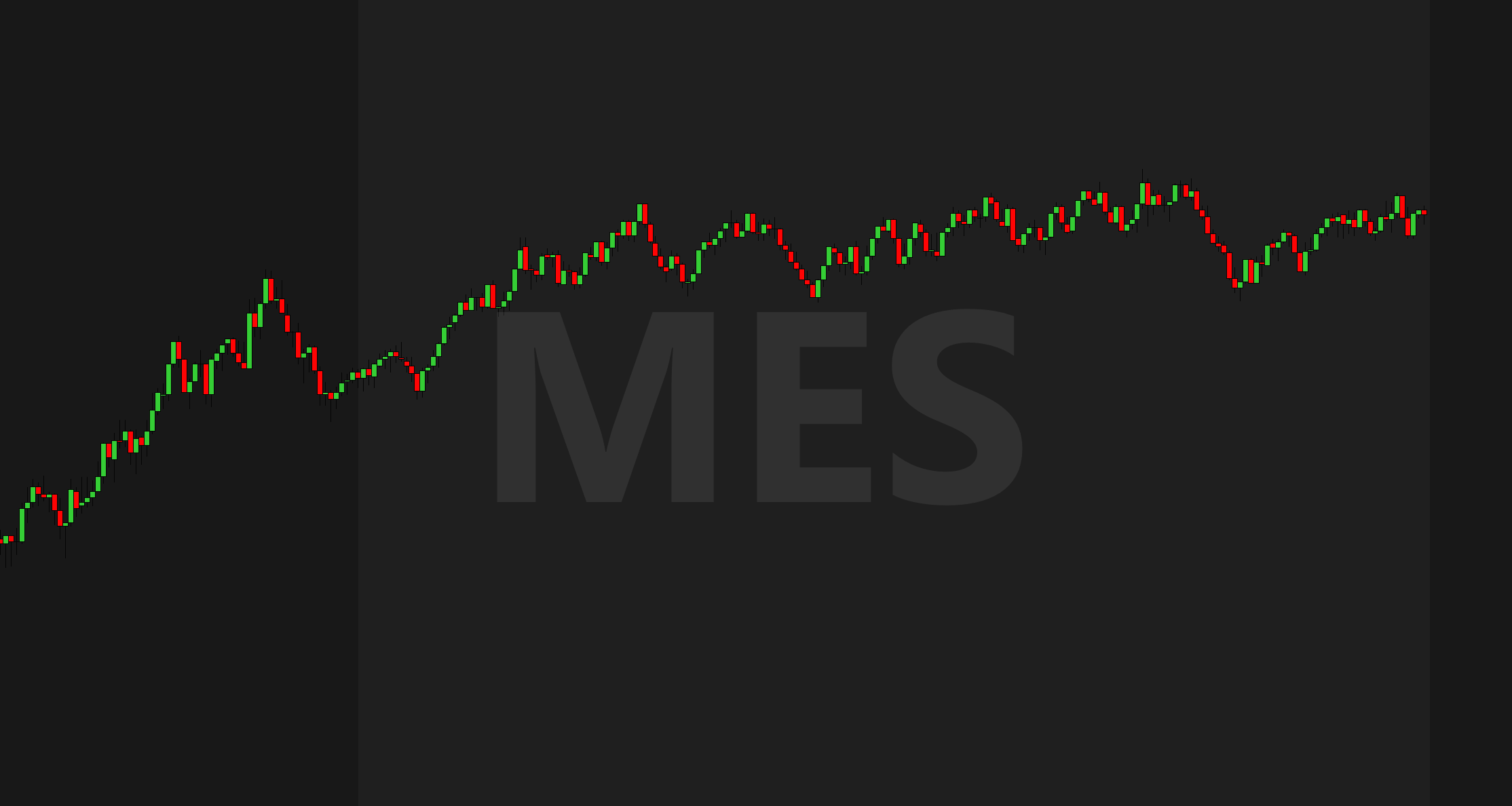
If you stream, post screenshots, or run a wall of charts, you want each one clearly labeled with what it is. ChartWatermark puts a clean, automatic instrument-and-timeframe label right on the chart — behind price, out of the way, always correct.
It updates itself: change the instrument or timeframe and the watermark follows. No manual text to keep in sync.
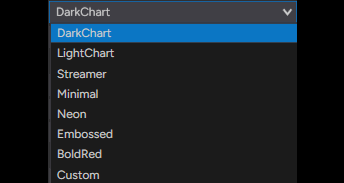
Eight preset looks get you there in one click — Dark chart, Light chart, Streamer, Minimal, Neon, Embossed, Bold red, or a Custom slot that's all yours. Subtle enough to ignore while you trade, clear enough to identify the chart at a glance.
Fine-tune everything: place it anywhere on a nine-position grid with pixel offsets, set the color, opacity, font, size and weight, and add a drop shadow or outline so it stays readable over candles.
NinjaTrader has no built-in watermark, and traders kept asking for one — for streams, for content, and just to tell charts apart on a busy desktop. So we made a clean one, free.
Let's be honest: this one won't change a single trade — it just makes every chart unmistakably yours. Lean, automatic, fully styleable, no bloat, no upsell — built by a working futures trader.
Every chart on camera clearly labeled and styled to match your brand — the Streamer and Neon presets exist exactly for this.
A dozen charts on a desk, each identified at a glance from across the room — no squinting at window tabs to find the NQ 5-minute.
Post a chart anywhere and the instrument and timeframe are part of the image — no more "what chart is this?" replies.
Minimal while you trade, Bold red for the recording, Light chart for the printout — one click each way, and Custom remembers your own look.
ChartWatermark is built to be set up once and left alone. Position, color, font, shadow and outline are all adjustable — nothing is hard-coded. Below is the actual settings panel: numbered groups, plain-English names, no cryptic abbreviations.
After checkout, download the ChartWatermark .zip — it's on the confirmation page, and in your email receipt.
In NinjaTrader 8: Tools → Import → NinjaScript Add-On, then select the .zip.
Right-click any chart → Indicators, add ChartWatermark, and pick a preset or style it to taste.
- File
- ChartWatermark_v1.0.zip
- Size
- 176 KB — lean, no bloat
- Format
- NinjaScript add-on (.zip import)
- Delivery
- Instant — checkout page + email
NinjaTrader 8 (latest version recommended)
Any instrument — no volume data required
Every chart type
Any data provider — Rithmic, Kinetick, and more
Free forever — no catch, no upsell
Free updates — always current
Step-by-step installation guide
Email support from a working trader
Most traders are up and running in under a minute. Stuck on anything? Email us — we're traders too, and we answer.
Complete your setup
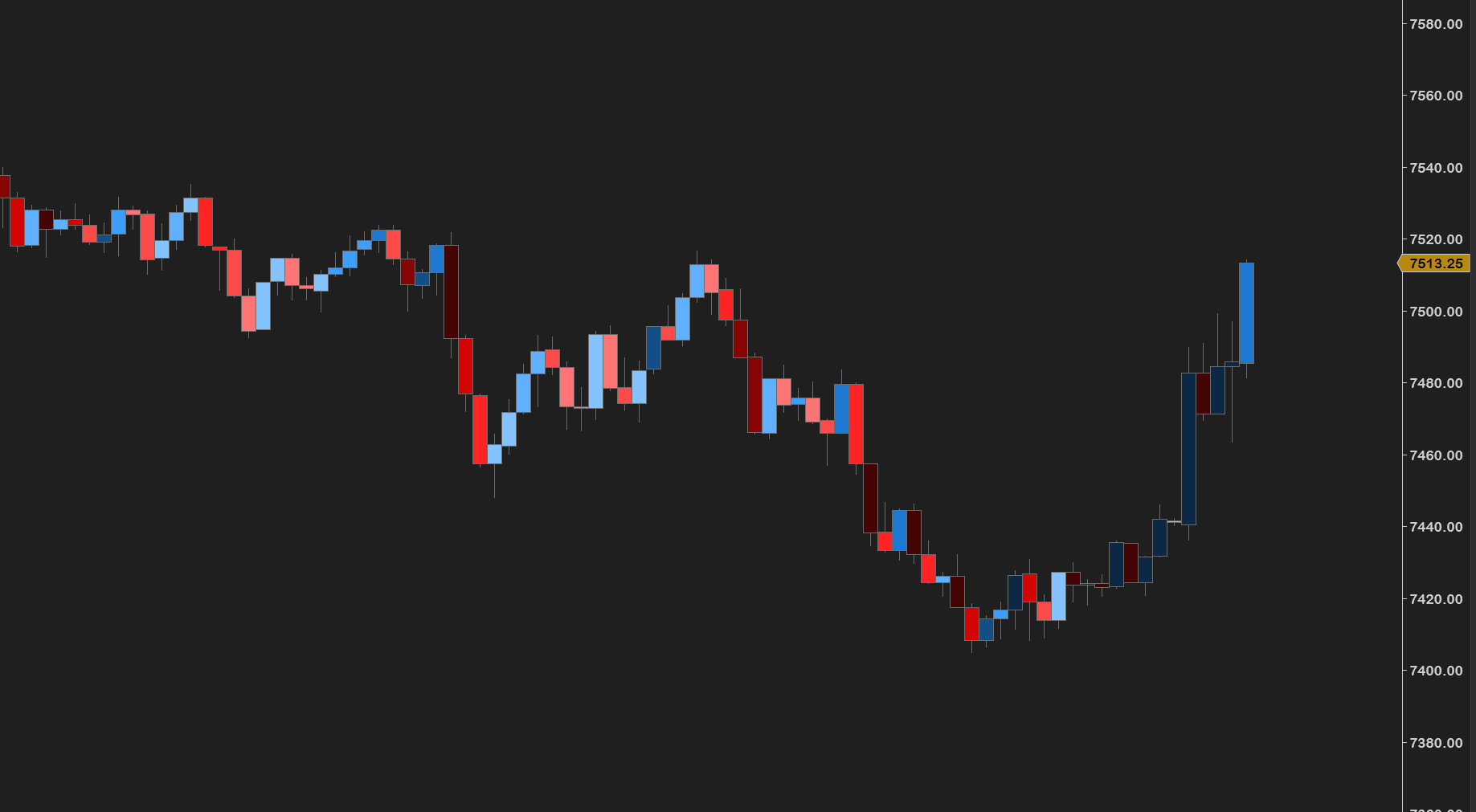
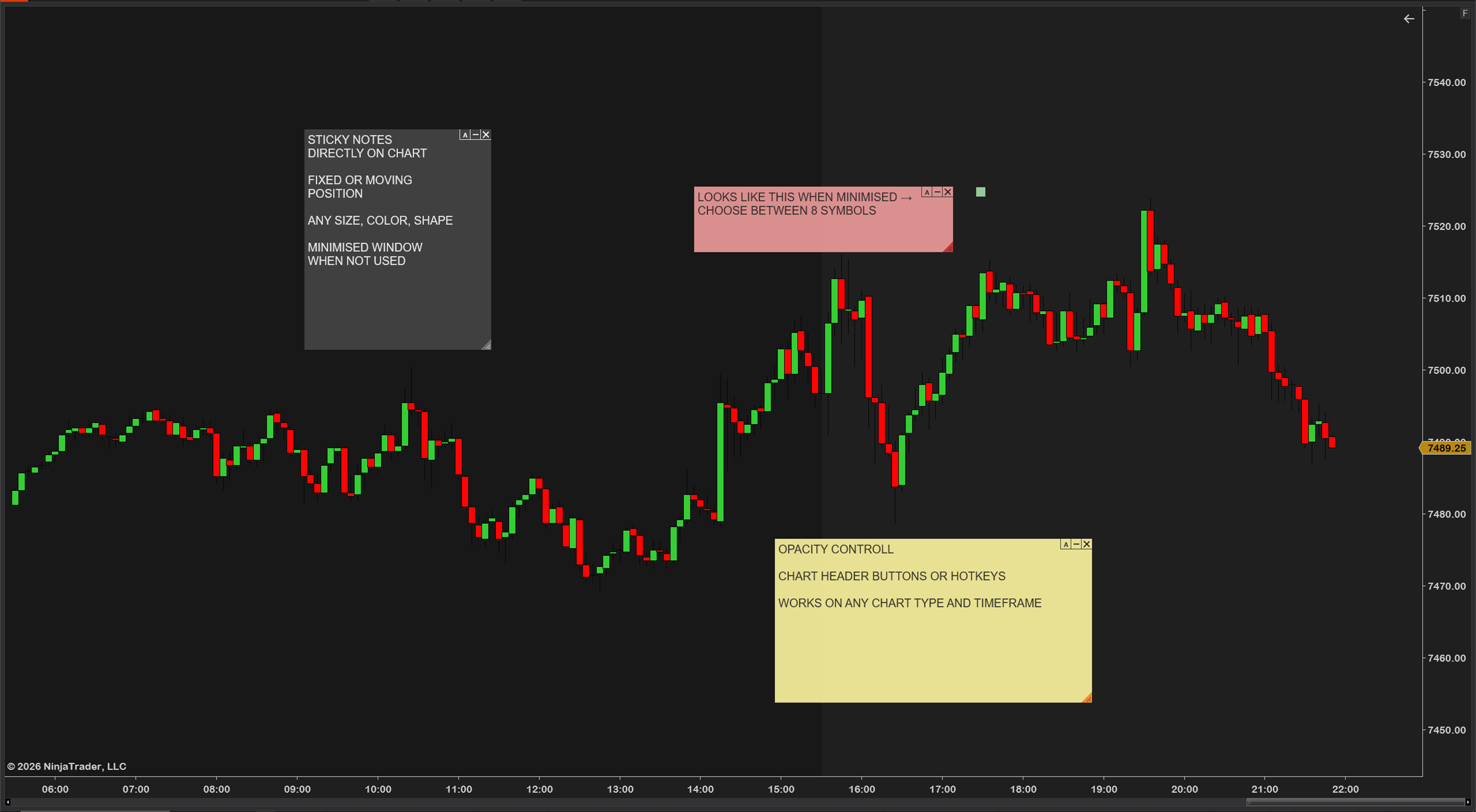
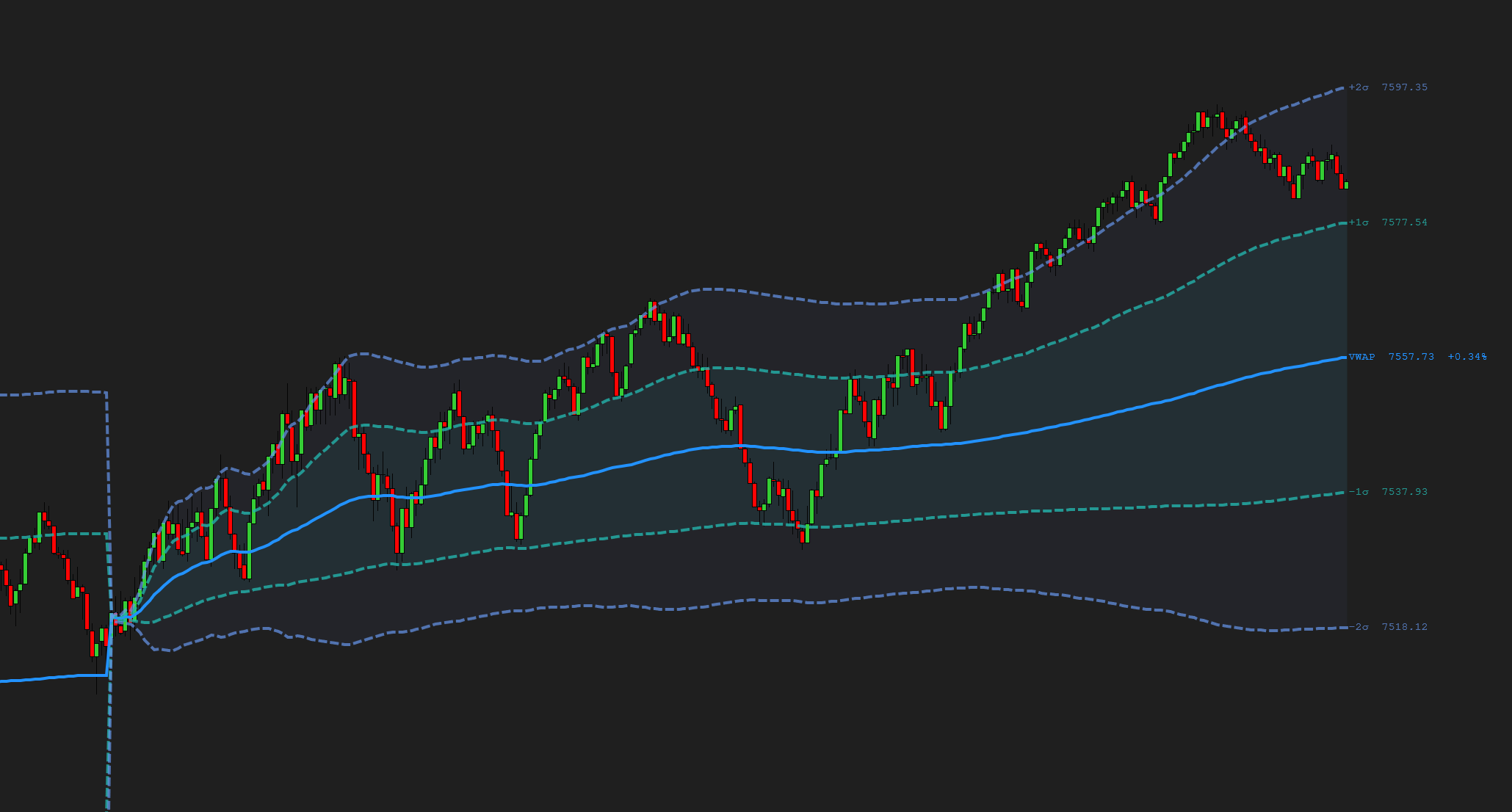
A clean, automatic instrument and timeframe watermark for your charts — free, and built by a working futures trader.
Futures trading involves substantial risk of loss and is not suitable for every investor. ChartWatermark is a chart-display tool only — it is not a trade signal, recommendation, or financial advice. Past performance is not indicative of future results.