- Numbers
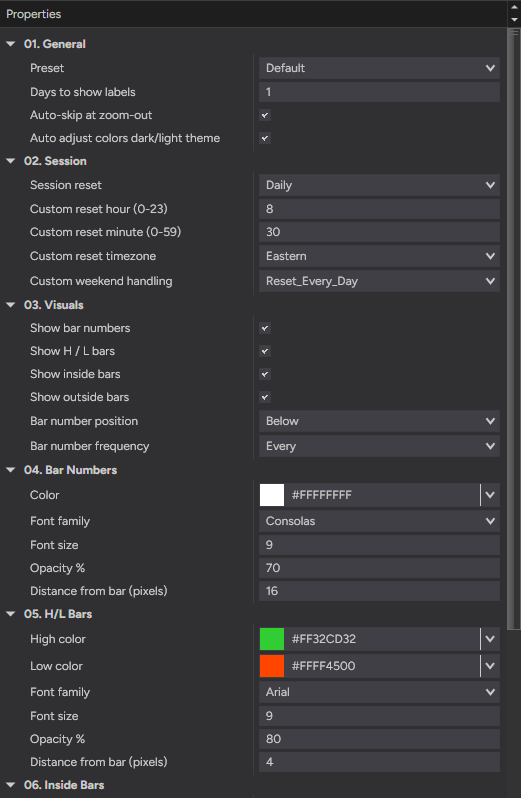
- Every bar from session start
- Position
- Above or below the bar
- Frequency
- Label every Nth bar
- Days to show
- Limit how far back labels draw
- Auto-skip
- Hides labels when zoomed out
- Reset
- When the count restarts
- Custom
- Reset hour, minute & timezone
- Chart types
- Tick · min · volume · range · Renko
- Instruments
- Any — no volume required
- Platform
- NinjaTrader 8
- License
- Free — yours to keep
- Version
- 1.0 — 28 Jun 2026
- New H/L bars
- Own high & low colors
- Inside bars
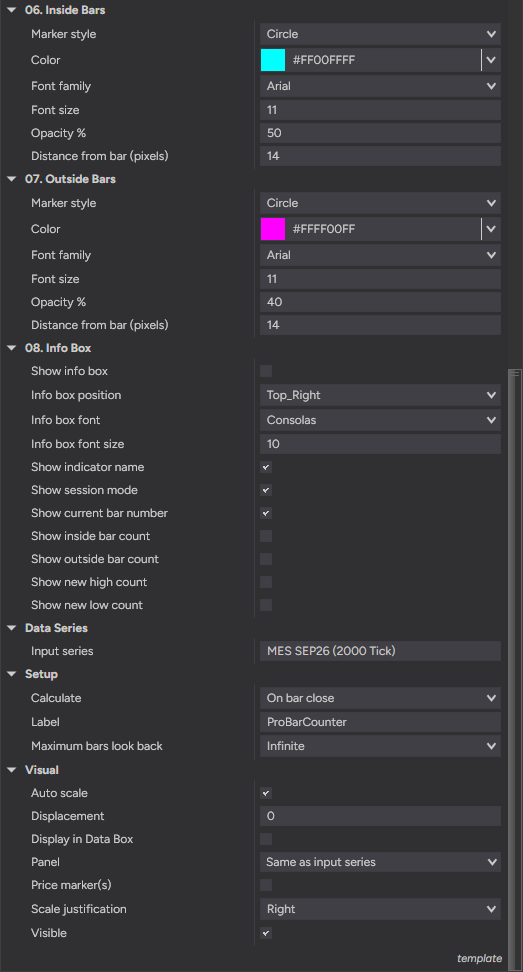
- Marker style & color
- Outside bars
- Marker style & color
- Per group
- Font, size, opacity, distance
- Auto theme
- Adjusts to dark / light charts
- Position
- Any corner, font & size
- Counts
- Inside · outside · new high · new low
- Current
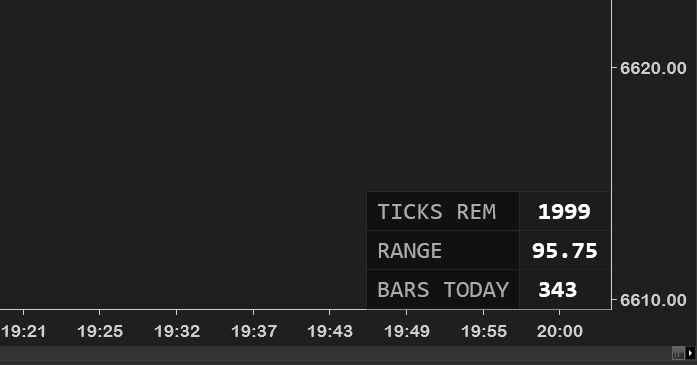
- Live bar number & session mode
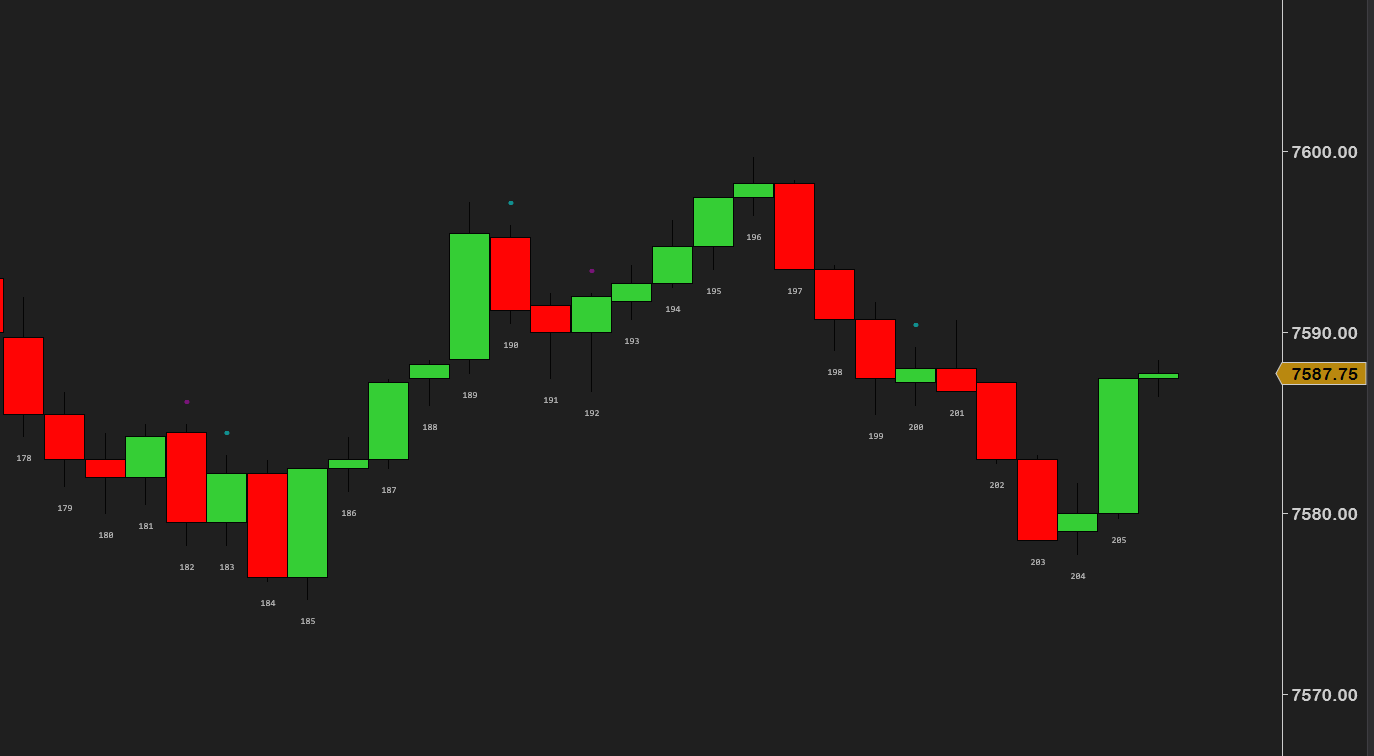
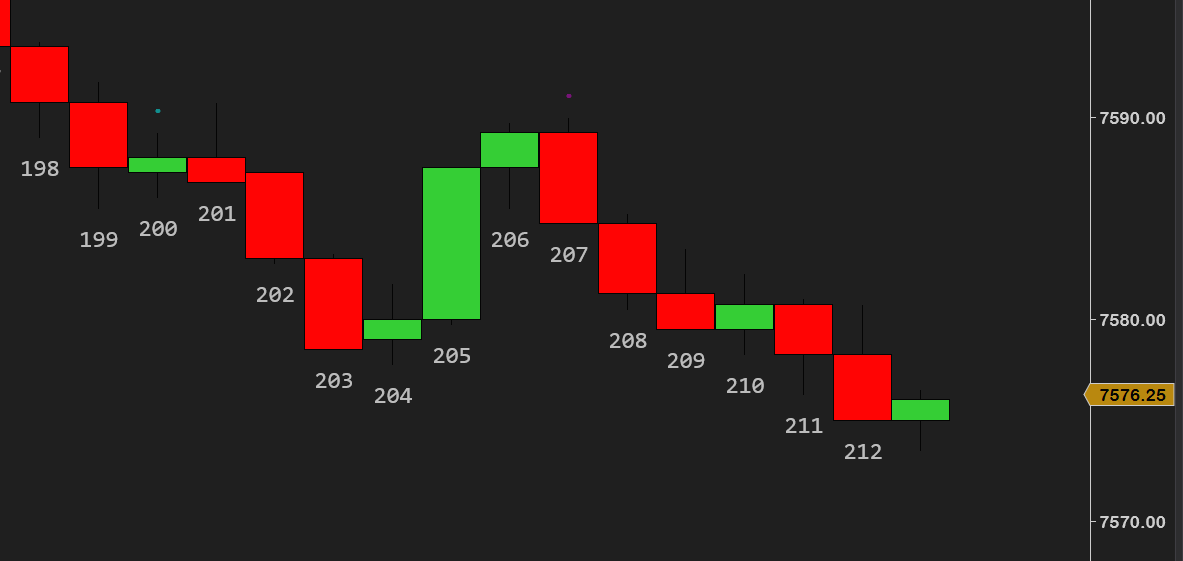
A surprising amount of intraday behavior keys off bar count. The opening few bars set the tone, certain bar numbers line up with time-of-day turns, and many playbooks are written as “wait for bar 3 to close”. But counting bars by eye is error-prone and distracting.
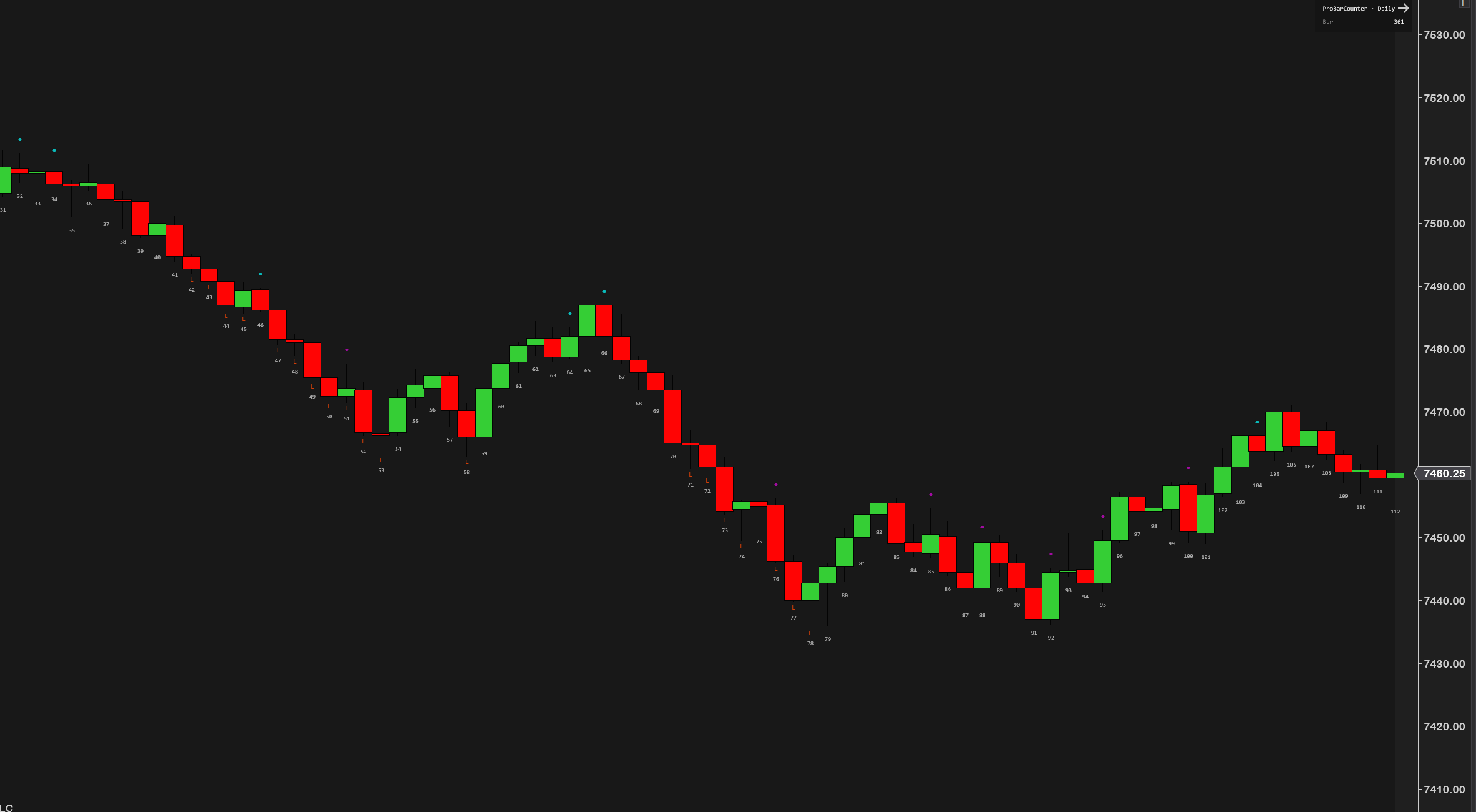
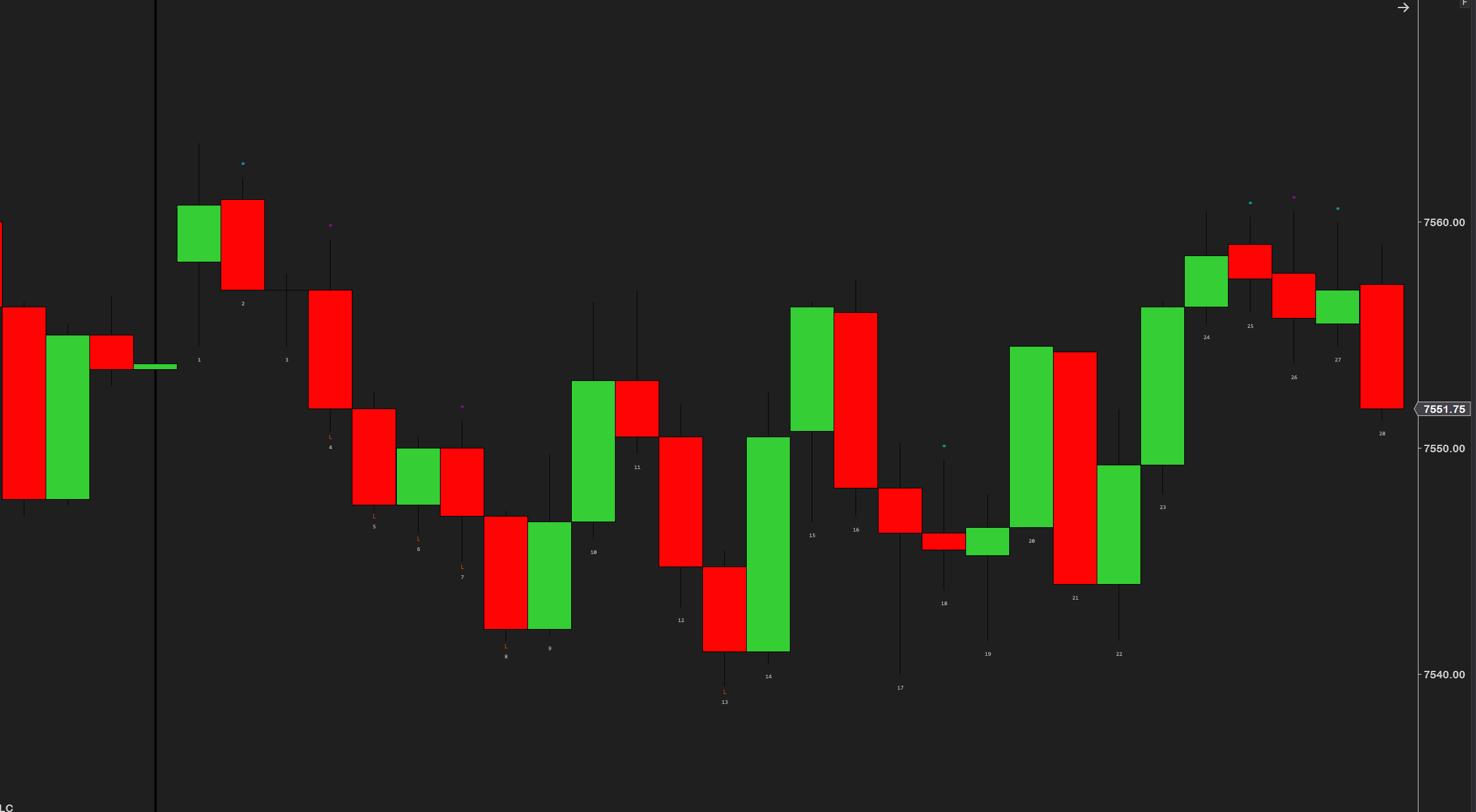
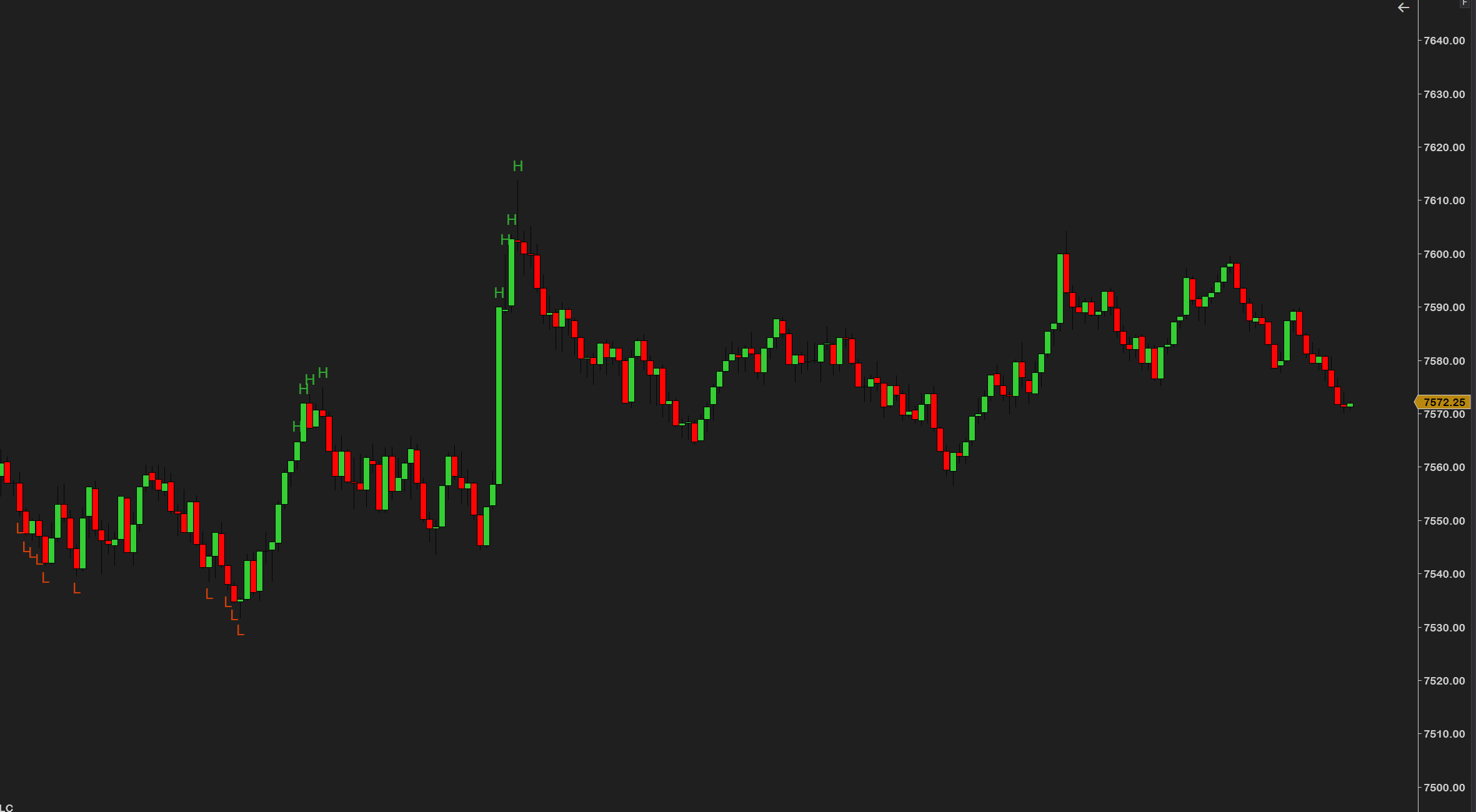
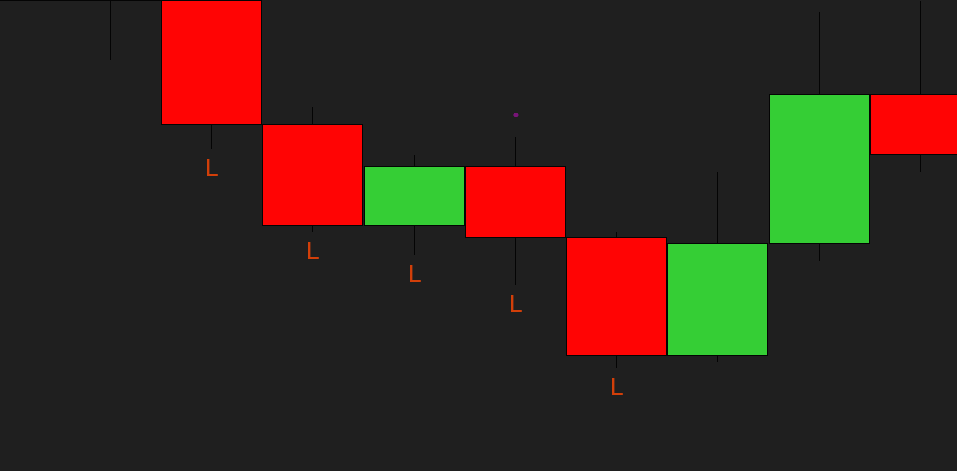
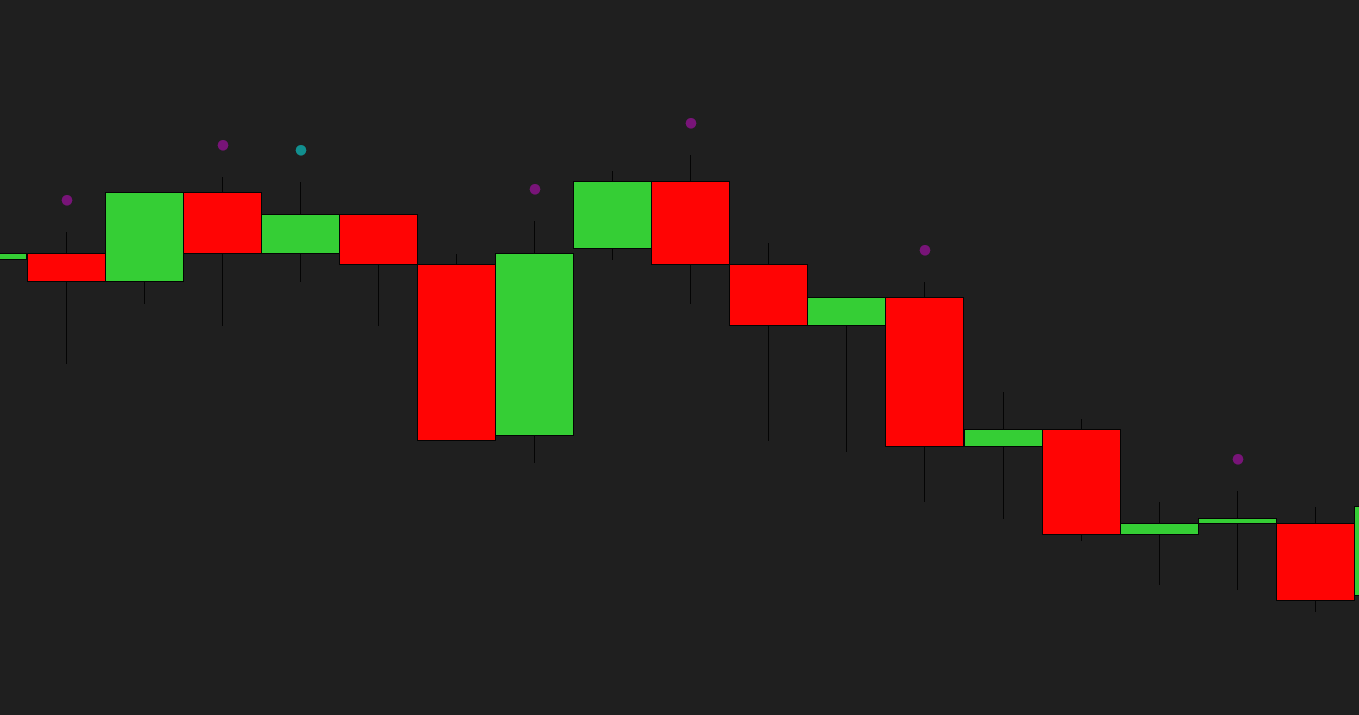
ProBarCounter numbers every bar in the session for you, and flags the ones that matter — new highs and lows, inside bars and outside bars — with a clean stats box keeping the running tally.
The bar count anchors your read of the session — how far in you are, which bar a pattern fired on, how today compares to your playbook. The H/L flags show momentum bars at a glance; inside bars mark compression; outside bars mark expansion and potential reversals.
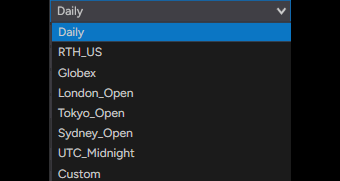
The count follows your session, not just the clock: eight named session modes — Daily, US RTH, Globex, London, Tokyo, Sydney, UTC midnight or a fully custom time and timezone — so bar 1 is always where your day starts.
Bar counting is a small thing that's annoying to do manually and easy to get wrong. We wanted it automatic, accurate across every chart type, and styled so it never clutters — numbers auto-hide when you zoom out, colors auto-adapt to dark or light charts, and six presets (including a dedicated Brooks-style price-action setup) get you there in one click.
It won't find your setups — no counter will. What it does is make sure you and your playbook are always counting the same session. Every number, marker and color yours to set. Free, lean, no bloat, no upsell — built by a working futures trader.
“Wait for bar 3 to close” setups become trivial when every bar is numbered — no recounting, no arguing with yourself about whether that was bar 4 or 5.
Inside bars flagged automatically — when they start stacking, the market is coiling. You see the squeeze form without hunting candle by candle.
New session highs and lows are flagged as they print — instantly showing whether the push made new ground or stalled inside the range.
Trading London or Tokyo hours? Pick the session mode and bar 1 starts where your market opens — your count finally matches your playbook.
None of these are trade signals — they're structure, counted and flagged for you. The entries, the stops and the discipline are still yours.
New to bar counting? Read our full guide — Bar counting, Al Brooks style →
ProBarCounter is built to be set up once and left alone. Every number, marker, color and the info box are yours to control — nothing is hard-coded. Below is the actual settings panel: numbered groups, plain-English names, no cryptic abbreviations.
After checkout, download the ProBarCounter .zip — it's on the confirmation page, and in your email receipt.
In NinjaTrader 8: Tools → Import → NinjaScript Add-On, then select the .zip.
Right-click any chart → Indicators, add ProBarCounter, and pick a preset or set your own numbering and markers.
- File
- ProBarCounter_v1.0.zip
- Size
- 184 KB — lean, no bloat
- Format
- NinjaScript add-on (.zip import)
- Delivery
- Instant — checkout page + email
NinjaTrader 8 (latest version recommended)
Any instrument — no volume data required
Every chart type: tick, minute, volume, range and Renko
Any data provider — Rithmic, Kinetick, and more
Free forever — no catch, no upsell
Free updates — always current
Step-by-step installation guide
Email support from a working trader
Most traders are up and running in under a minute. Stuck on anything? Email us — we're traders too, and we answer.
Complete your setup
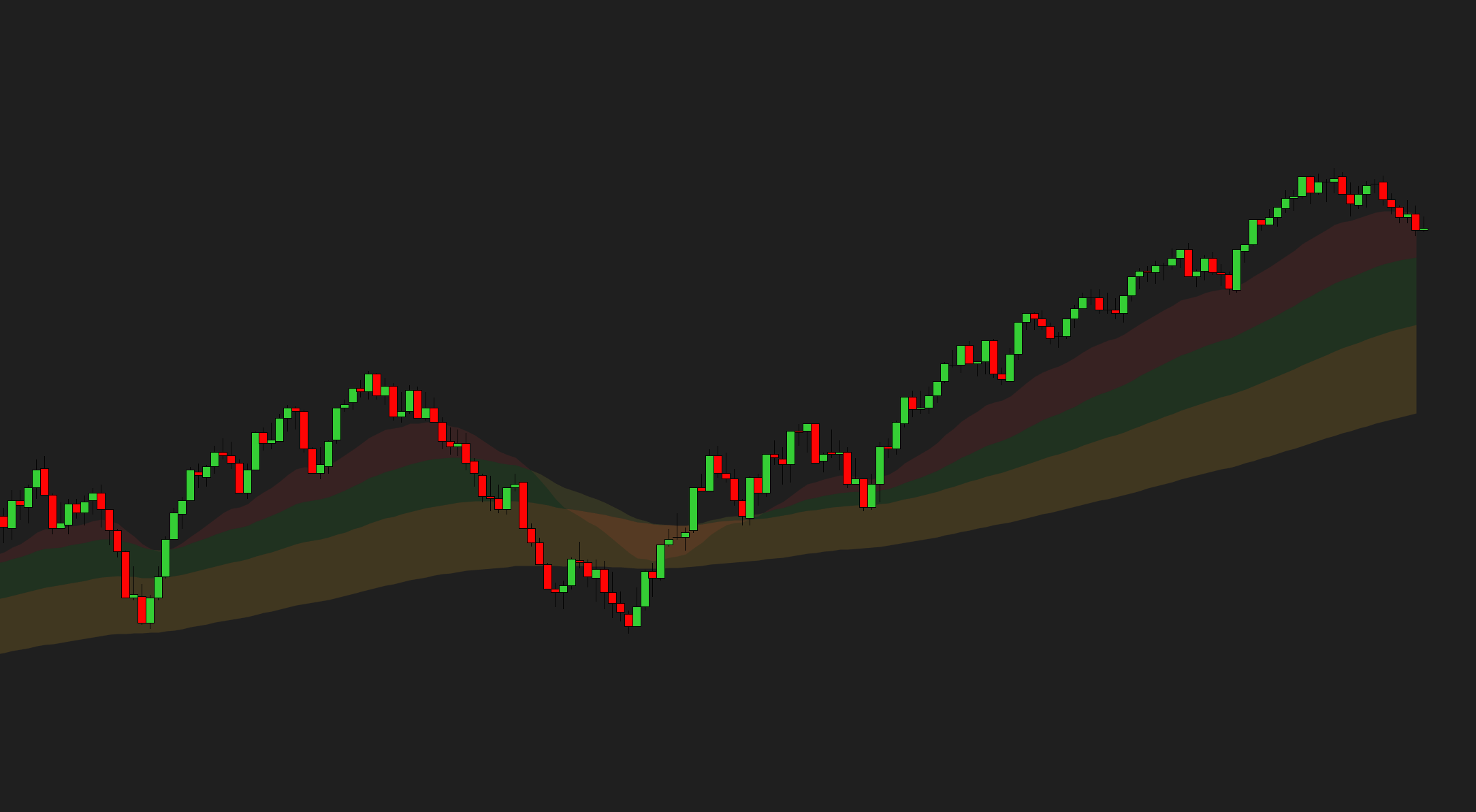
Every bar numbered, with new-H/L, inside and outside bars flagged — free, and built by a working futures trader.
Futures trading involves substantial risk of loss and is not suitable for every investor. ProBarCounter is a charting and decision-support tool only — it is not a trade signal, recommendation, or financial advice. Past performance is not indicative of future results.