What Is Bar Counting? Al Brooks Bar Numbers on a NinjaTrader 8 Chart
A lot of intraday behaviour keys off which bar it is, not what time it is. Here is what bar counting means, how a bar number turns into a clock time and back, which open counts as bar 1, and how to put the numbers on a NinjaTrader 8 chart without counting in your head.
What bar counting is
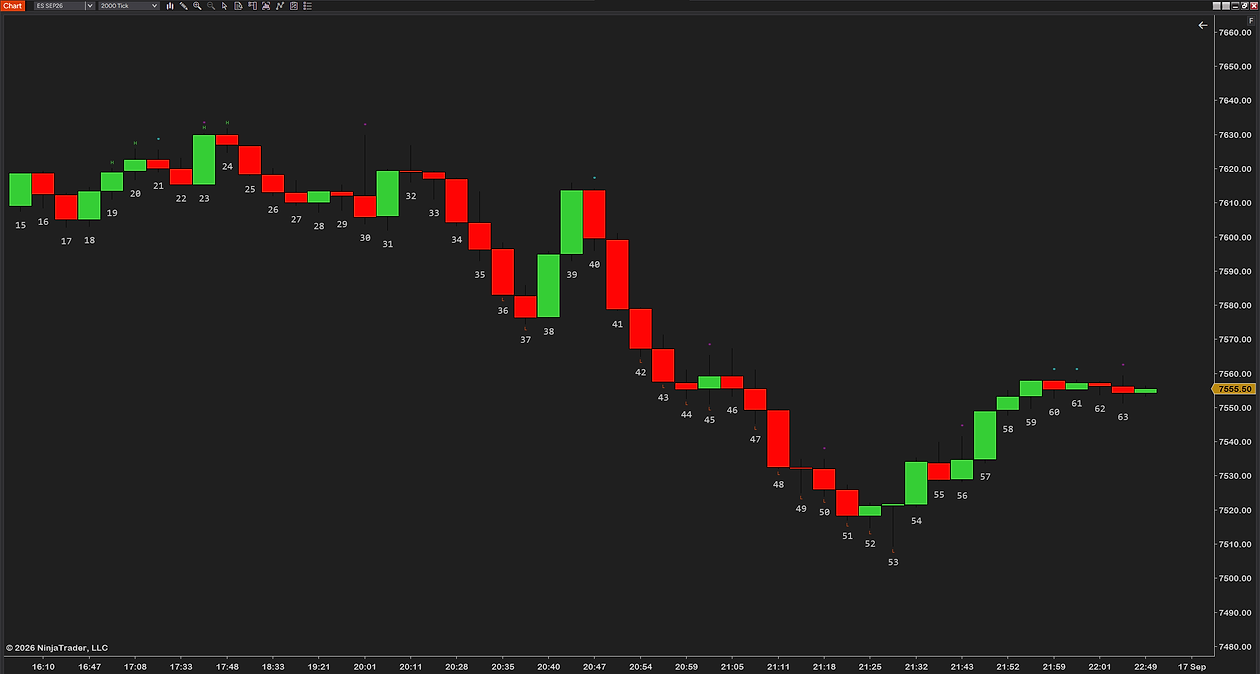
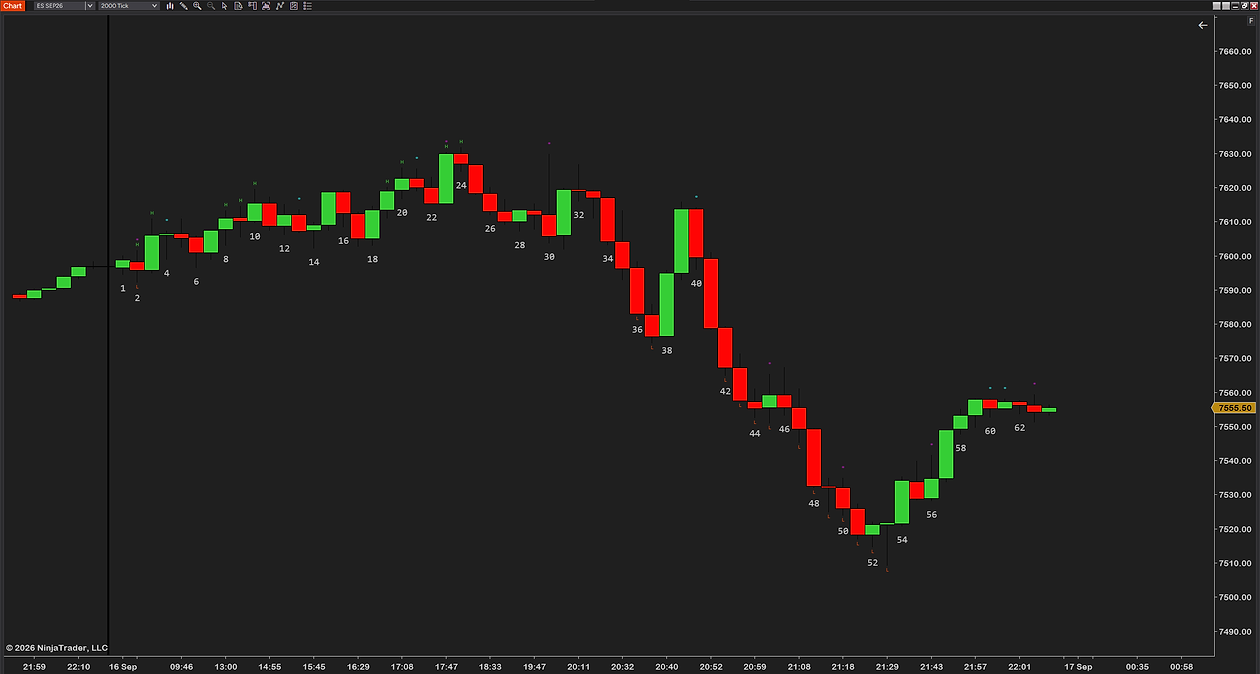
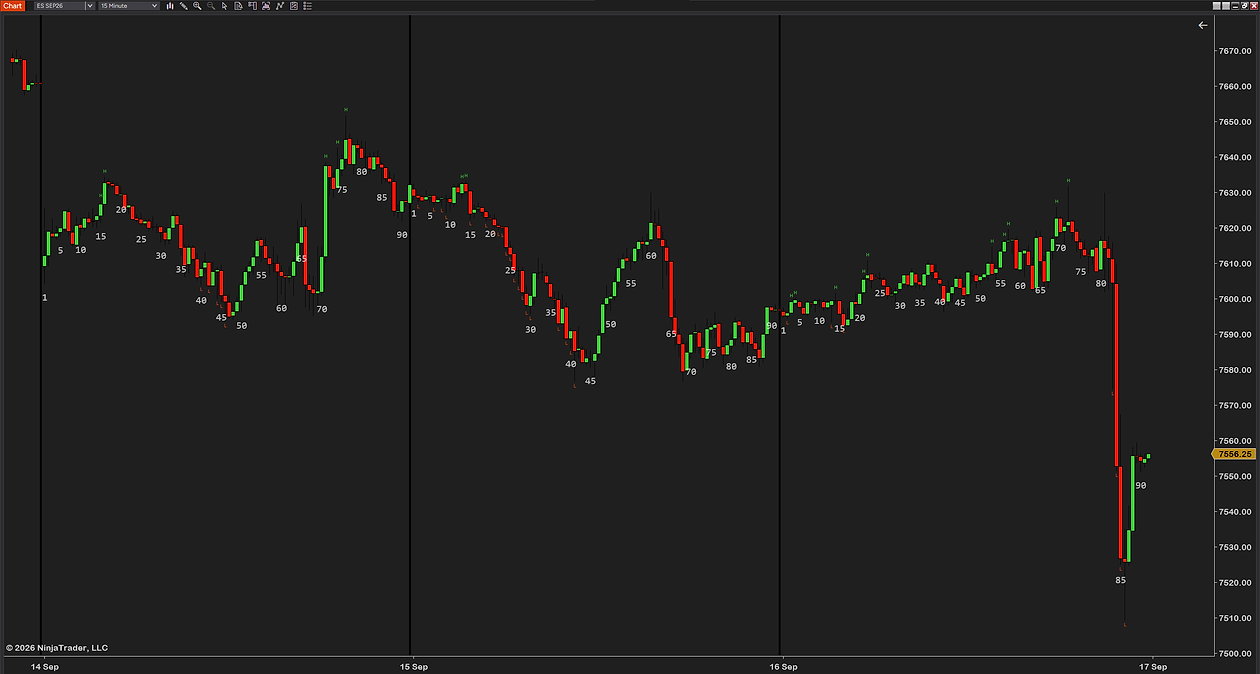
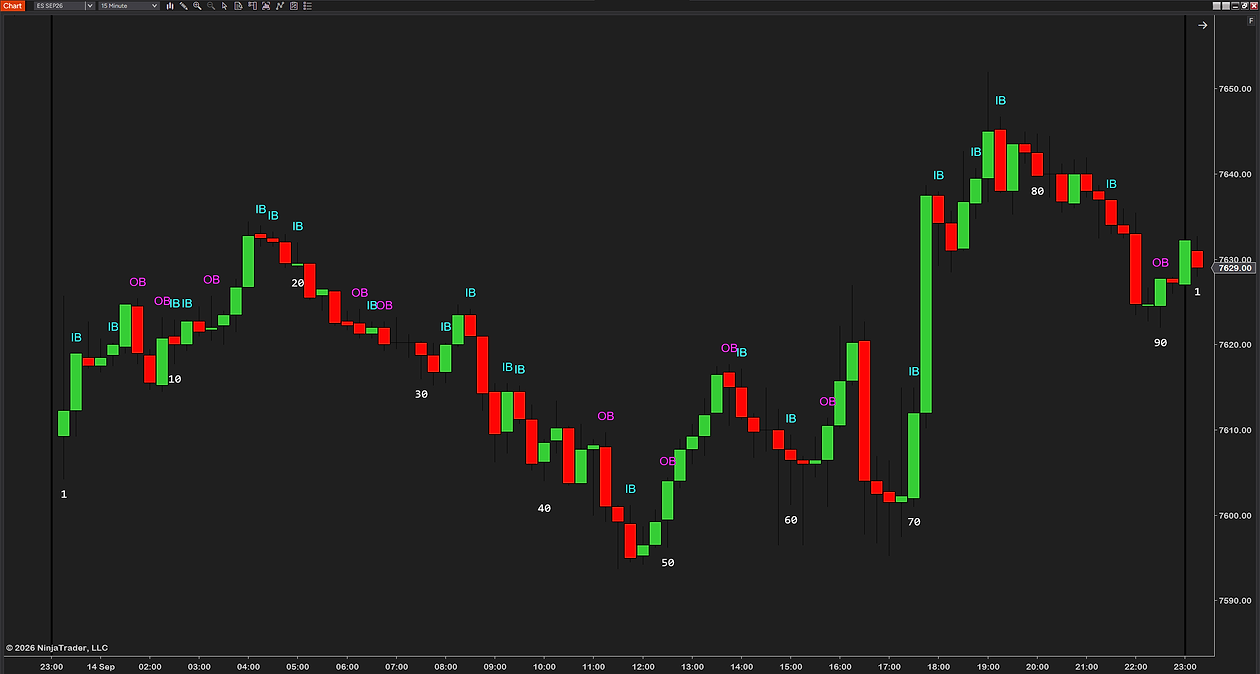
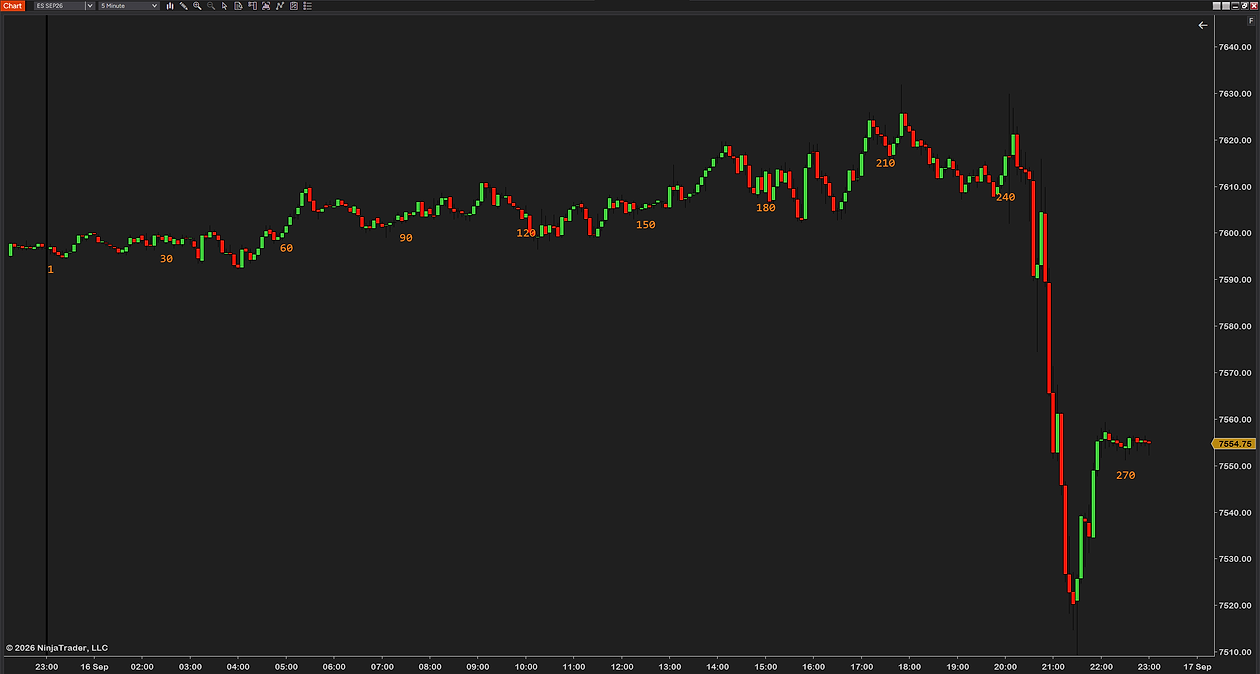
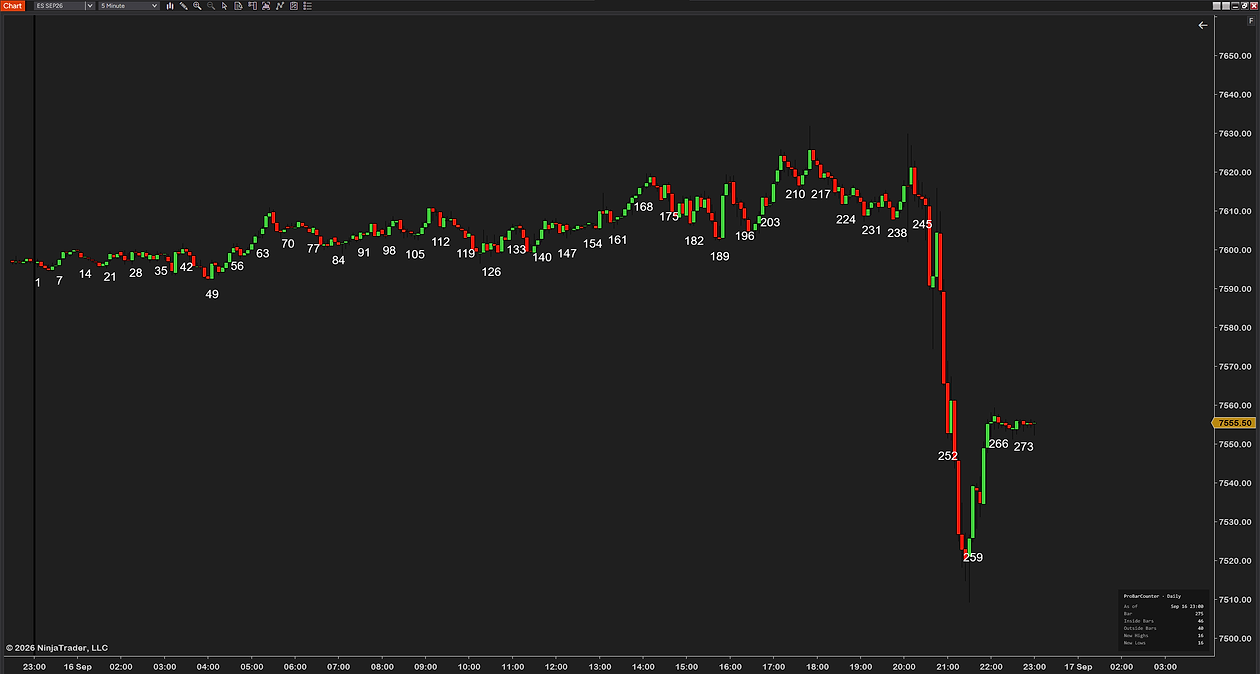
Bar counting is exactly what it sounds like: each bar of the session gets a number, starting at 1 for the first bar after the open and counting up until the session ends, then resetting the next day. It is a core habit in Al Brooks-style price-action trading, where setups are described by bar rather than by time — a signal bar, the bar that made the high of the day, the number of bars since a breakout.
The convention that goes with it is the 5-minute chart of the day session. That is not a rule, but it is where the vocabulary comes from, and it is what makes the arithmetic below work out neatly.
Why the bar number matters
A surprising amount of intraday behaviour lines up with the count rather than the clock:
- The opening bars set the tone. The first few bars of the day carry weight — the first-hour high and low, an early trend or reversal — and counting them makes that structure explicit. On a 5-minute chart the first hour is bars 1 to 12, and the initial balance is the range those twelve bars made.
- Certain counts align with time-of-day turns. On a fixed-time chart a bar number maps to a time, and many intraday turns cluster around the same points of the session day after day. Once you know that bar 18 is 10:55, you start to notice what tends to happen around it.
- Playbooks are written by bar. If your notes say “fade the bar-2 push” or “wait for a signal bar after bar 5,” you need the numbers on the chart to trade them consistently, and to review them honestly afterwards.
- It makes the chart discussable. “The reversal on bar 23” is unambiguous to anyone with the same chart. “The one around eleven” is not.
Turning a bar number into a time, and back
On a time-based chart the conversion is fixed. Bar N opens at the session open plus (N − 1) bar lengths. On a 5-minute chart counting from 9:30 Eastern:
| Bar | Opens at (ET) | What it usually is |
|---|---|---|
| 1 | 9:30 | The opening bar |
| 6 | 9:55 | The first half hour is done |
| 12 | 10:25 | The last bar of the first hour — the initial balance closes with it |
| 18 | 10:55 | Ninety minutes in |
| 30 | 11:55 | Heading into the midday lull |
| 54 | 13:55 | Two hours to the cash close |
| 78 | 15:55 | The bar that closes at the 16:00 cash close |
| 90 | 16:55 | The last bar of NinjaTrader’s own RTH template, which runs to 17:00 ET |
Going the other way: minutes since the open, divided by the bar length, plus one. 11:00 is 90 minutes in, so 90 ÷ 5 + 1 = bar 19. Change the chart to 1-minute and every number multiplies by five; change it to 15-minute and the first hour is bars 1 to 4. The bar number only means something alongside the timeframe it was counted on.
That last row deserves a note. NinjaTrader’s shipped CME US Index Futures RTH session template runs 8:30 to 16:00 Central — 9:30 to 17:00 Eastern — so a 5-minute chart on that template has 90 bars a day, not the 78 that end at the stock market close. Which one is “the last bar of the day” depends on the template on your chart, not on the market.
Does NinjaTrader 8 number bars?
No. There is nothing in the shipped indicator list that numbers the bars of a session. It is worth being precise about this, because NinjaTrader does ship several things with “counter” in the name, and none of them is a bar counter in this sense. In its own descriptions:
- Bar timer — the remaining time on the currently forming time-based bar.
- Tick counter, Range counter and Volume counter — how many ticks, how much range, or how much volume is left, or has accumulated, in the bar that is forming. All three are about the current bar, not the session.
- N bars up and N bars down — plot a 1 when price has closed higher, or lower, for a set number of consecutive bars, and a 0 otherwise. NinjaTrader says outright these are for condition detection in strategies, “rather than visual pattern annotation.”
So the count from the open is something you bring to the chart yourself, either by reading it off the time axis or with an indicator built for it.
Which open is bar 1?
This is the decision that changes every number on the chart, and most people make it without noticing. “The first bar of the session” means the first bar after whichever open you have chosen, and for an index future there are at least three candidates:
- The cash open, 9:30 Eastern. This is where Brooks-style counting starts, and it is where NinjaTrader’s RTH template begins — 8:30 Central in the template file. If you learned bar counting from the books, this is the one.
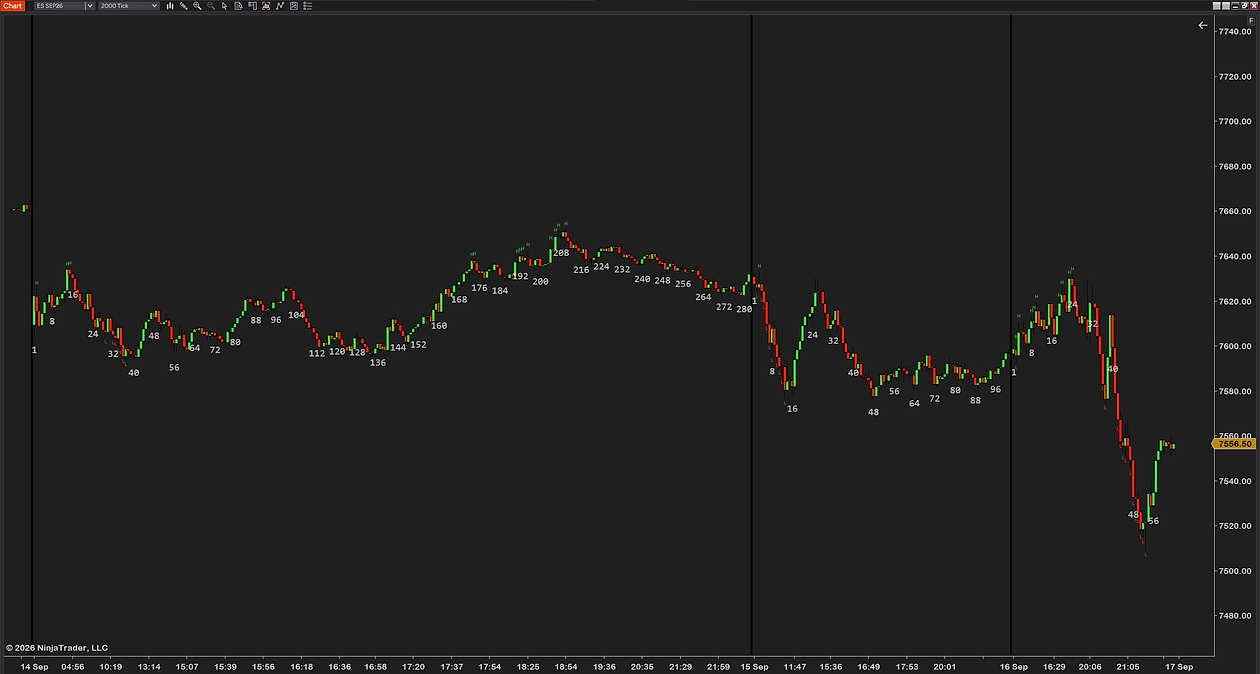
- The Globex open, 18:00 Eastern. The futures session actually begins the evening before. Counting from here gives the overnight bars numbers too, and the 9:30 bar lands somewhere around bar 187 on a 5-minute chart instead of bar 1.
- Midnight. Some traders count the calendar day. Reasonable for a 24-hour product; it puts bar 1 in the middle of the Asian session for an index future.
The trap is that a chart can show the overnight bars while your head is counting from 9:30. If the pre-market is on the chart and the counter starts at the first bar loaded, bar 1 is at some arbitrary point in the night, and every number after it is wrong by the same offset. Decide which open you mean, and make sure whatever is doing the counting agrees.
Counting by hand, and where it breaks
You can count off the time axis. On a 5-minute chart find the 9:30 bar, call it 1, and count along. It works for a screenshot and falls apart on a live chart, for three reasons:
- Scrolling. The moment the 9:30 bar leaves the screen you are counting from a landmark you can no longer see.
- Switching instruments or timeframes. Every switch is a recount, and the numbers you remember from one chart do not carry to the next.
- Anything that is not a time bar. On tick, range or volume bars the time axis is not evenly spaced, and there is nothing to count against.
It is fine for reading a chart after the fact. It is not something you want to be doing while deciding whether to take a trade.
Bar counting on tick, range and volume charts
The count still works — it is a count of bars, and every chart type has bars. What changes is that the number stops being a clock. On a 5-minute chart bar 12 is always 10:25; on a 2000-tick chart bar 12 is wherever the twelfth two-thousand-trade block happened to end, which is 9:38 on a fast day and 10:20 on a slow one.
That is not a flaw. On activity-based charts the count becomes a measure of how much has happened since the open rather than how much time has passed, and for a scalper that is often the more useful number. Just do not carry a playbook written on 5-minute bar numbers across to a tick chart and expect “bar 18” to mean the same thing.
Inside bars and outside bars
Two bars get flagged in Brooks-style reading often enough that bar counters usually mark them:
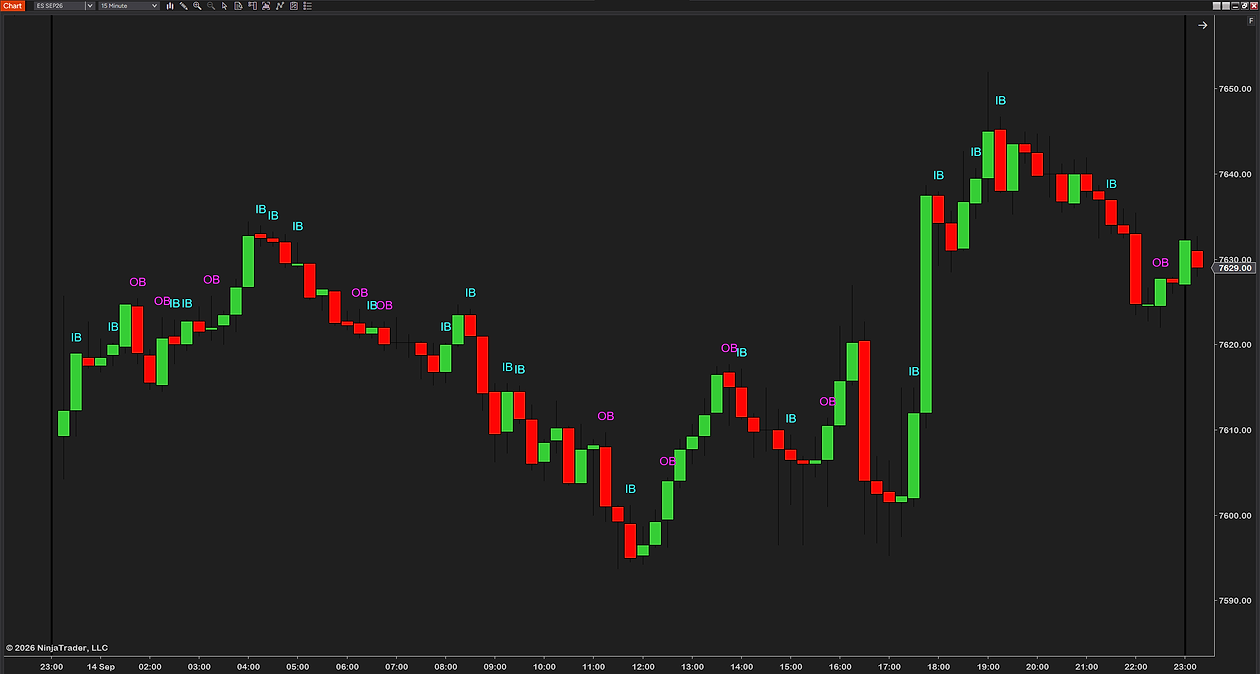
- An inside bar has a high no higher than the previous bar’s high and a low no lower than its low — the whole bar sits inside the one before it. Two in a row is the “ii” pattern; a breakout of the pair is the trade.
- An outside bar does the opposite: a higher high and a lower low than the previous bar, engulfing it. It shows both sides tried and neither held.
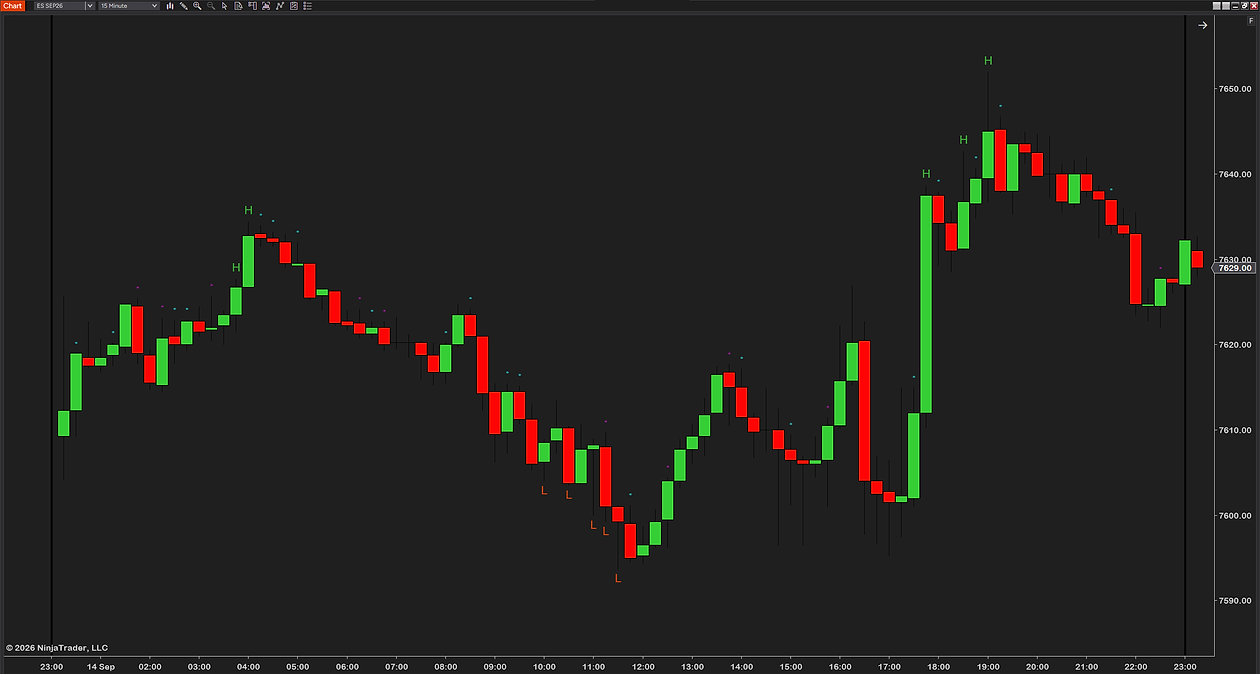
Alongside those, the bar that set the session high and the bar that set the session low are the two numbers most worth knowing at any moment — “the high is still bar 7” is a complete description of a day that has gone nowhere since 10:00.
Numbering bars automatically
A bar counter numbers every bar of the session — historical and live — relative to the open you choose, and resets each day. The things that separate a good one from a nuisance:
- It resets at the right open. A fixed list of sessions to pick from, with the exchange time zones handled for you, and a custom option for your own hours. Our free one has eight: daily at midnight, the US RTH open at 9:30 Eastern, the Globex open at 18:00 Eastern, the London, Tokyo and Sydney opens, UTC midnight, and a custom hour and minute in the zone you name.
- It flags the bars that matter — the session high and low bars, inside bars, outside bars — without you scanning for them.
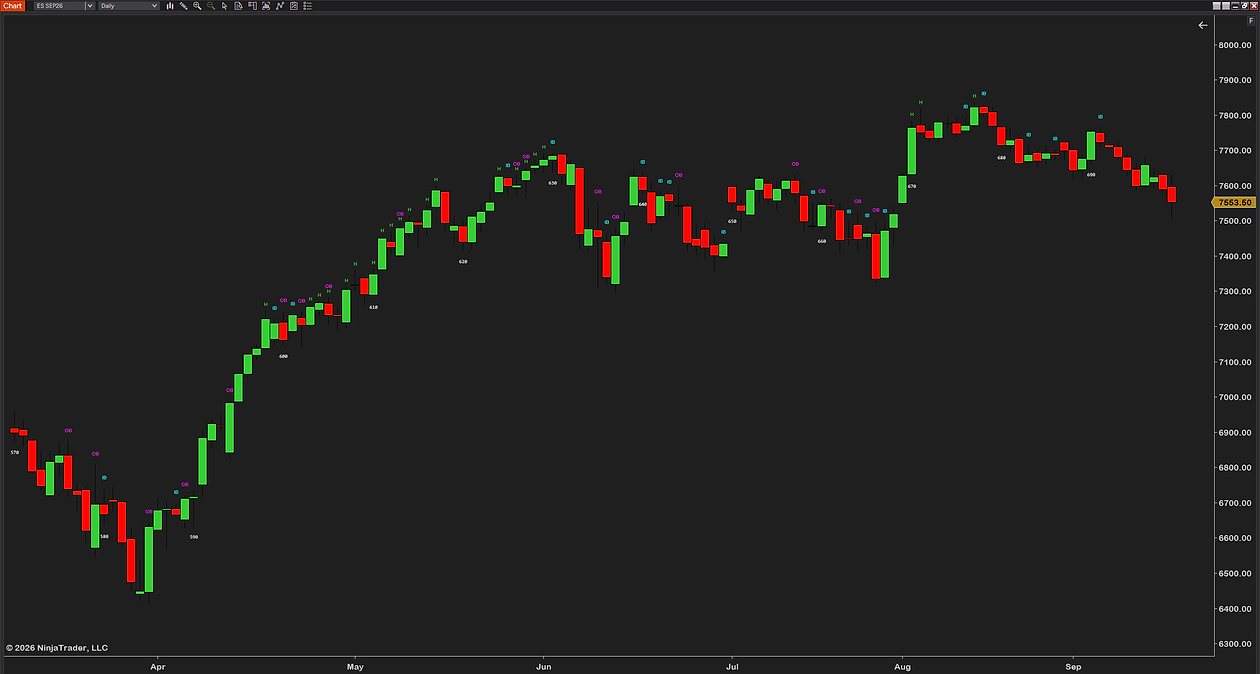
- The text gets out of the way. Size, colour and placement you control, and numbers that thin to every second, third or fifth bar as you zoom out, so the count never buries the candles.
- It behaves on every chart type. Counting per bar, not per minute, so tick and range charts get the same treatment as time charts.
There is a Brooks preset that sets it up the way the books read: every bar numbered below the candle, the high and low bars flagged, inside bars marked with a small “IB”, and outside bars left quiet. It is a starting point, not a verdict — everything in it can be changed.
How to install it
- Download the free bar counter indicator — keep the .zip zipped.
- Open the Control Center → Tools → Import → NinjaScript Add-On… and select the .zip. NinjaTrader documents the process in its import guide, and we walk through every step, error message and the update rule on our installation page.
- On a chart, right-click → Indicators…, add it, and set Session reset to the open you count from — RTH US for the 9:30 cash open.
- Check the first numbered bar against the time axis once. If bar 1 is not where you expect it, the session setting is wrong, not the chart.
Three mistakes worth avoiding
- Counting from the wrong open. A chart that shows the overnight session with a counter starting at midnight or at the first loaded bar puts bar 1 in the dark, and every number after it is offset. Check bar 1 sits on the open you mean.
- Carrying numbers across timeframes. Bar 18 on a 5-minute chart is 10:55. Bar 18 on a 1-minute chart is 9:47. A playbook written on one does not transfer to the other without redoing the arithmetic.
- Treating the count as a signal. Nothing happens because it is bar 12. The number is a reference that makes patterns easier to see and notes easier to keep. The pattern still has to be there.
Common questions
What is bar counting in trading?
Numbering the bars of a session from the open, so bar 1 is the first bar after the open and the count rises until the session ends, then resets the next day. It comes from Al Brooks-style price-action trading, where setups are described by bar number rather than by time.
Which bar is bar 1?
The first bar after whichever open you count from. Brooks-style counting starts at the 9:30 Eastern cash open, which is also where NinjaTrader's RTH template for index futures begins. Counting from the Globex open or from midnight gives different numbers for the same bars, so decide on one and keep it.
How do I turn a bar number into a time?
Bar N opens at the session open plus N minus 1 bar lengths. On a 5-minute chart from 9:30, bar 12 opens at 10:25 and bar 18 at 10:55. The other way round: minutes since the open divided by the bar length, plus one, so 11:00 is bar 19.
Does NinjaTrader 8 have a built-in bar counter?
No. Nothing in the shipped indicator list numbers the bars of a session. The Bar timer, Tick counter, Range counter and Volume counter all measure the bar that is forming, and N bars up and N bars down flag consecutive closes for strategy logic. Numbering from the open needs an added indicator.
How many bars are in a trading day on a 5-minute chart?
It depends on the session template. From the 9:30 open to the 16:00 cash close is 78 bars. NinjaTrader's own CME US Index Futures RTH template runs to 17:00 Eastern, which is 90 bars. From the 18:00 Globex open the full session is 276 bars.
Does bar counting work on tick, range or volume charts?
Yes, because it counts bars and every chart type has them. What changes is that the number no longer maps to a clock time, so it measures how much has happened since the open rather than how much time has passed. Playbooks written on 5-minute bar numbers do not carry across.
What are inside bars and outside bars?
An inside bar has a high no higher and a low no lower than the previous bar, sitting entirely inside it; two in a row is the ii pattern. An outside bar has both a higher high and a lower low than the previous bar, engulfing it. Bar counters usually mark both, along with the bars that set the session high and low.
Related guides
- What is the initial balance? — the range the first twelve 5-minute bars make, and how traders use it.
- NinjaTrader 8 bar timer and countdown — the other kind of counter, the one that shows what is left on the forming bar.
- Previous day high, low and the session opens — the levels a numbered bar is usually reacting to.
The honest part
Numbering your bars will not give you an edge by itself — it is a reference, not a signal. What it does is let you read the session the way your playbook is written and talk about the chart precisely, to yourself or anyone else. If you trade price action, that consistency is worth more than it looks. If you do not, you can read this whole page and lose nothing by skipping the indicator.