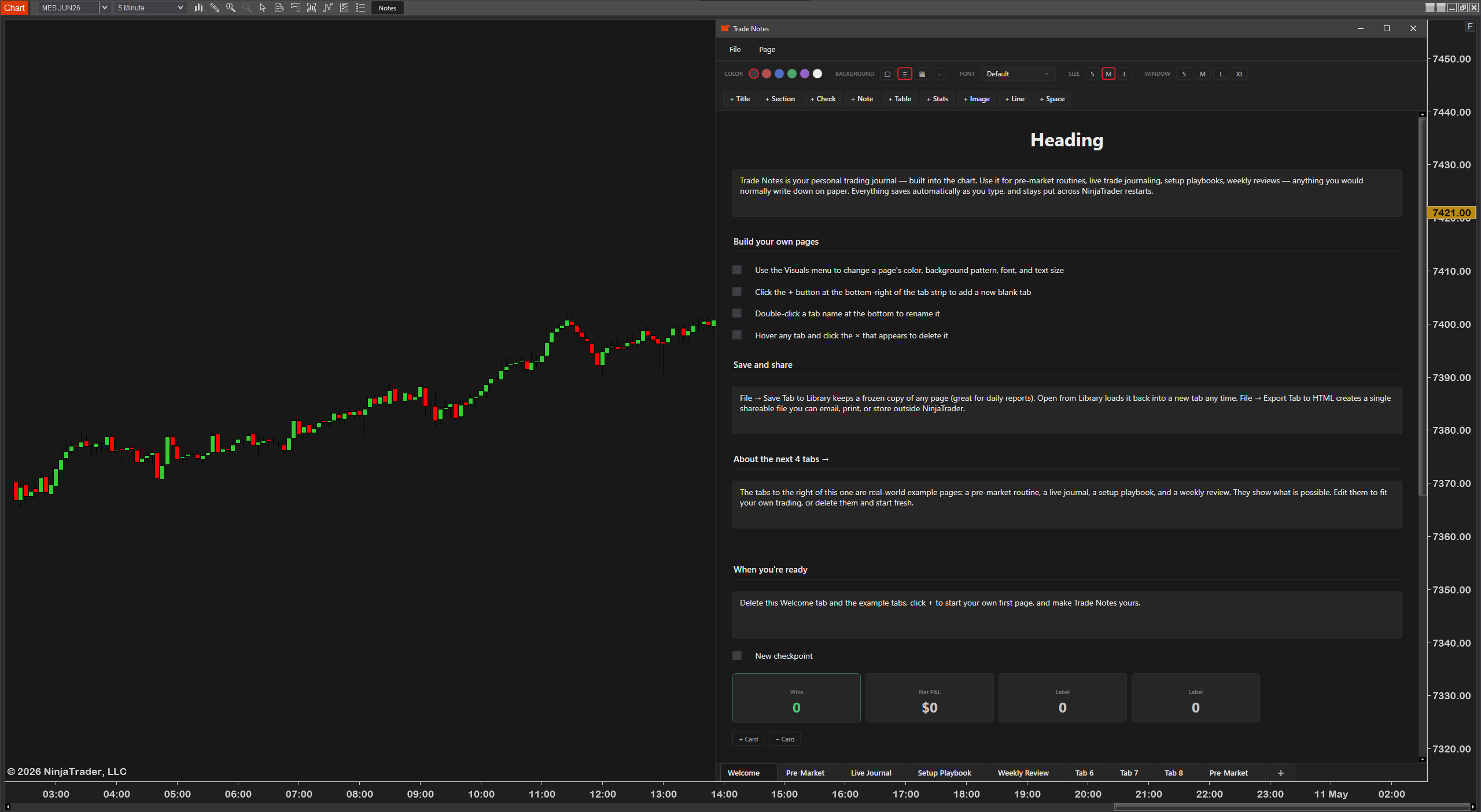
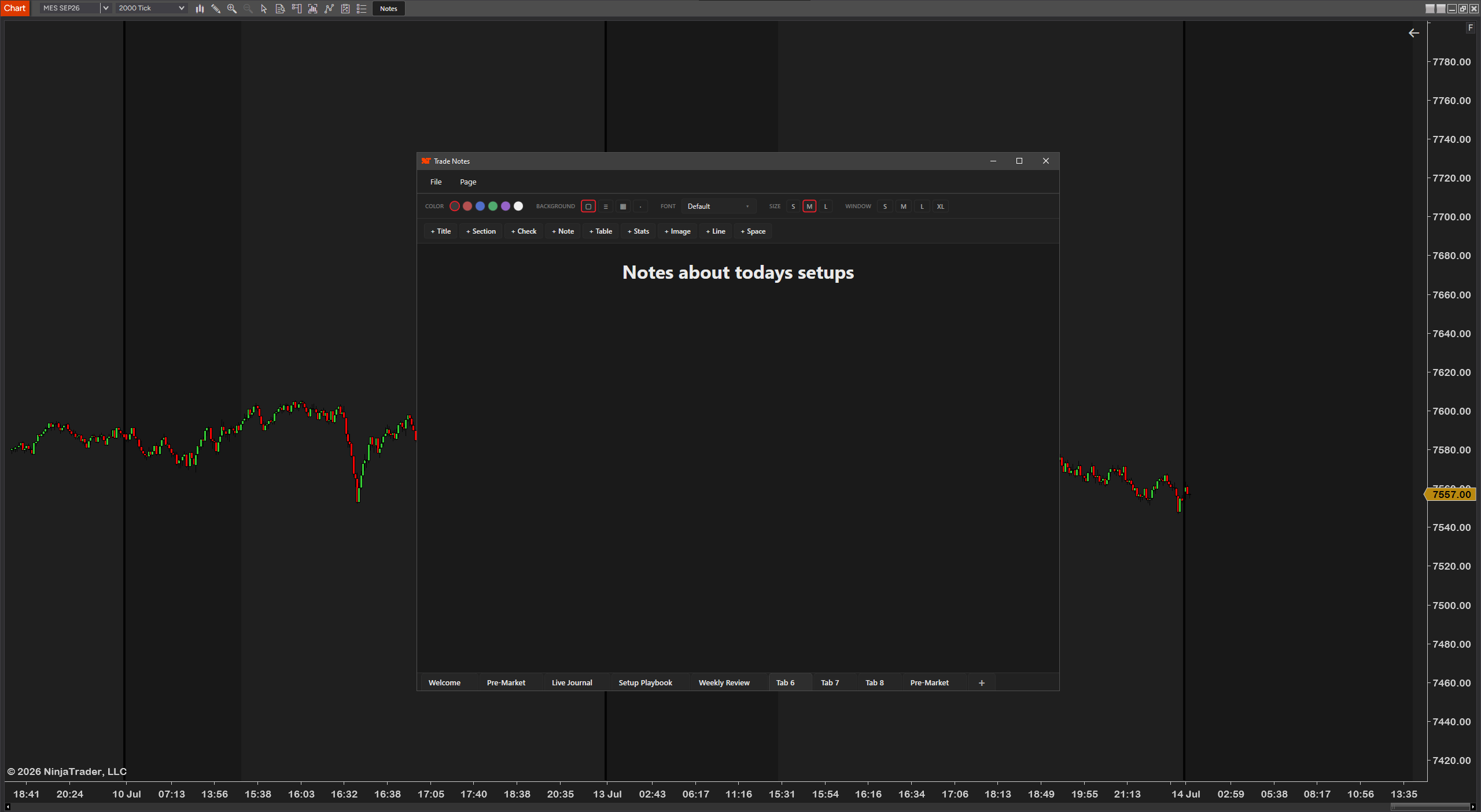
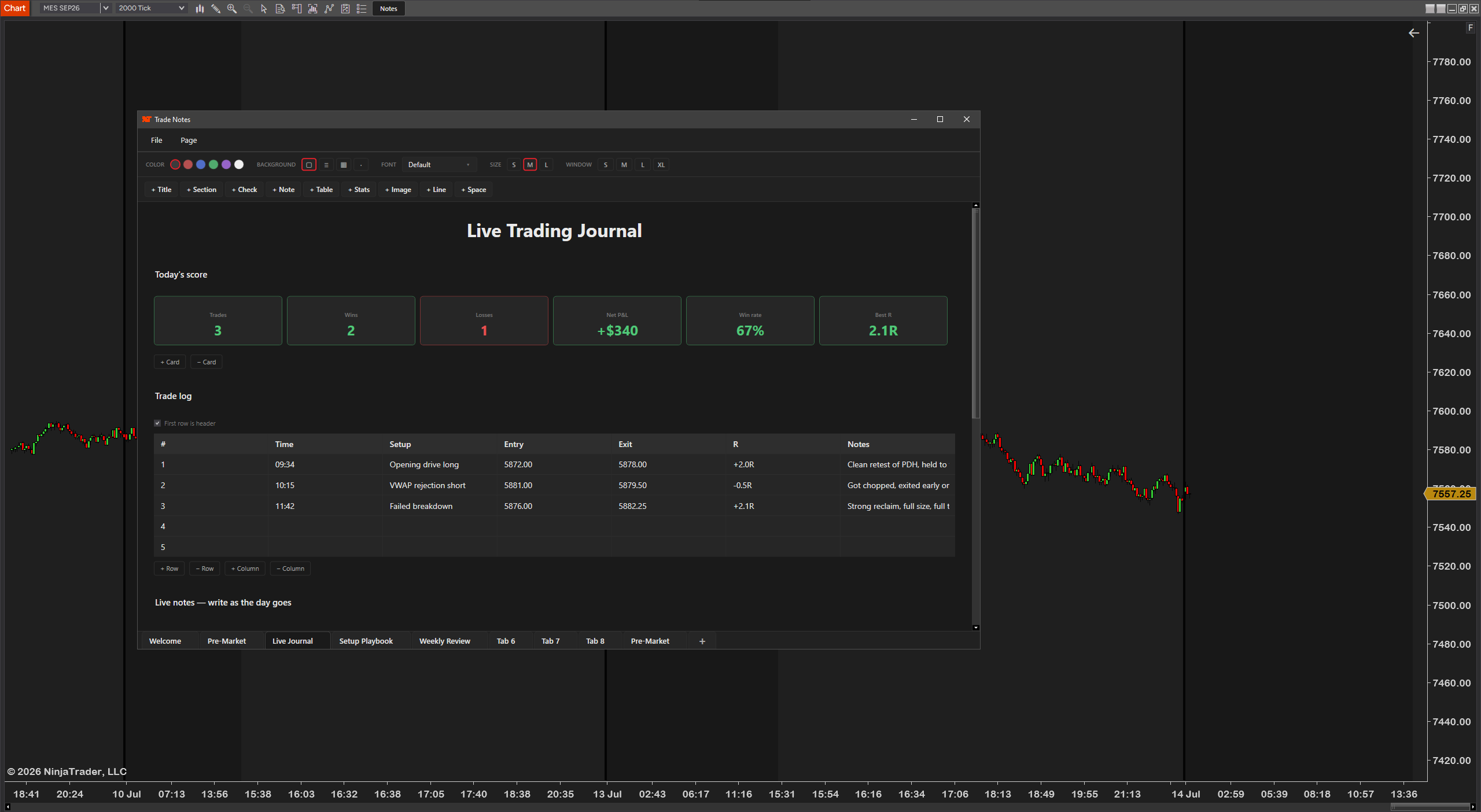
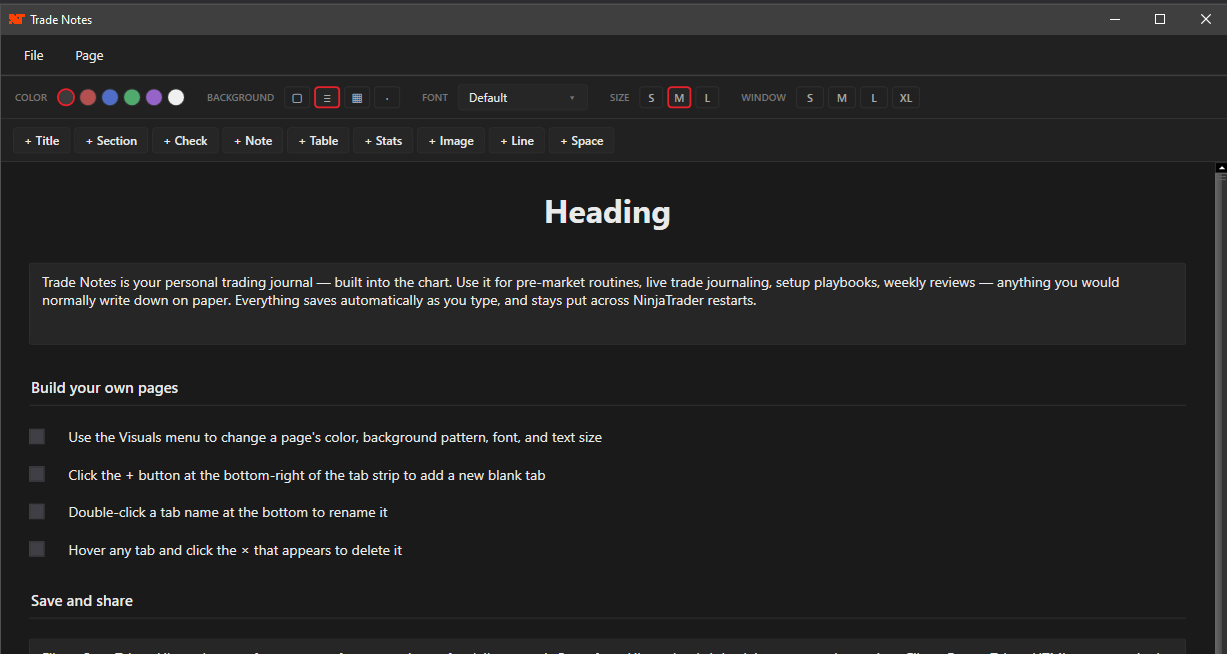
- Pages
- Rich, multi-element notebook pages
- Element types
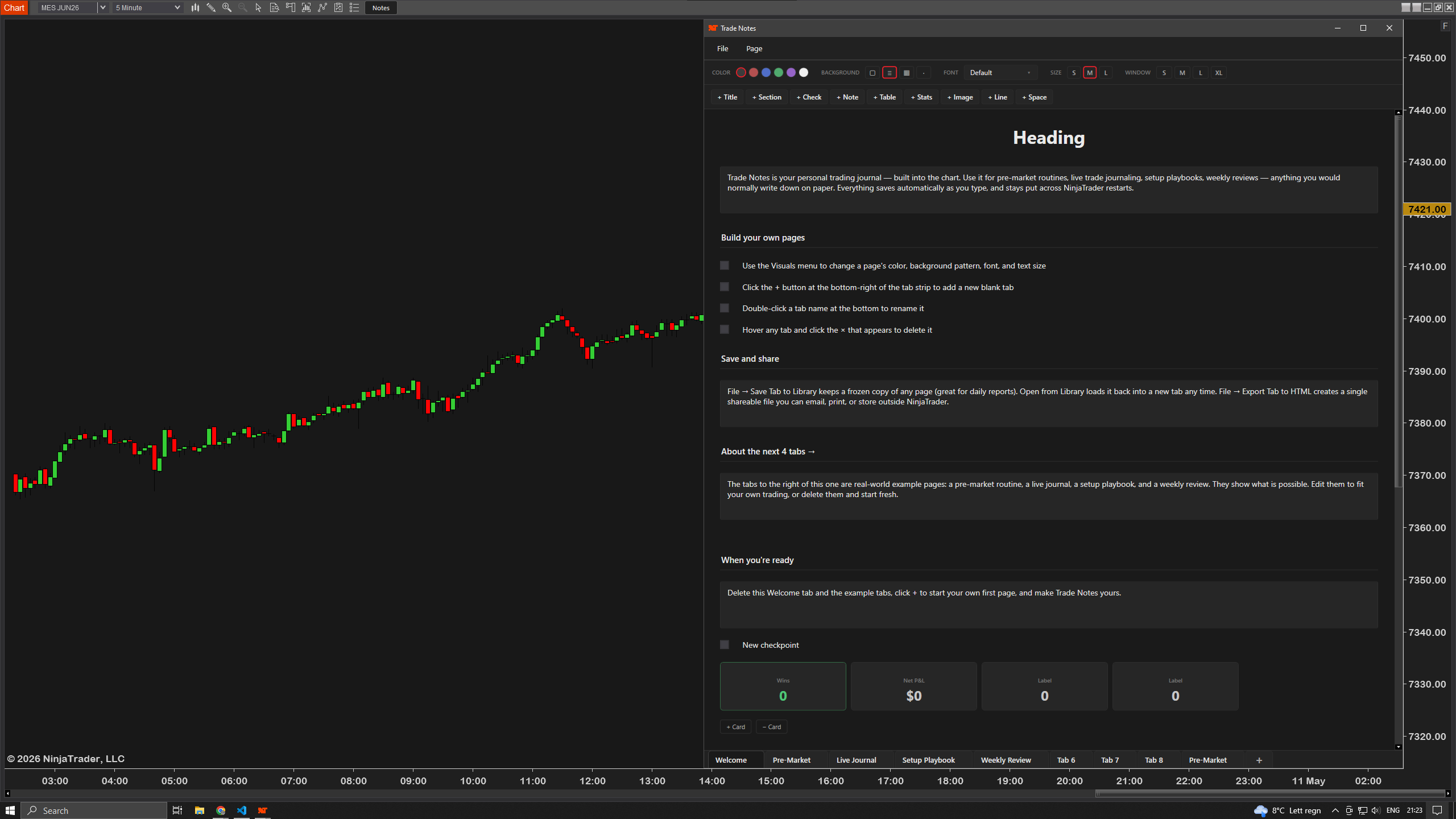
- 9 — text, checklists, tables, images & more
- Tabbed pages
- One page per tab, like a notebook
- Images
- Embed chart screenshots inline
- Starter templates
- 4 ready-made journal layouts
- Save as template
- Turn any page into a reusable one
- Spawn copies
- Fresh log in one click
- Where it lives
- On your chart — opens from a toolbar button
- Platform
- NinjaTrader 8
- License
- One-time — per purchaser
- Version
- 2.0 — 28 May 2026
- Text
- Headings & body copy
- Checklists
- Tick off your pre-trade rules
- Tables
- Log trades row by row
- Images
- Drop in screenshots & marks
- Export to HTML
- One page at a time
- Single file
- Self-contained & shareable
- Send it
- Email a session review in seconds
- Always there
- Travels with your chart
- Button style
- Match it to your workspace
- Window
- Size & place it how you like
Every good trader keeps a journal — and almost nobody keeps it well, because it lives in another app you have to remember to open. TradeNotes brings the journal into NinjaTrader — one button on your chart opens it — so logging a trade is part of taking it.
It works like Notion: rich pages built from blocks — text, headings, checklists, tables and images — organized as tabbed pages. Build the journal that fits how you actually trade.
The reason journals fail is friction. TradeNotes kills it with templates: build your ideal trade-log or daily-review page once, save it, and spawn a fresh copy in one click every session. Four starter templates get you going immediately.
Paste chart screenshots straight into a page, tick through your pre-trade checklist, and keep the whole record in one place — with your trades, where you trade.
Export any page to a single, self-contained HTML file — a clean record you can email, archive or review away from the platform. Your journal is yours, not locked in a format you can't get out of.
Built and used on a live trading desk by a working futures trader — not a generic note app bolted onto a chart.
Journal keepers — Finally a journal you'll actually use, because it's already open in the chart you're trading.
Process traders — Pre-trade checklists and templates enforce your process on every single trade.
Reviewers — Drop in screenshots, log the trade, then export the day to a clean HTML file for your weekend review.
Students — Build a structured record of what's working and what isn't, all in one place, all in your words.
TradeNotes is built to be flexible — the pages, elements, templates and window are all yours to shape. This is the journal in action:
Build pages — Combine 9 element types — text, headings, checklists, tables, images and more — into tabbed pages.
Use templates — Start from 4 built-in templates, or save your own page as a template and spawn fresh copies in one click.
Add screenshots — Paste or insert chart images directly in a page so the setup lives with the note.
Export — Send any page to a single, shareable HTML file for review or archiving.
Fit your workspace — Size and place the window and style the button to match your chart.
- ✓NinjaTrader 8 (latest version recommended)
- ✓Any instrument — no volume data required
- ✓Works on every chart type
- ✓Any data provider — Rithmic, Kinetick, and more
- After checkout, download the TradeNotes
.zipfrom your confirmation email. - In NinjaTrader 8: Tools → Import → NinjaScript Add-On, then select the
.zip. - Right-click any chart → Indicators, add TradeNotes, and open the journal from the chart.
Most traders are up and running in under a minute. Stuck on anything? Email us — we're traders too, and we answer.
TradeNotes on a live chart — building journal pages, using templates and exporting to HTML in action.
Complete your setup
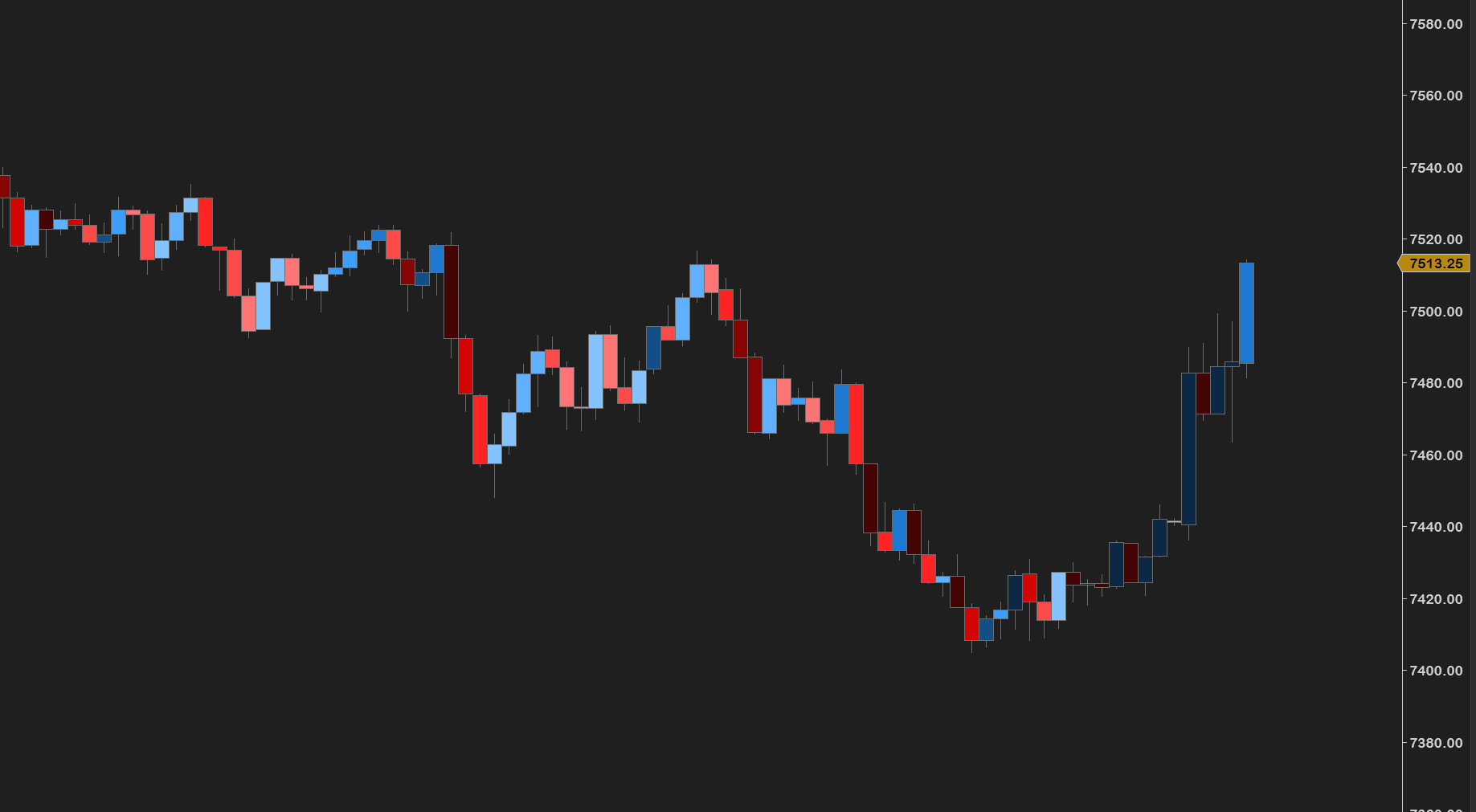
A Notion-style trade journal inside NinjaTrader — rich pages, templates, screenshots and HTML export. Built by a working futures trader.
Futures trading involves substantial risk of loss and is not suitable for every investor. TradeNotes is a journaling and note-taking tool only — it is not a trade signal, recommendation, or financial advice. Past performance is not indicative of future results.