NinjaTrader 8 Bar Timer: Time Left on the Current Bar
Knowing how long is left on the current bar is a small thing that changes how you enter. Here’s how to show it, which counter each chart type needs, and how to fix it when it stops.
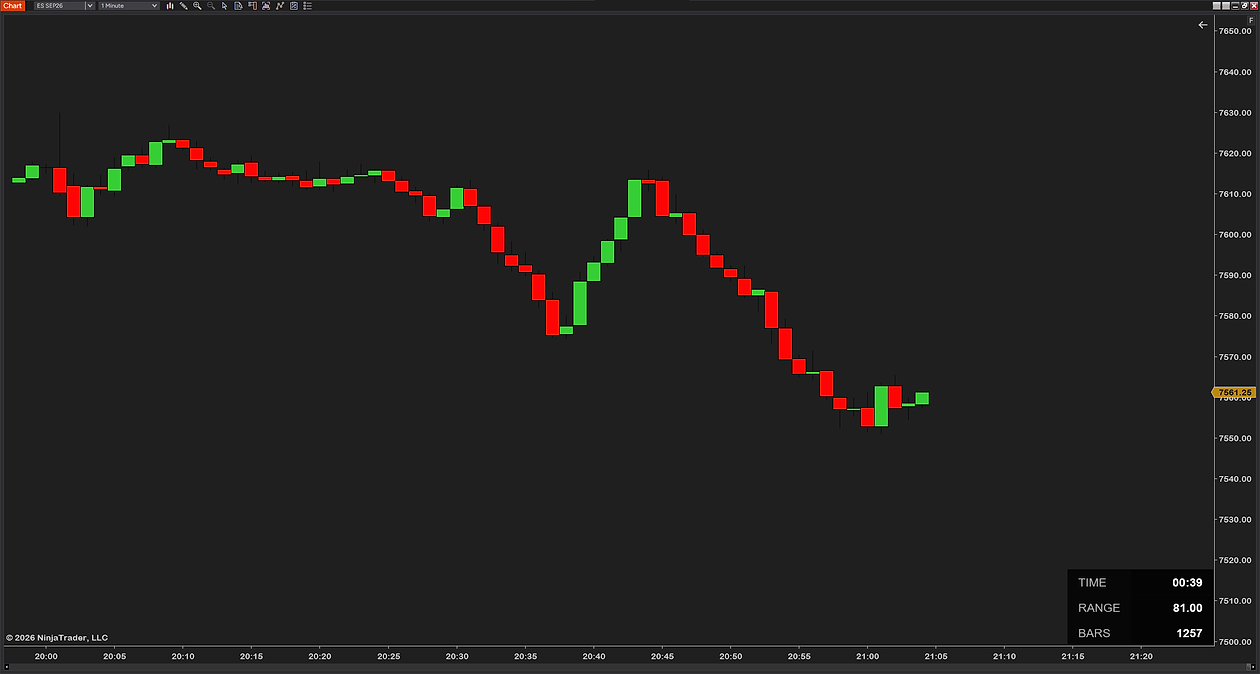
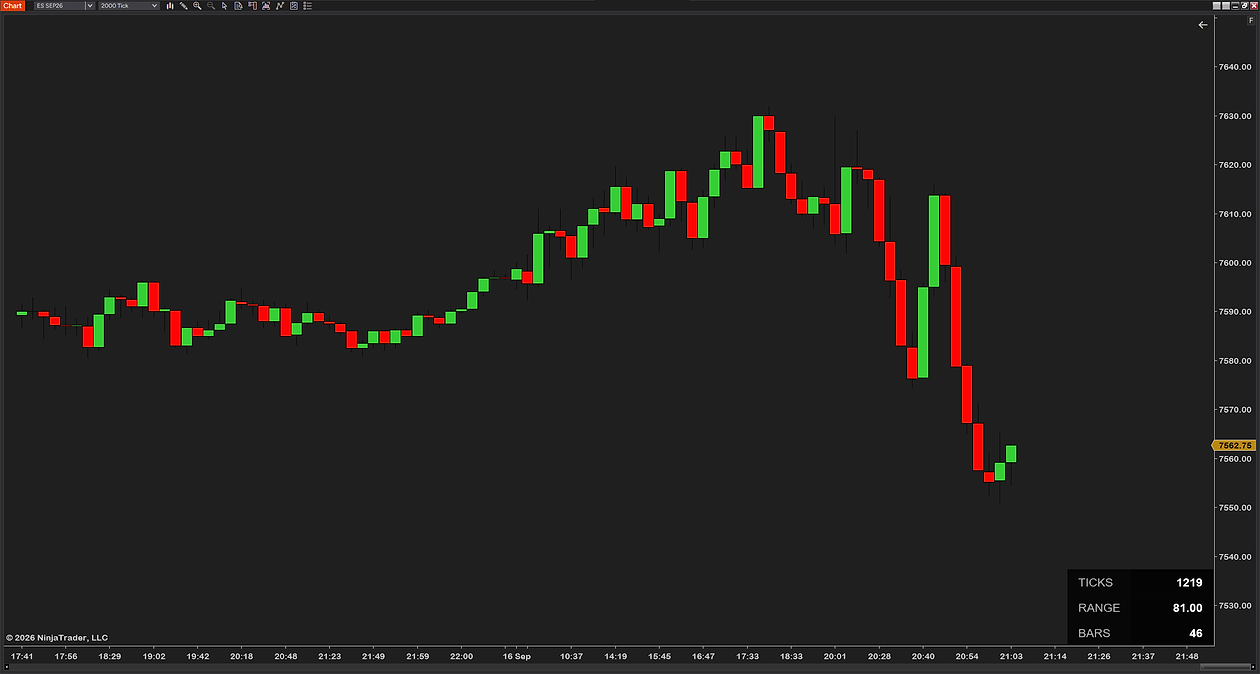
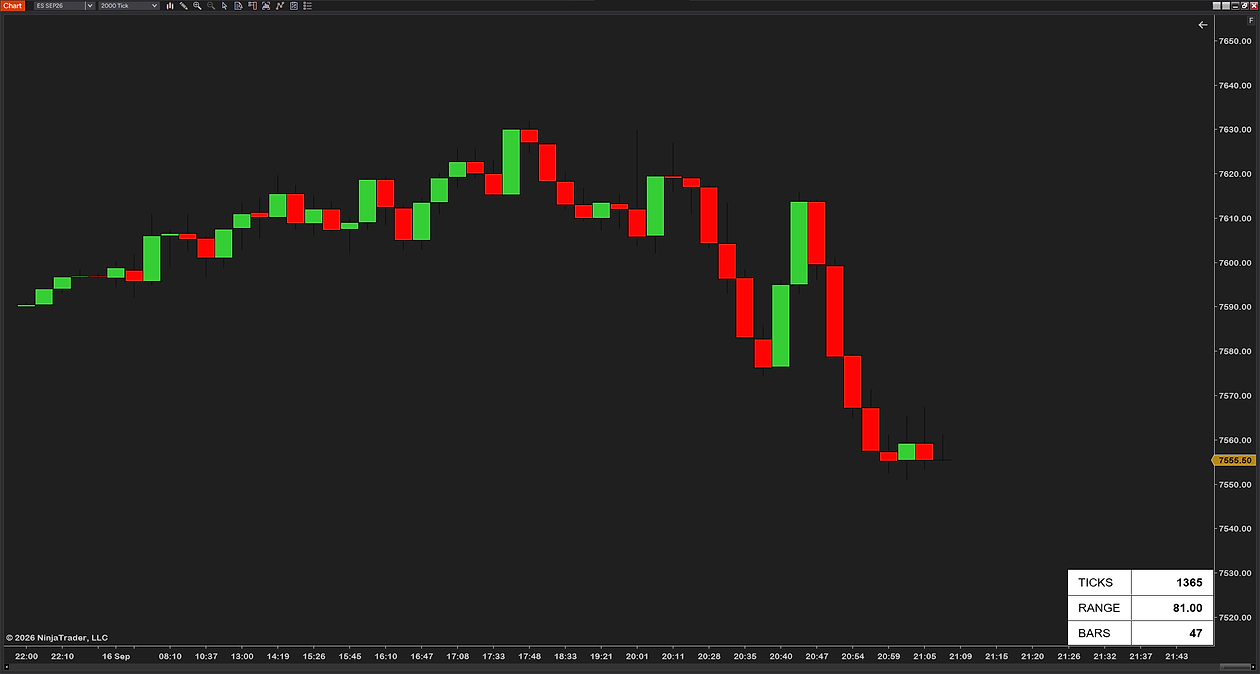
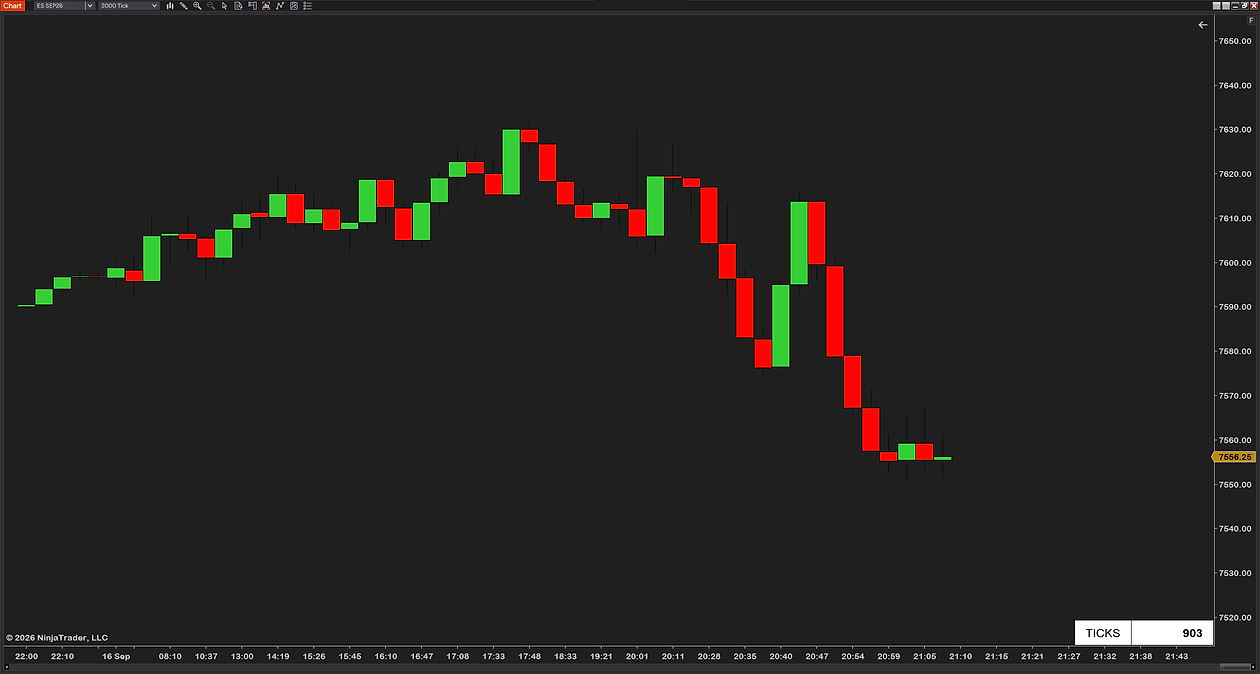
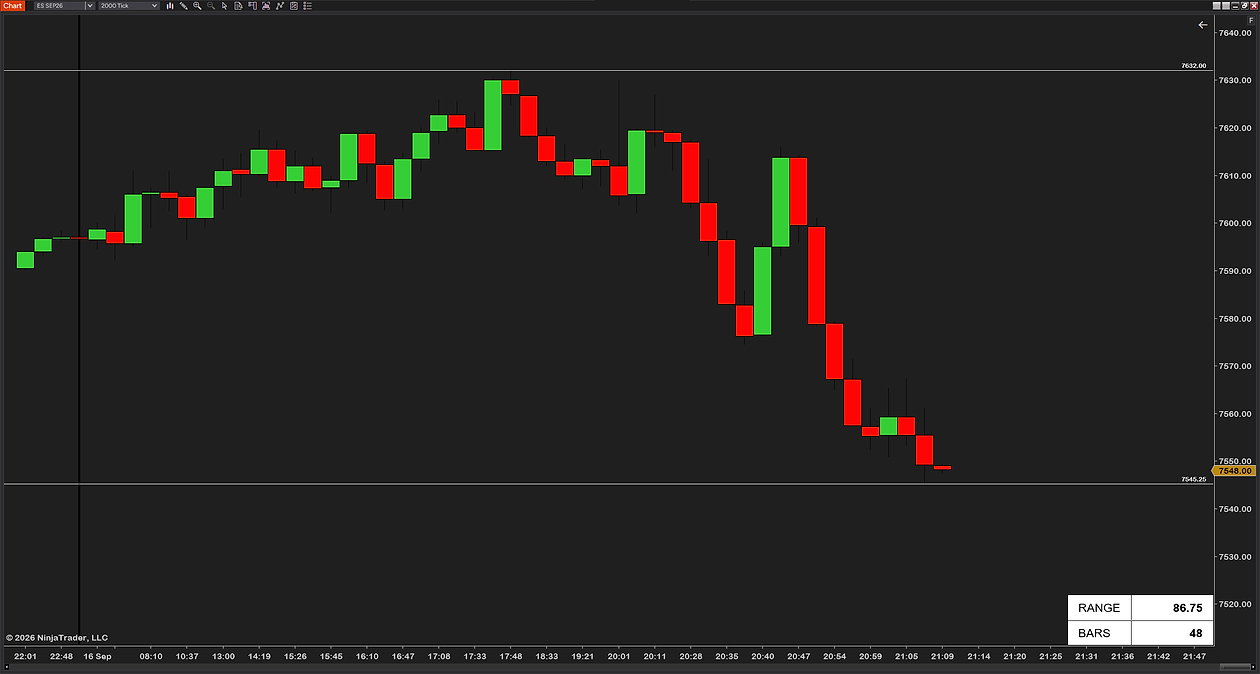
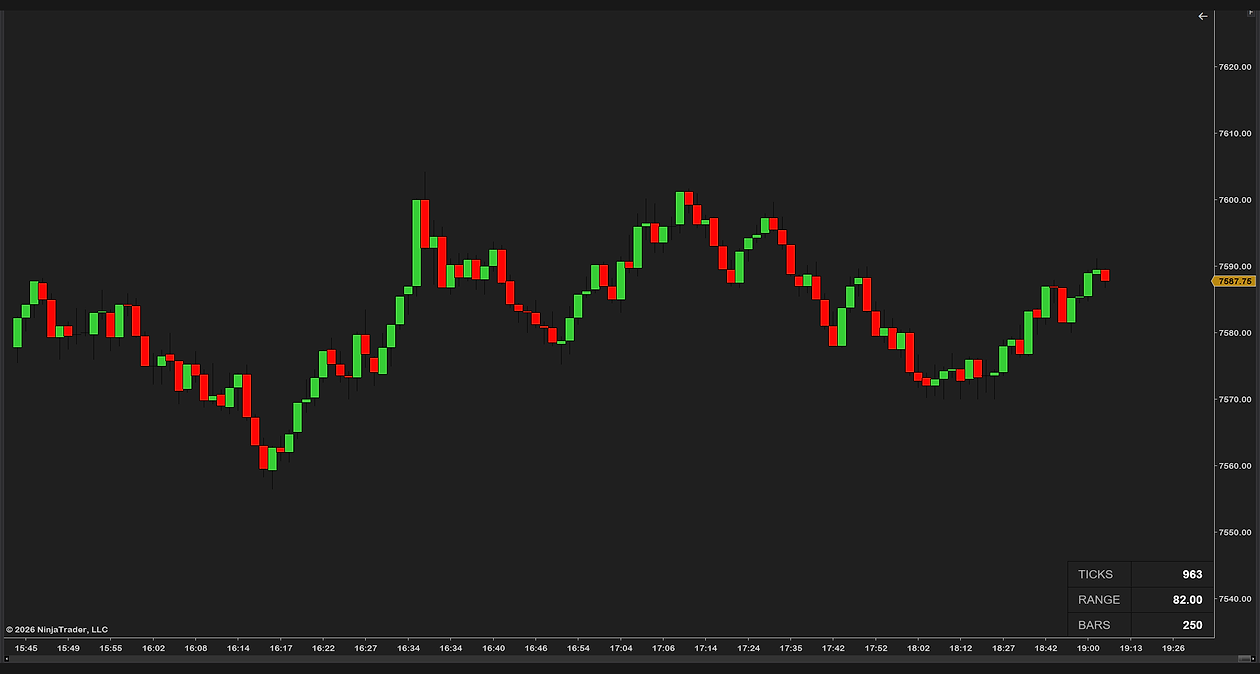
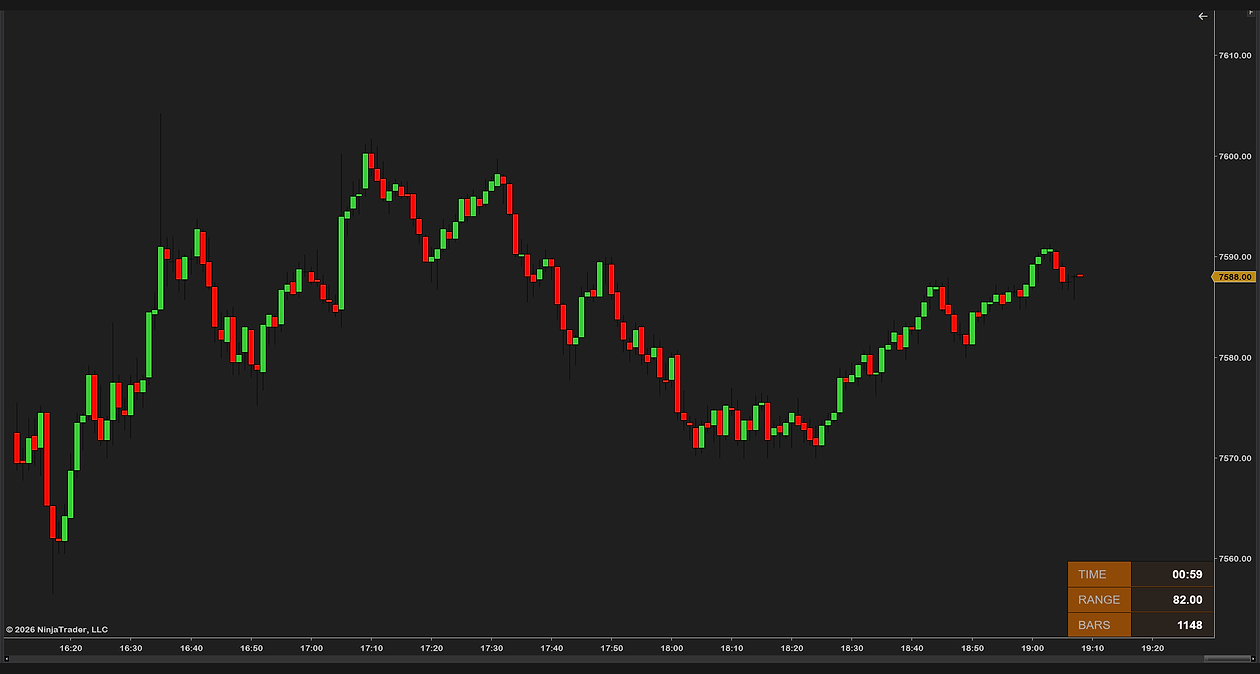
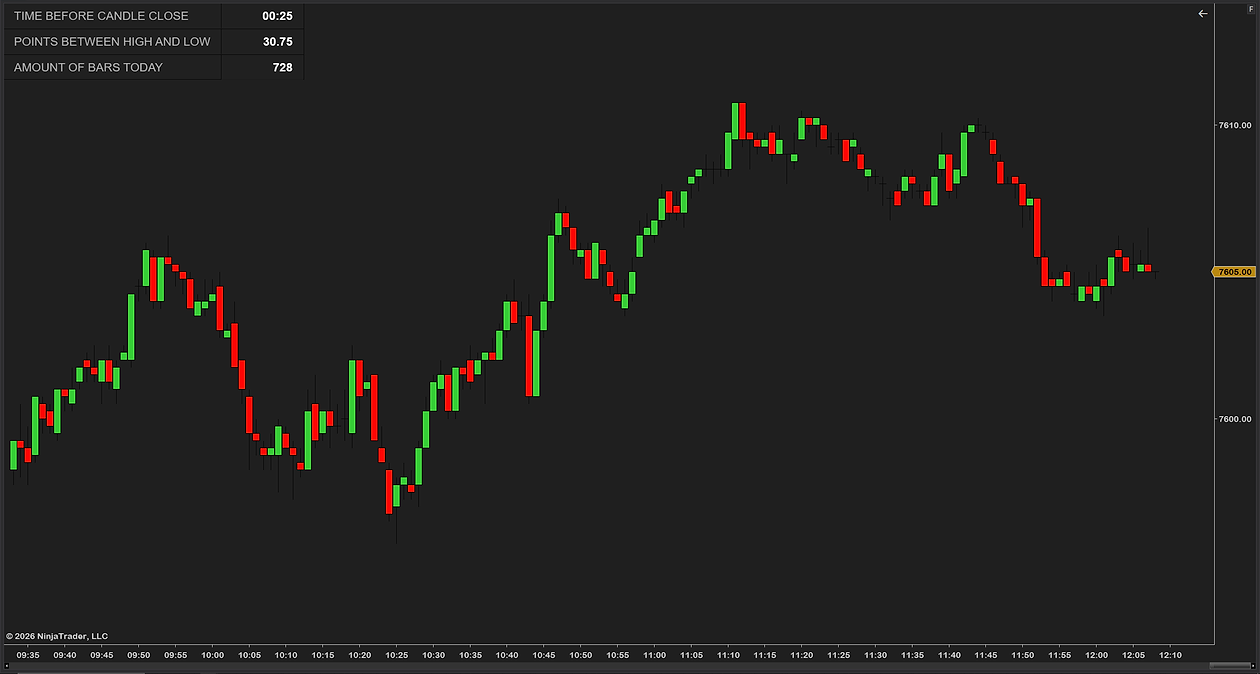
Does NinjaTrader 8 have a bar timer?
It does, and it ships with four separate counters rather than one. Bar Timer shows the time remaining on a forming time-based bar. Tick Counter shows how many ticks are still needed to finish a tick bar. Volume Counter shows the volume traded so far and how much is left. Range Counter shows the price range still needed to complete a range bar. All four are in the standard indicator list — nothing to install, nothing to buy.
The catch is that each one only works on the chart type it was written for, and says so plainly when you put it on the wrong one. That is the single most common reason people think the bar timer is broken.

How to add the built-in bar timer
- Right-click the chart and choose Indicators…
- Find Bar Timer in the list and double-click it to add it. On a tick chart pick Tick Counter instead; on a volume chart, Volume Counter; on a range chart, Range Counter.
- Set Text position to the corner you want it in, then click OK.
The countdown appears as plain text in that corner and updates live. It has no effect on any calculation — NinjaTrader describes the indicator itself as informational, and it does not touch price data.
Which counter your chart type needs
This is the part that catches people. The three counters are not interchangeable, and putting the wrong one on a chart gets you a message instead of a number.
| Chart type | The counter to use | What it shows |
|---|---|---|
| Intraday time (1-min, 5-min, 60-min) | Bar Timer | Time remaining on the bar |
| Tick (1000-tick, 2000-tick) | Tick Counter | Tick count and ticks remaining |
| Volume | Volume Counter | Volume so far and volume remaining |
| Daily, weekly, monthly | None | No countdown — see below |
| Range | Range Counter | The price range still needed to finish the bar |
| Renko, Point & Figure | None | No built-in counter ships for these |
“Bar timer disabled” — what each message means
When the Bar Timer cannot show a countdown it prints the reason in the same corner where the time would be. There are exactly four of these, and each one has a different fix. The wording below is NinjaTrader’s own, taken from the indicator itself, so you can match what is on your chart word for word.
| What the chart says | What is actually wrong | What to do |
|---|---|---|
| Bar timer disabled since the current time is outside session time or chart end date | The chart’s trading-hours template says this market is closed right now — or the chart is showing a date range that has already ended | Wait for the session to open, or check Data Series → Trading Hours matches the instrument. On a chart with a fixed end date in the past there is nothing to count down to |
| Bar timer only works on intraday time based intervals | The chart is not an intraday time chart — daily, tick, volume, range and Renko all land here | Use Tick Counter or Volume Counter if the chart is tick or volume based. On daily and above there is no countdown to give |
| Bar timer disabled since you are currently disconnected from a data provider | No live connection | Connect in the Control Center. The countdown needs real-time data; it cannot run on historical data alone |
| BarTimer waiting for realtime data before starting | Connected, but no tick has arrived for this instrument yet | Usually nothing — it starts on the first trade. If it never starts, the instrument is not receiving data on your subscription |
The first one is the message most people end up searching for, and it is almost always the session, not a fault. The countdown is tied to the chart’s Trading Hours template rather than to your PC clock, so a chart set to a regular-hours template will sit “disabled” through the overnight session even though the market is trading.
The other three counters have one message each, and all mean the same thing: wrong chart type. Tick Counter only works on bars built with a set number of ticks, Volume Counter only works on volume based intervals, and Range Counter only works on Range bars.
Why there is no countdown on a daily chart
The Bar Timer is limited to intraday time intervals, so a daily, weekly or monthly chart gets the “intraday time based intervals” message rather than a number. That is a deliberate limit, not a bug — but it is worth knowing before you go looking for a setting that does not exist.
If you want to know how long is left in the trading day rather than in the bar, that is a different question, and the answer is the session clock rather than a bar timer.
Candle timer, bar countdown, BarTimer — same thing
People call this several things and search for all of them: candle timer, bar countdown, BarTimer as one word, or just “time left on the bar”. They all describe the same readout. In NinjaTrader’s own indicator list it is spelled Bar Timer, two words, which is what you type in the search box at the top of the Indicators window.
What the built-in counters cannot do
They do the basic job well. Three things tend to annoy people who use them every day:
- One indicator per chart type. Change from a 1-minute to a 2000-tick chart and you are swapping Bar Timer for Tick Counter to see the same kind of information.
- Countdown only. They give time or ticks remaining and nothing else — not the current bar’s range, not the day’s range, which plenty of traders want on the same readout.
- Take the styling you are given. You choose a corner. Size, colors and layout are not yours to set. Our tick counter guide goes through those limits in more detail.

A counter that follows the chart type
The alternative is one indicator that reads the chart and shows the right thing: time or ticks left on the bar, the current bar’s range and the day’s range, in a panel you can place, resize and recolor. Move from a time chart to a tick chart and the top row changes on its own — nothing to swap, nothing to reconfigure.
It is a quality-of-life upgrade rather than an edge, which is the honest way to describe it. Our own free bar timer and range counter does exactly that and is free to download.
How to install it
- Download the free bar timer indicator — keep it zipped.
- Open the Control Center → Tools → Import → NinjaScript Add-On… and select the .zip. NinjaTrader documents the process in its import guide, and we walk through every step, error message and the update rule on our installation page.
- On a chart, right-click → Indicators…, add it, and set its size and position.
Common questions
Does NinjaTrader 8 have a bar timer?
Yes. NinjaTrader 8 ships four: a Bar Timer for intraday time charts, a Tick Counter for tick charts, a Volume Counter for volume charts and a Range Counter for range charts. All four are in the standard indicator list, and you add them by right-clicking the chart and choosing Indicators.
Why does my bar timer say it is disabled?
There are four messages and each means something different. “Outside session time or chart end date” means the chart’s trading-hours template says the market is closed, or the chart ends on a past date. “Only works on intraday time based intervals” means the chart is not an intraday time chart. “Currently disconnected from a data provider” means no live connection. “Waiting for realtime data” means it is connected but no tick has arrived yet.
Why is there no bar timer on my daily chart?
The Bar Timer only runs on intraday time intervals. On daily, weekly and monthly charts it shows the “intraday time based intervals” message instead of a countdown. That is a deliberate limit of the indicator, not a setting you have missed.
How do I see ticks remaining on a tick chart?
Use the Tick Counter rather than the Bar Timer. It shows the tick count and the ticks remaining on the forming bar, and it only works on bars built from a set number of ticks.
Is the candle timer the same as the bar timer?
Yes. Candle timer, bar countdown and BarTimer all describe the same readout. In NinjaTrader’s indicator list it is called Bar Timer.
Can I move or resize the built-in bar timer?
You can choose which corner it sits in and nothing else. Size, color and layout are fixed. A third-party counter is the usual answer if you want the number bigger or somewhere specific.
Does a bar timer slow the chart down?
No. It draws a short piece of text once per update and does not touch price calculations — NinjaTrader describes its own counters as informational for that reason.
Related guides
- The NinjaTrader 8 tick counter — ticks remaining on tick charts, its three settings, and where it stops.
- Bar counting, Al Brooks style — numbering the bars of the session rather than counting down one.
- Why a NinjaTrader chart lags — if the countdown stutters, the cause is usually upstream of the indicator.
The honest part
A bar timer will not make you a better trader — it is a convenience, not an edge. What it does is stop you clicking too early: instead of firing an entry the moment price looks right, you wait for the bar you are basing the decision on to actually close. That small discipline is the whole reason to have the countdown in front of you.