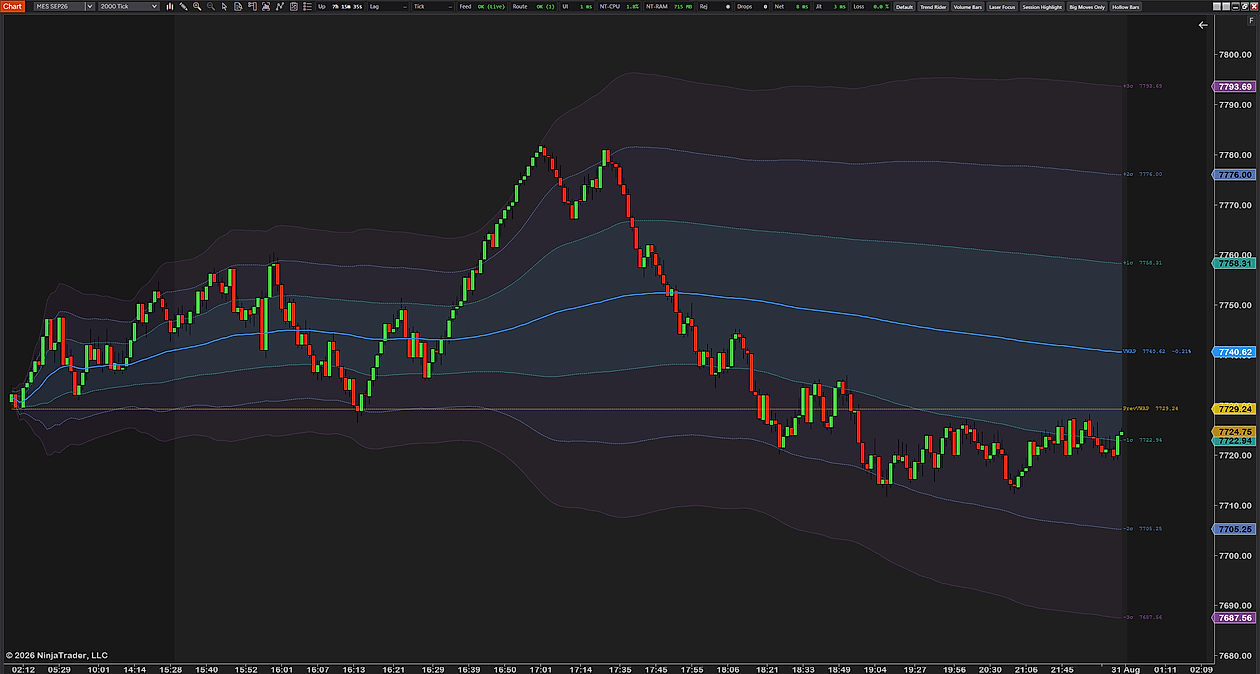
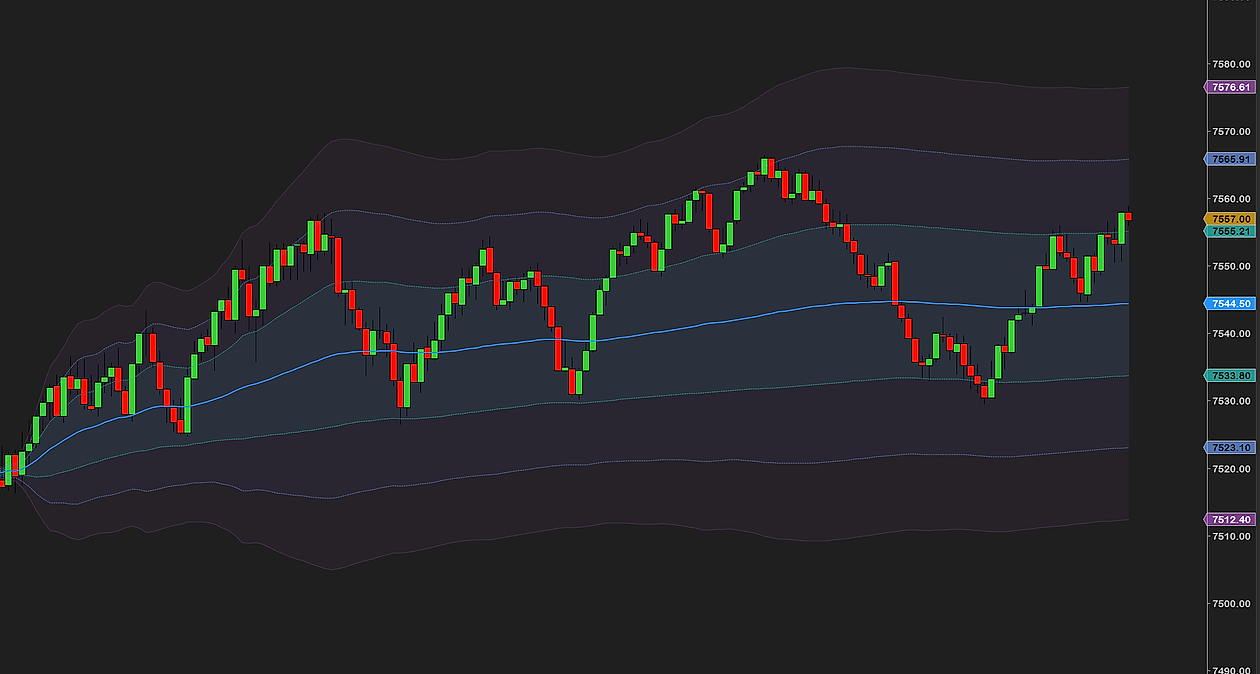
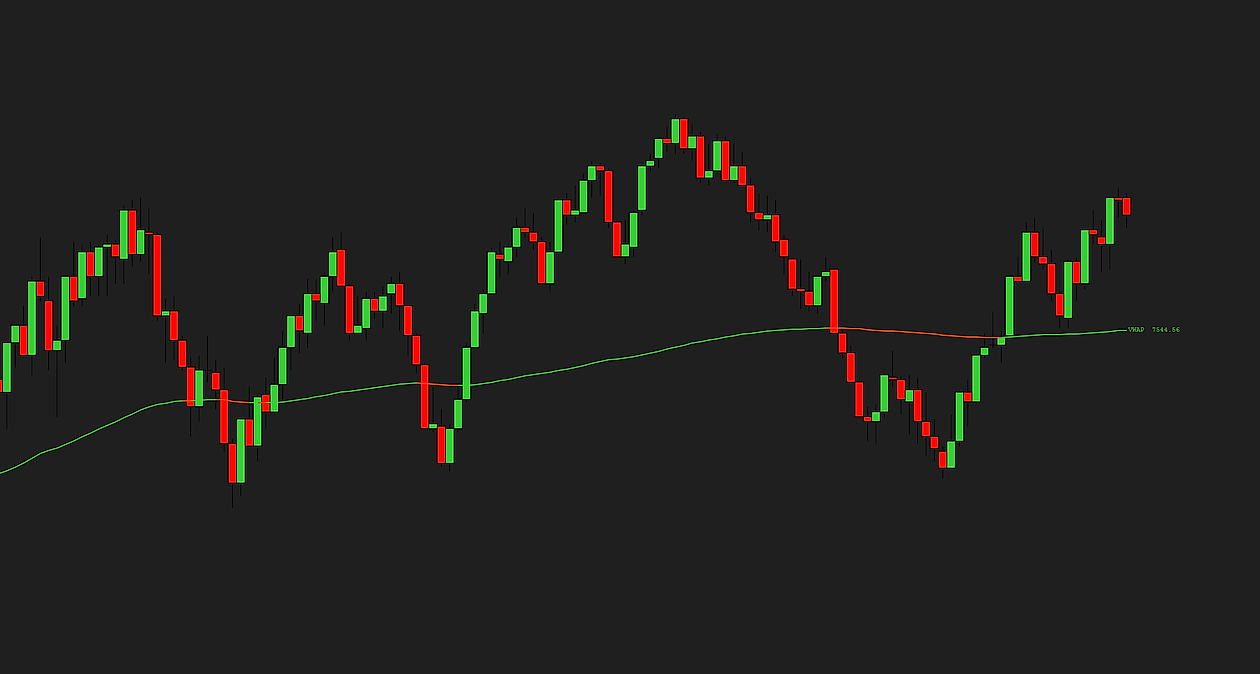
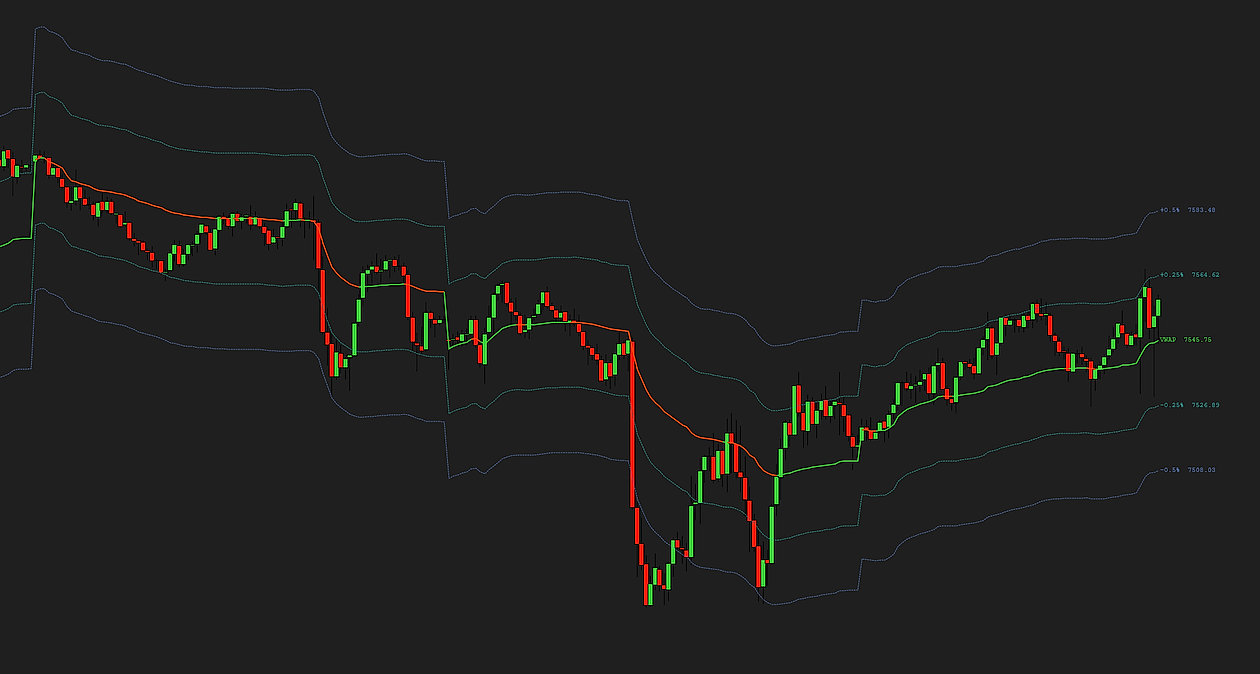
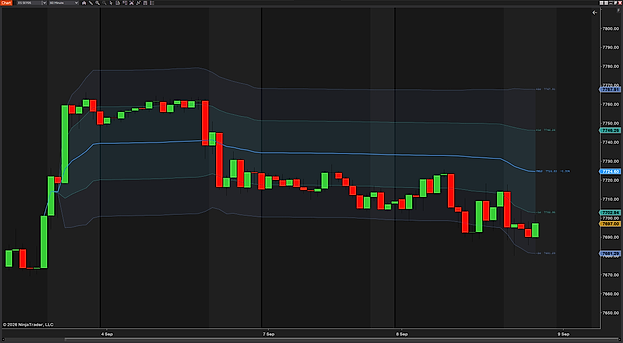
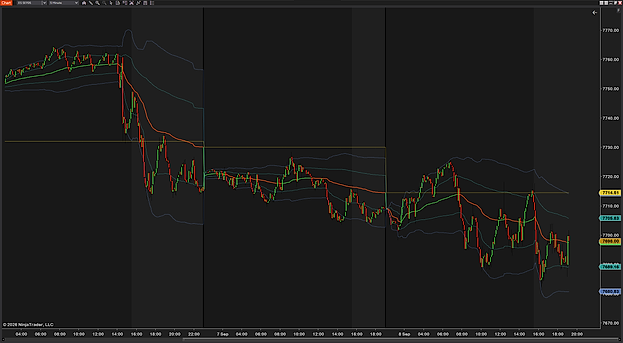
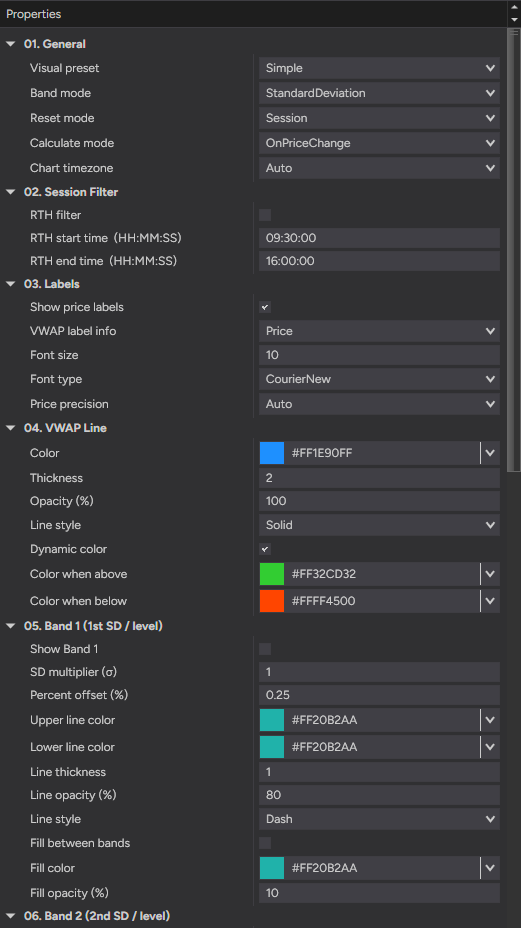
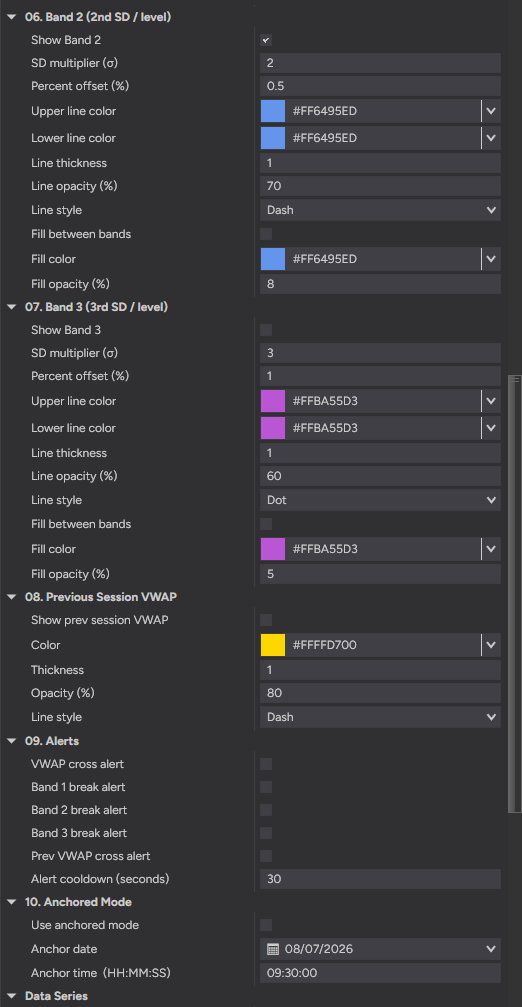
Ten groups of settings in the panel, and the six things they add up to. The names in bold are the names in the indicator.
Anchored VWAP for NinjaTrader 8
Use anchored mode runs the average from a fixed bar instead of the session open: set Anchor date and Anchor time (HH:MM:SS) to a point in the past — a news print, a swing low, the open of a move — and the VWAP accumulates from there, with the bands and price labels following the anchored line. Bars before the anchor carry no line, on purpose, so the chart shows where the average actually started.
Weekly, monthly and previous-session VWAP
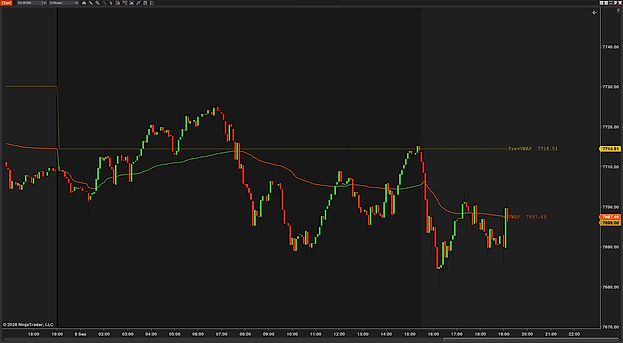
Reset mode restarts the line at every session open (Session), every week (Weekly, from the Sunday 18:00 ET futures reopen) or the first of each month (Monthly); Chart timezone, Auto by default, is what detects that Sunday reopen for the weekly and monthly resets. Show prev session VWAP draws a horizontal line at the prior period’s final VWAP on today’s chart, with its own Color, Line style, Thickness and Opacity (%).
VWAP deviation bands and percent bands
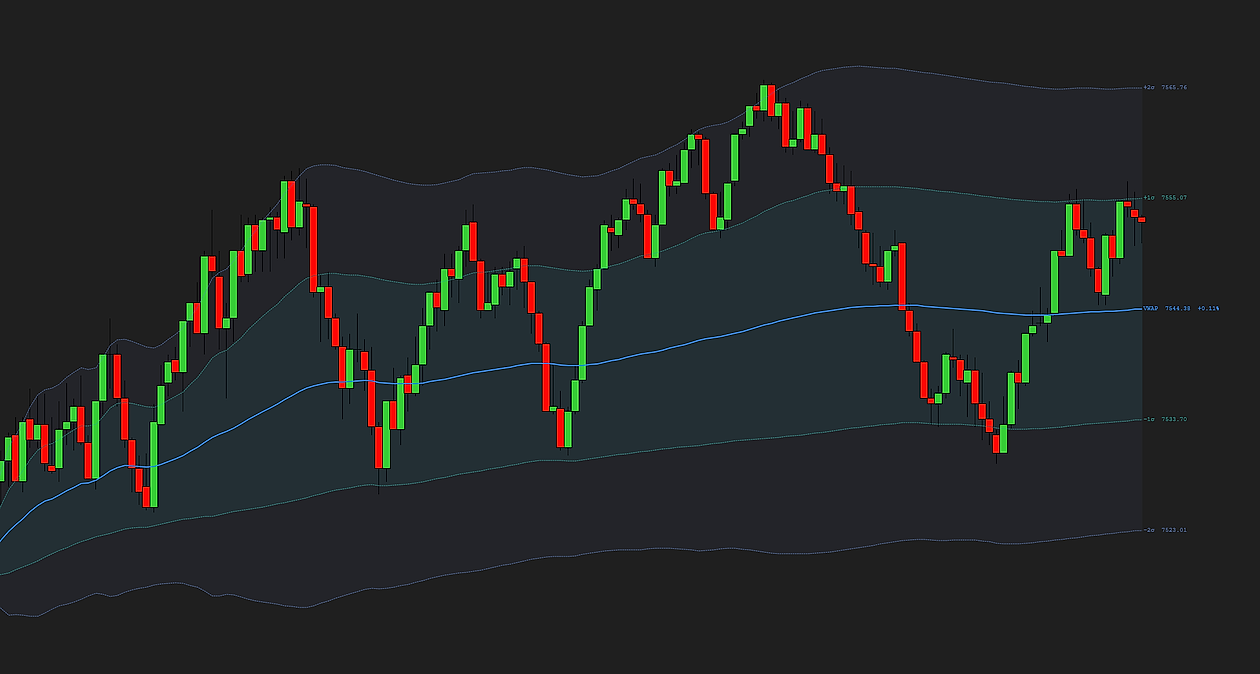
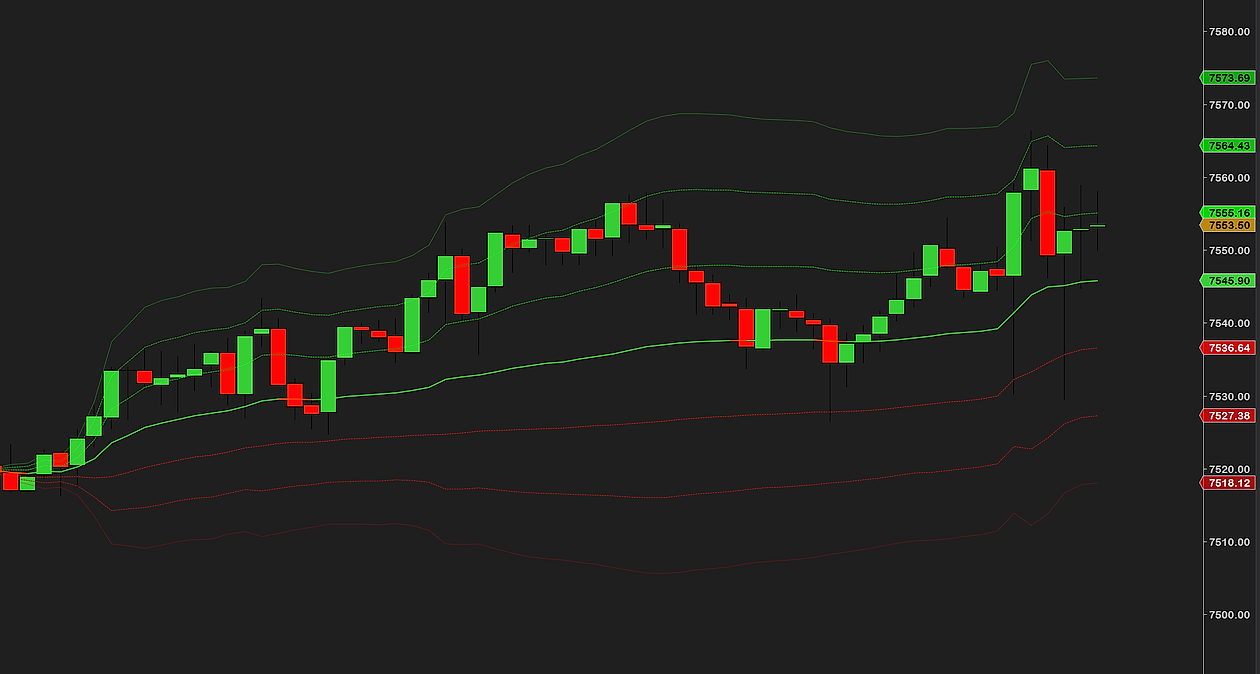
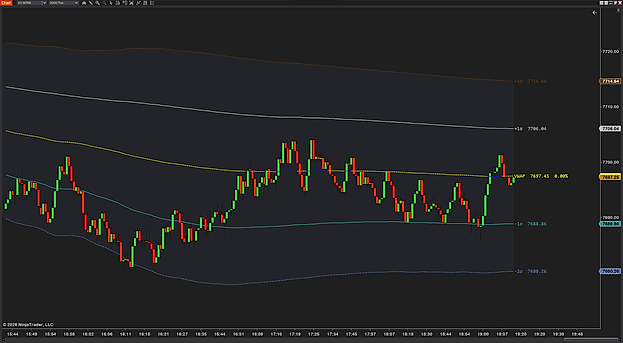
Band mode sets how Show Band 1, Show Band 2 and Show Band 3 are measured: Standard Deviation, with each band’s SD multiplier (σ) (1, 2 and 3 by default), or Percentage, with a Percent offset (%) from the VWAP (0.25, 0.5 and 1.0). Each band has its own upper and lower line colors, line style, thickness and opacity, and Fill between bands shades it at a Fill opacity (%) of your choice.
VWAP cross and band-break alerts
Five audio alerts, each on its own switch: VWAP cross alert when price crosses above or below the line, Band 1 break alert, Band 2 break alert and Band 3 break alert the first time the live price trades beyond a band, and Prev VWAP cross alert. One Alert cooldown (seconds), 30 by default, is the minimum gap between repeats of the same event, so a chopping market cannot fire twenty alerts in a minute.
Works without Order Flow+
NinjaTrader’s own chart VWAP sits in the Order Flow+ suite, which not every license includes. ProVWAP needs only NinjaTrader 8, Level 1 data and an instrument with real traded volume, and a Visual preset (Normal, Simple, Advanced or Custom) to start from. No machine ID, no license server.
Tick-accurate on tick, volume and range charts
Calculate mode updates the line on every price change (the default), when a bar completes (the lowest CPU), or on every tick; the live bar is counted once however often it changes, so the line does not drift. RTH filter with RTH start time (HH:MM:SS) and RTH end time (HH:MM:SS), 09:30 to 16:00 US Eastern by default, keeps overnight volume out of the day’s average. Dynamic color paints the line by whether price is above or below it.