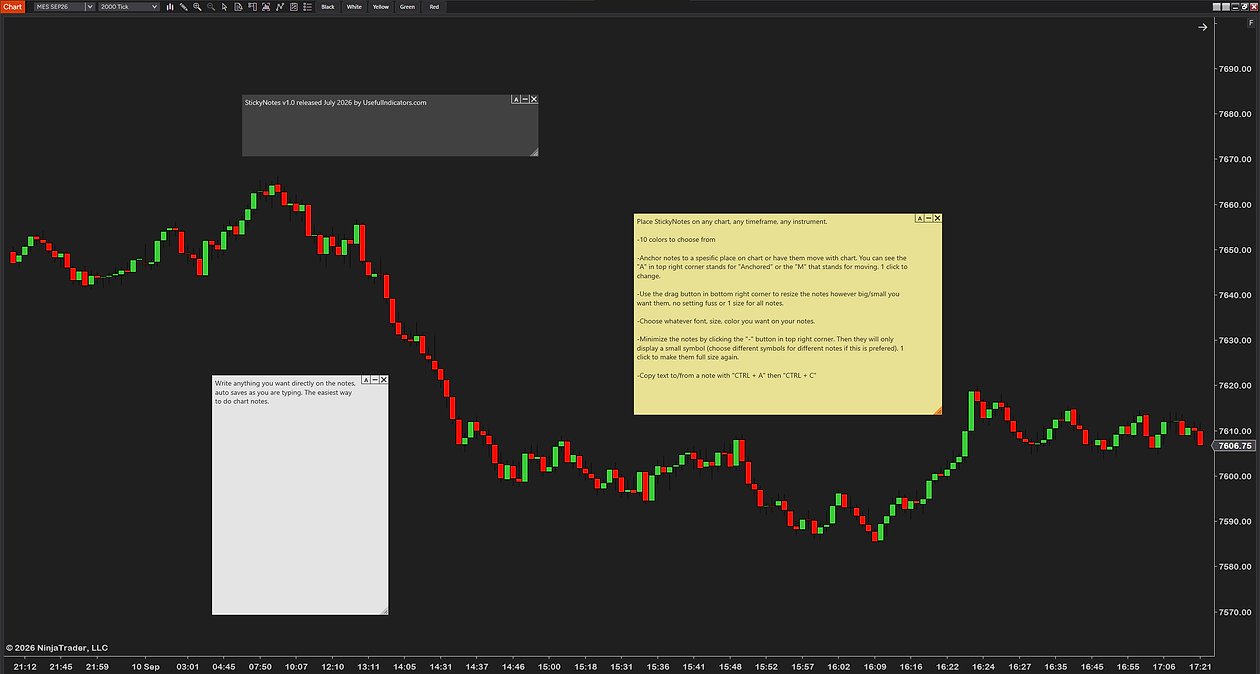
Every trader keeps notes — key levels, the day's plan, a rule they keep breaking. Usually they live in a notebook or another window, where you don't see them when it counts. StickyNotes is a free add-on that pins them right on the chart, where you'll actually read them.
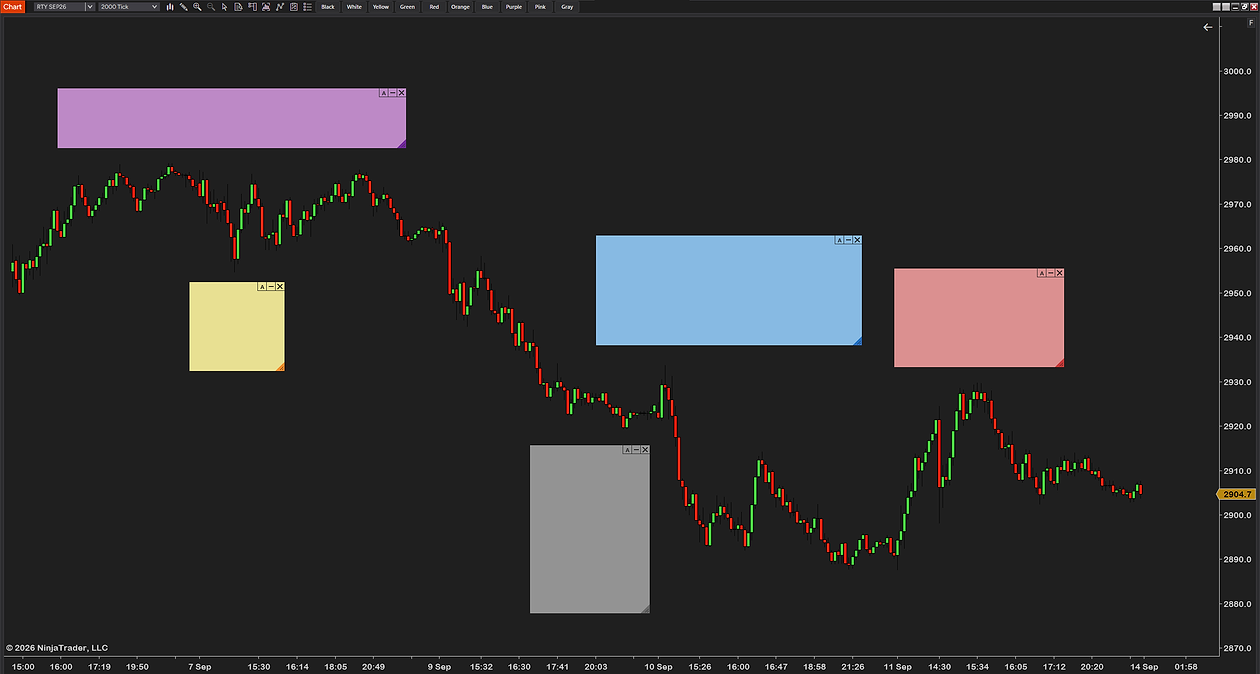
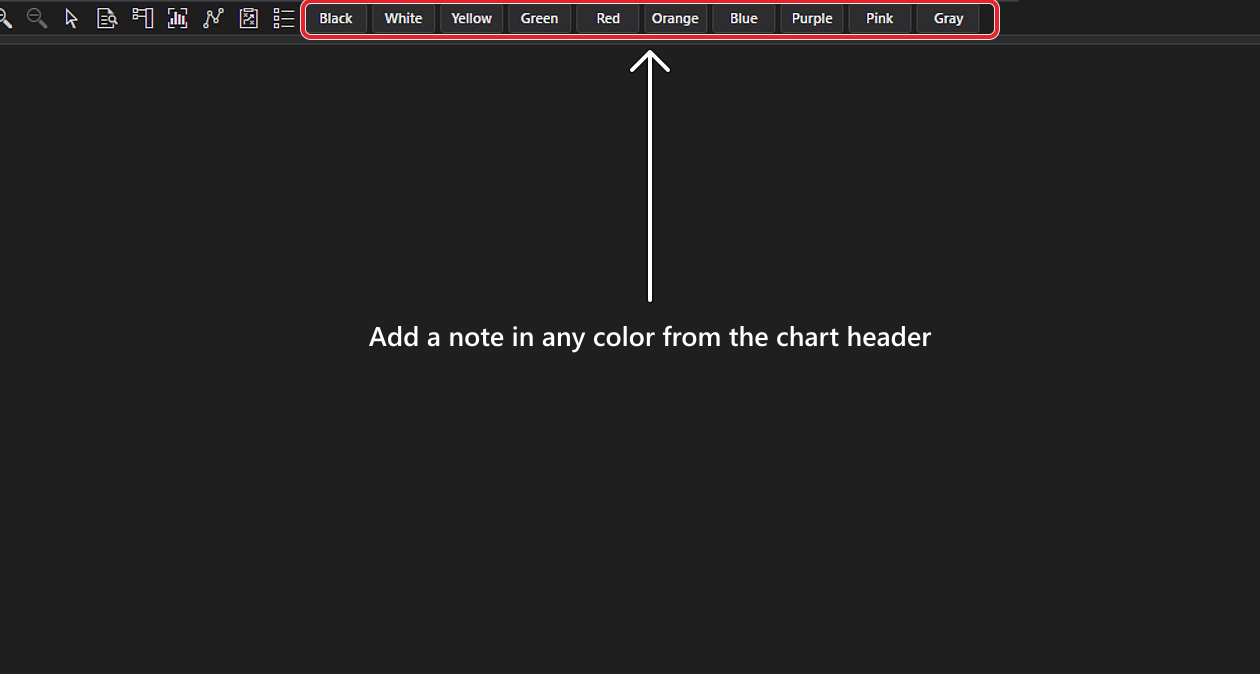
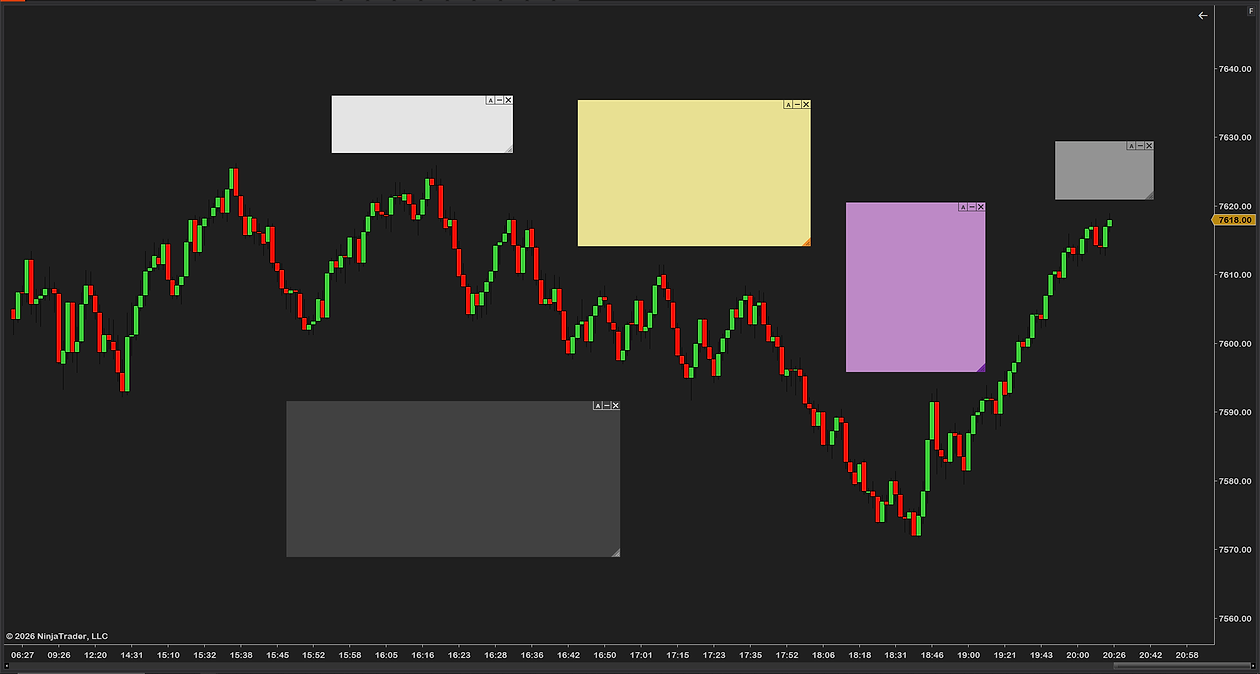
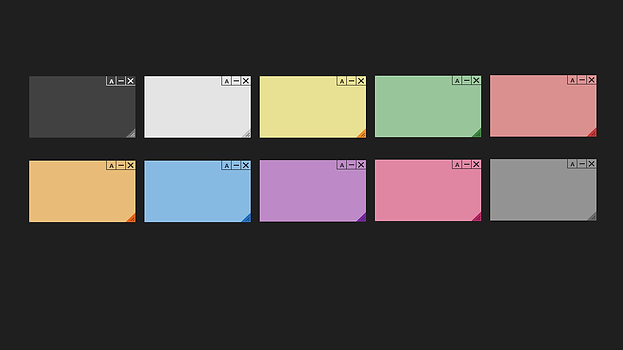
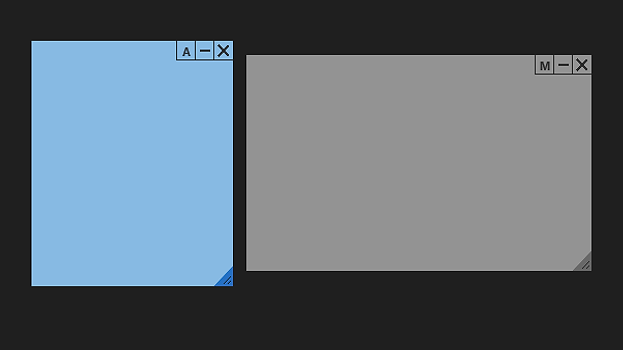
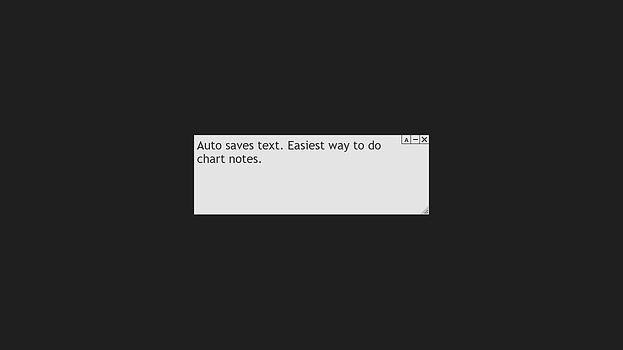
Click a color button in the chart header, type, done. Ten color-coded note styles, movable and resizable, collapsible to a small icon — and they save themselves, surviving chart closes and NinjaTrader restarts until you delete them.
Each note is either sticky or moving: anchor it to a bar and price so it travels with the chart — marking a level, a setup, a session — or fix it in place on screen as a standing reminder that ignores scrolling. Any note switches between the two with a right-click.
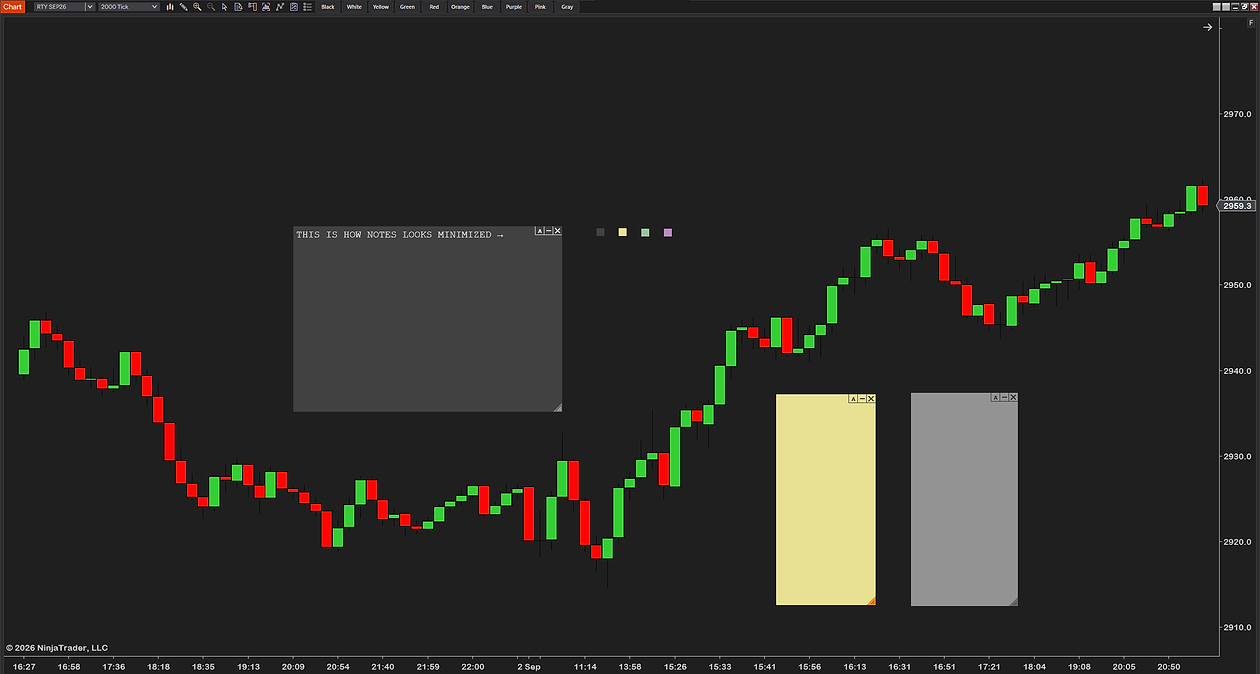
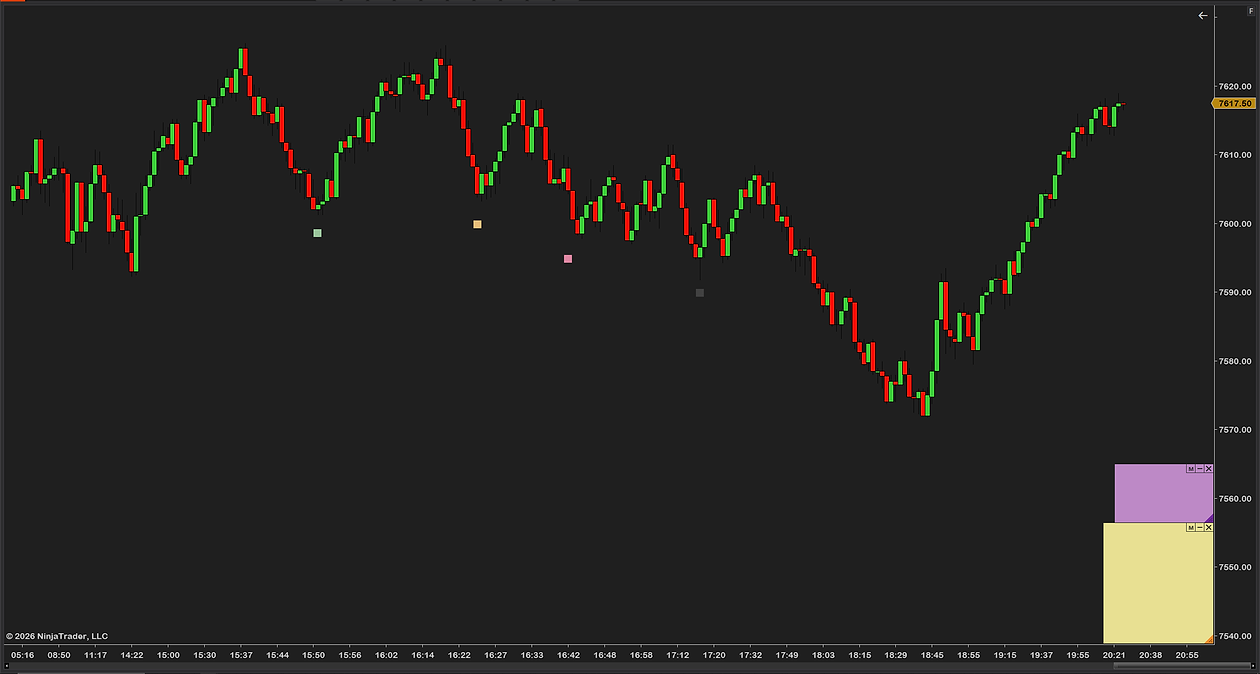
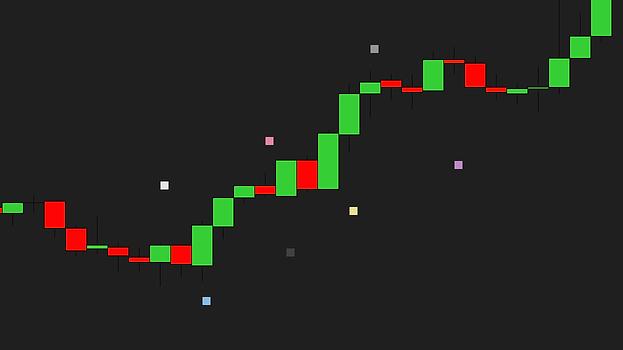
Ten colors give you a system at a glance — red for warnings, green for targets, yellow for the plan. Minimize a note to a small icon (circle, star, pin and five more shapes) and hover it to preview the text without opening anything.
Paper stickies on the monitor bezel fall off and get ignored, and a trading plan in another window may as well not exist mid-session. We wanted notes in the chart: one click to add, color-coded, out of the way when minimized, and still there after a restart.
And honesty where it's due: a note doesn't enforce anything — it can't stop you from breaking the rule it reminds you of. It just makes that rule impossible to not see. The toolbar, sizes, fonts, opacity and behavior are all yours to set. Free, lean, no bloat, no upsell — built by a working futures trader.
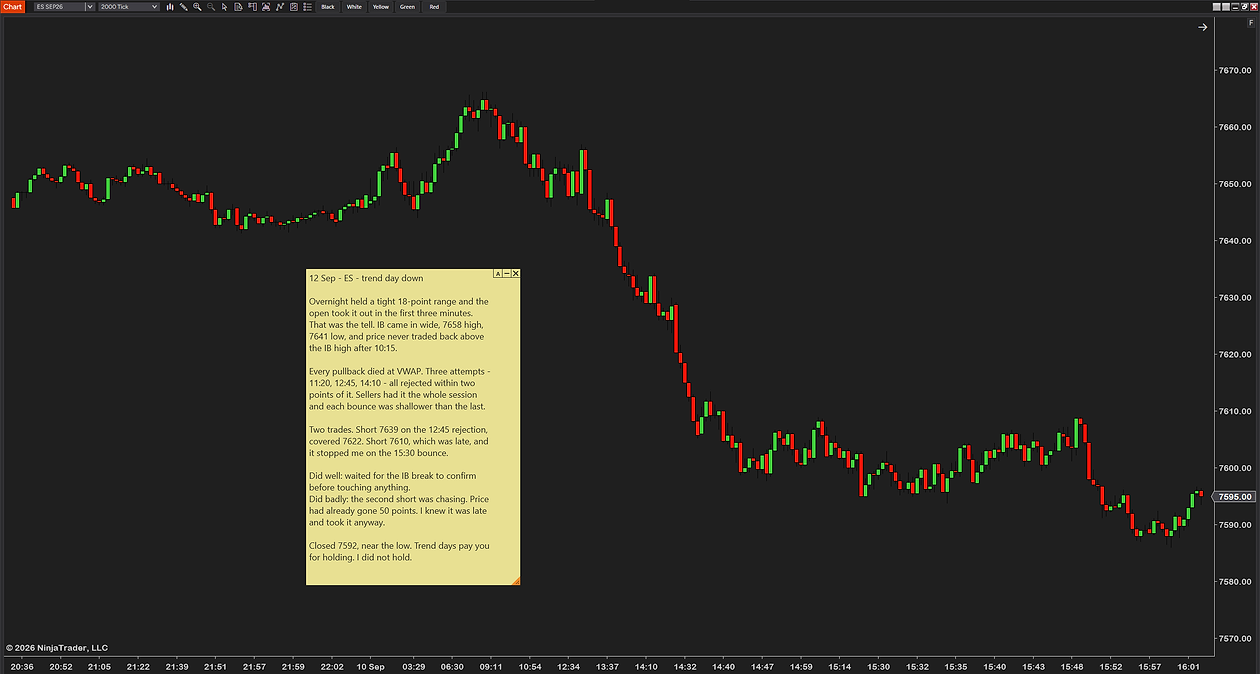
Max loss, no trades before the open, wait for the close — pinned to the screen in red, in view every second of the session. You can still break the rule, but you can't claim you didn't see it.
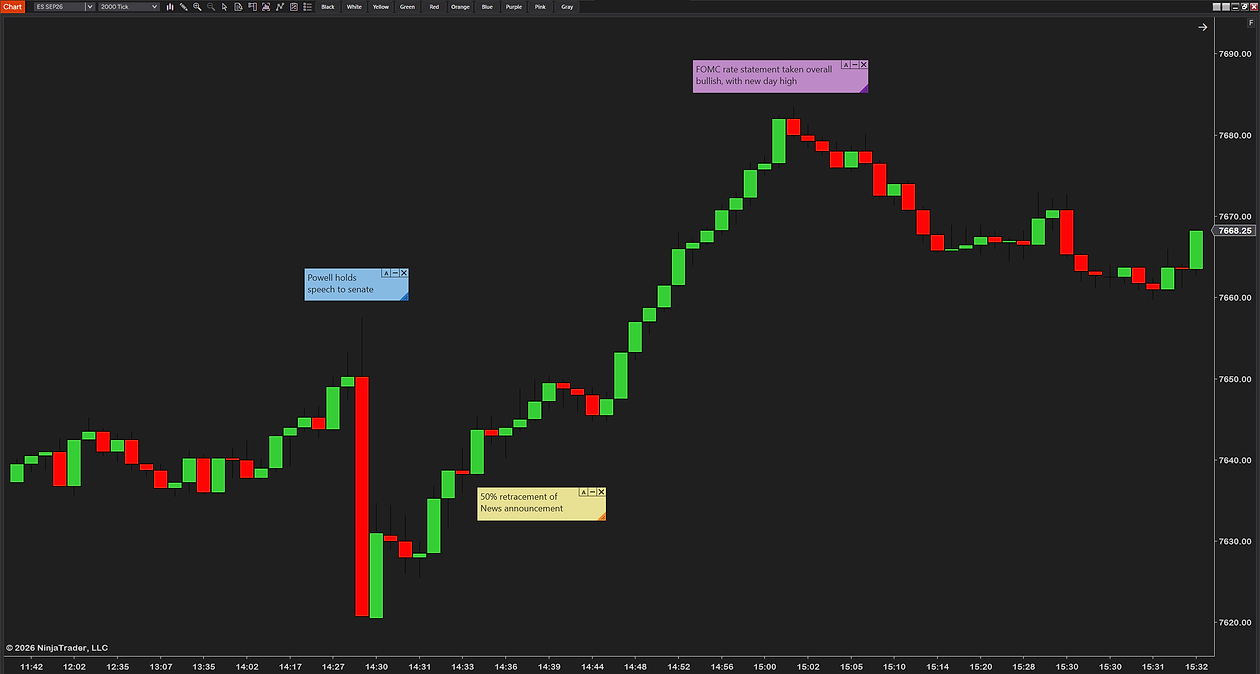
Anchor a note to yesterday's high or a supply zone. It stays glued to that price as you scroll and zoom — with the reason you care about it written right there.
Bias, news times and the setup you're waiting for, written on the chart before the open. The plan stays in your face instead of in a notebook you stop checking at 9:31.
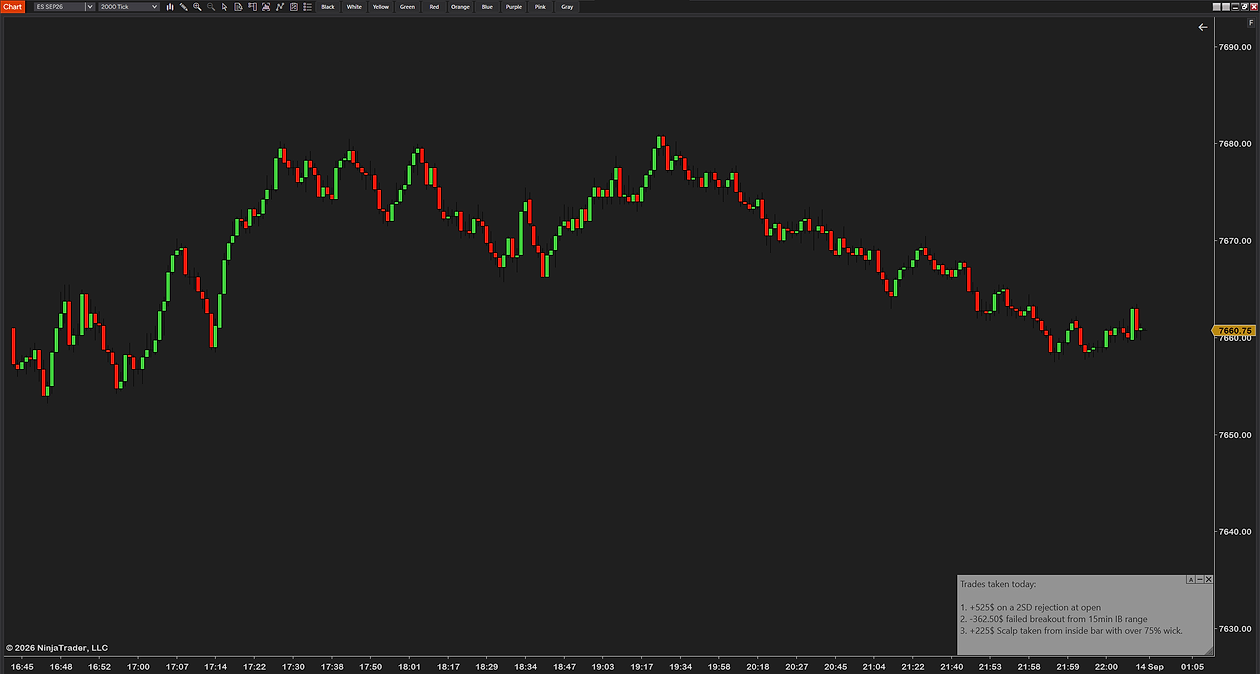
Drop minimized icons on trades and mistakes during the week, then walk the chart on the weekend — hover any icon to read what happened. Notes survive restarts, so the trail is still there.
None of these trade for you — a note is a memory aid, not discipline itself. It just puts what matters where you're already looking.
StickyNotes is built to fit how you work, then get out of the way. Four numbered groups — General, Toolbar, Note Size and Note Visuals — control everything from anchoring to fonts; nothing is hard-coded. Below is the actual settings panel: plain-English names, no cryptic abbreviations.
After checkout, download the StickyNotes .zip — it's on the confirmation page, and in your email receipt.
In NinjaTrader 8: Tools → Import → NinjaScript Add-On, then select the .zip.
Right-click any chart → Indicators, add StickyNotes, and drop your first note from the toolbar.
NinjaTrader 8 (latest version recommended)
Any instrument — no volume data required
Every chart type: tick, minute, volume, range and Renko
Any data provider — Rithmic, Kinetick, and more
Free forever — no catch, no upsell
Free updates — always current
Step-by-step installation guide
Email support from a working trader
Most traders are up and running in under a minute. Stuck on anything? Email us — we're traders too, and we answer.
Color-coded notes, reminders and key levels right on your chart — free, and built by a working futures trader.
Futures trading involves substantial risk of loss and is not suitable for every investor. StickyNotes is a charting and note-taking tool only — it is not a trade signal, recommendation, or financial advice. Past performance is not indicative of future results.