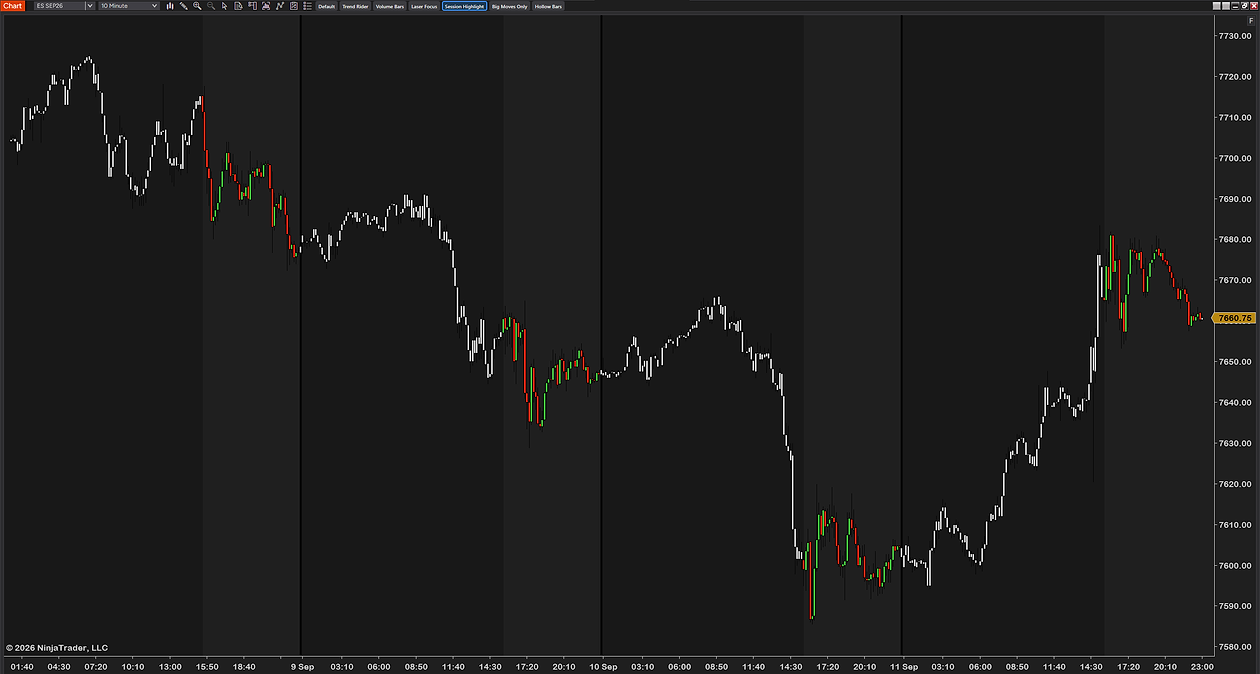
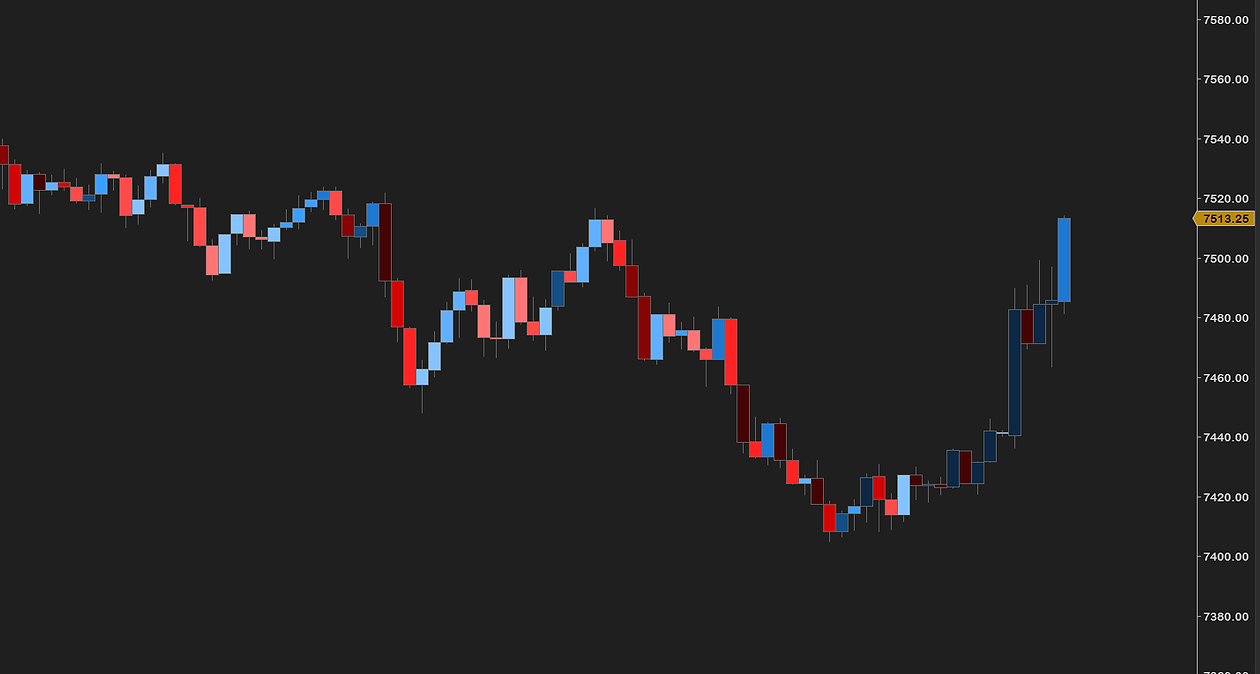
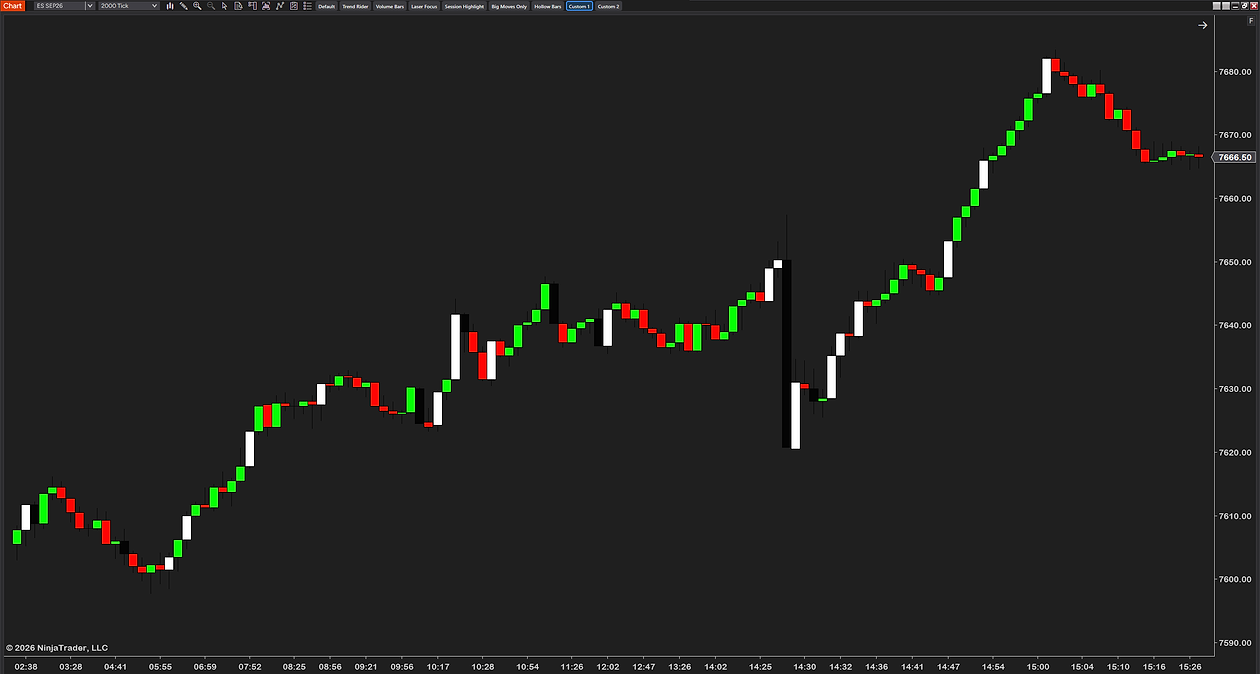
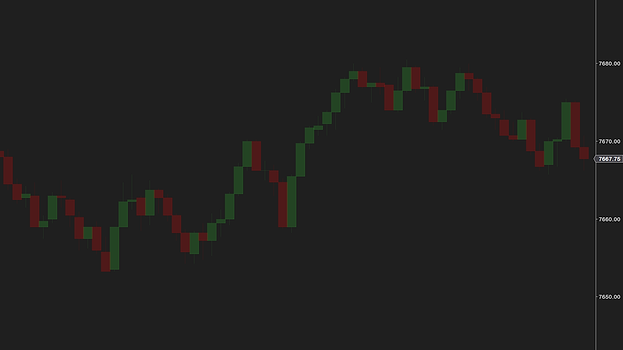
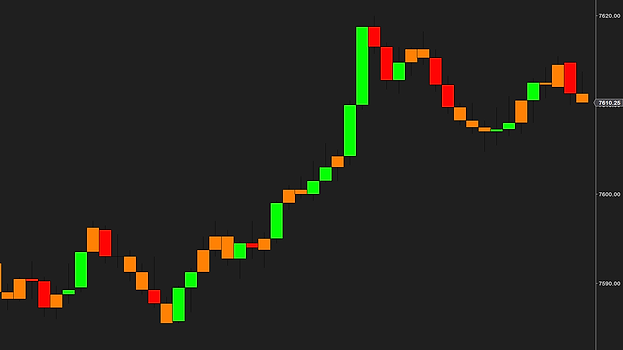
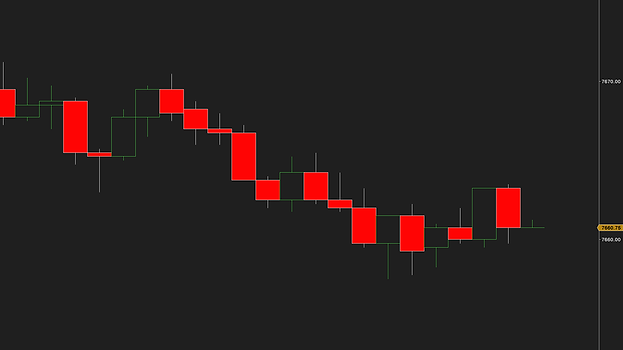
Every NinjaTrader chart ships with the same green-and-red candles. CandleStyler is a free add-on that puts every part of the candle under your control — body, fill, outline and wick, up and down separately — and turns that styling into information you can read at a glance.
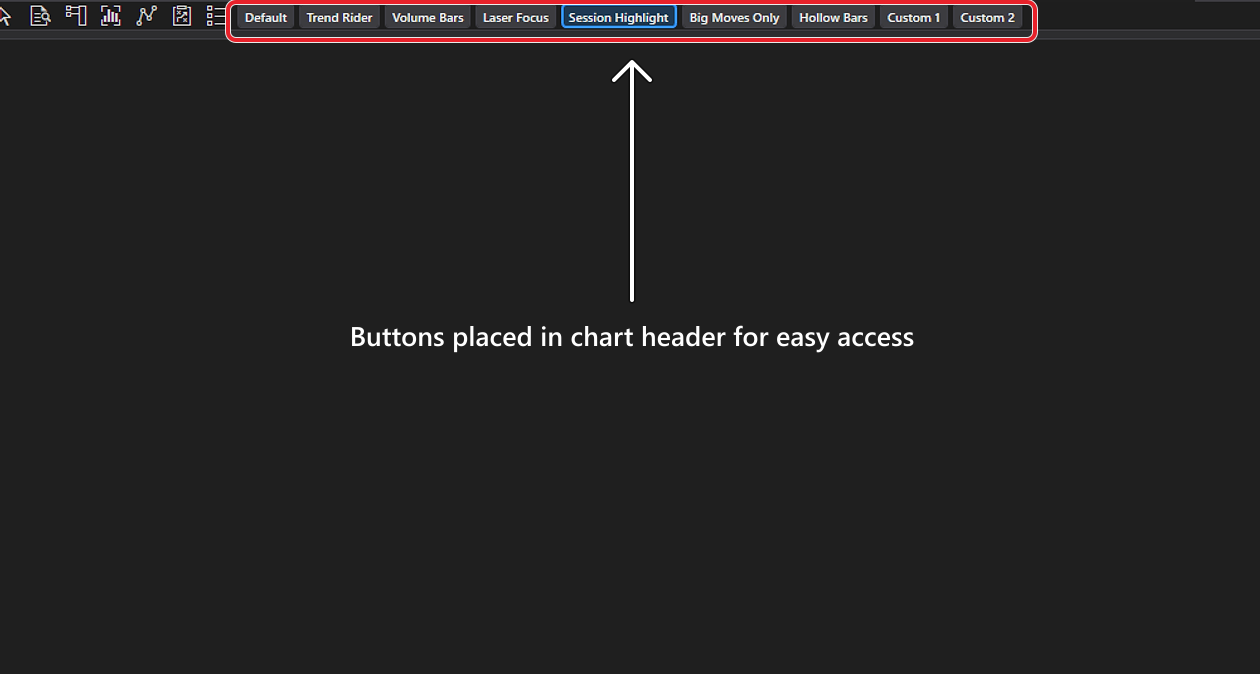
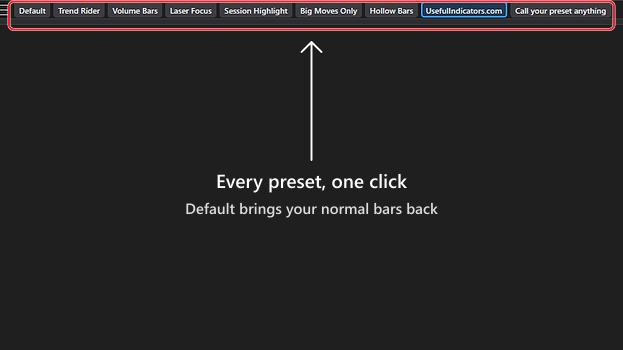
It lives in your chart's header as a row of preset buttons: six ready-made looks plus two slots you build and name yourself, each one click away, mid-session, no digging through chart properties. A Default button puts your original chart back exactly as it was.
Beyond plain colors, presets can style candles by context: color bars by a moving-average trend (SMA, EMA, WMA or HMA), shade them by volume so heavy participation stands out, light up only outsized bars by points or ATR, give overnight bars their own color, or fade everything except the most recent action.
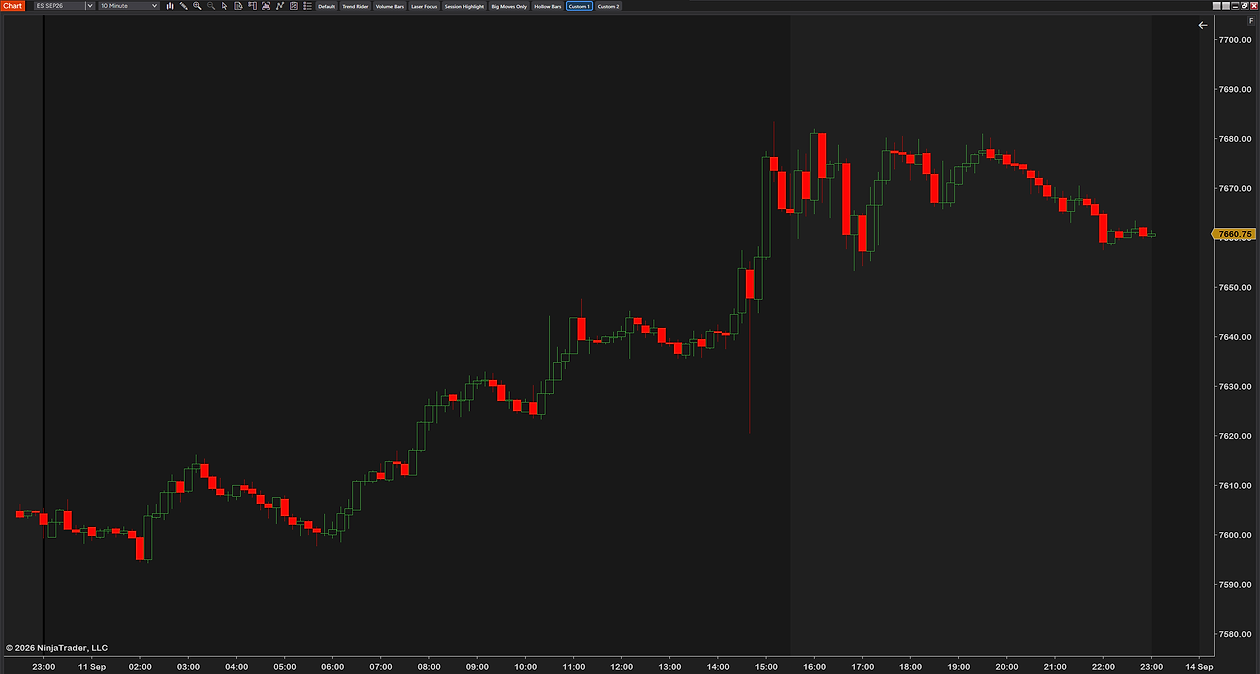
It also fixes a small thing NinjaTrader never delivered: separate outline colors for up and down candles, instead of both being forced to share one. And one thing it never touches: your data. Same bars, same prices, same width and spacing — only the presentation changes.
We stare at charts all day, and changing how they look in NinjaTrader means a trip through chart properties every single time. We wanted the restyle one click away — a focus look for the session, hollow bars for the review, a clean neutral look for a screenshot — with our original chart one click away too.
And honesty where it's due: a prettier chart won't improve your win rate — no styling tool can. What it can do is make the things you already trade on — trend, volume, bar size, session — visible faster. Every preset is fully yours to recolor and rename. Free, lean, no bloat, no upsell — built by a working futures trader.
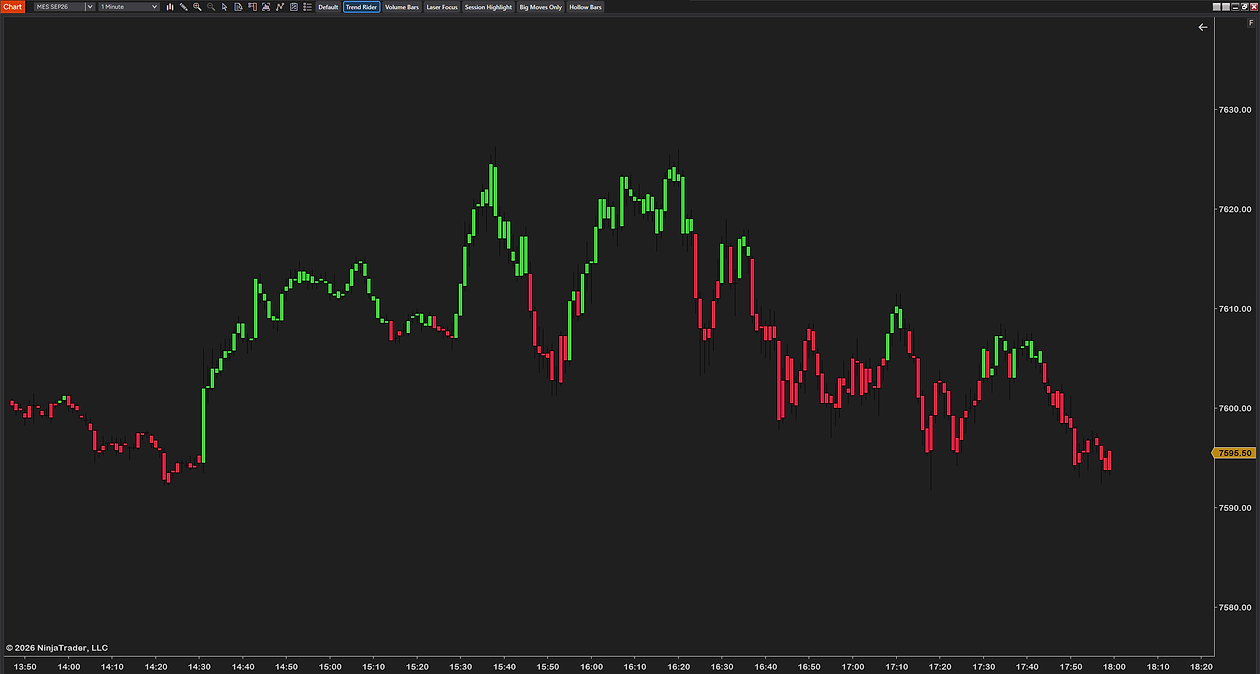
Trend Rider colors every bar by its side of a 50 EMA. Direction stops being a judgment call — green tape, you look for longs; red tape, you look for shorts.
Volume Bars shades each candle by participation — heavy bars print deep and dark, quiet ones pale. A breakout on pale, empty volume stops fooling you.
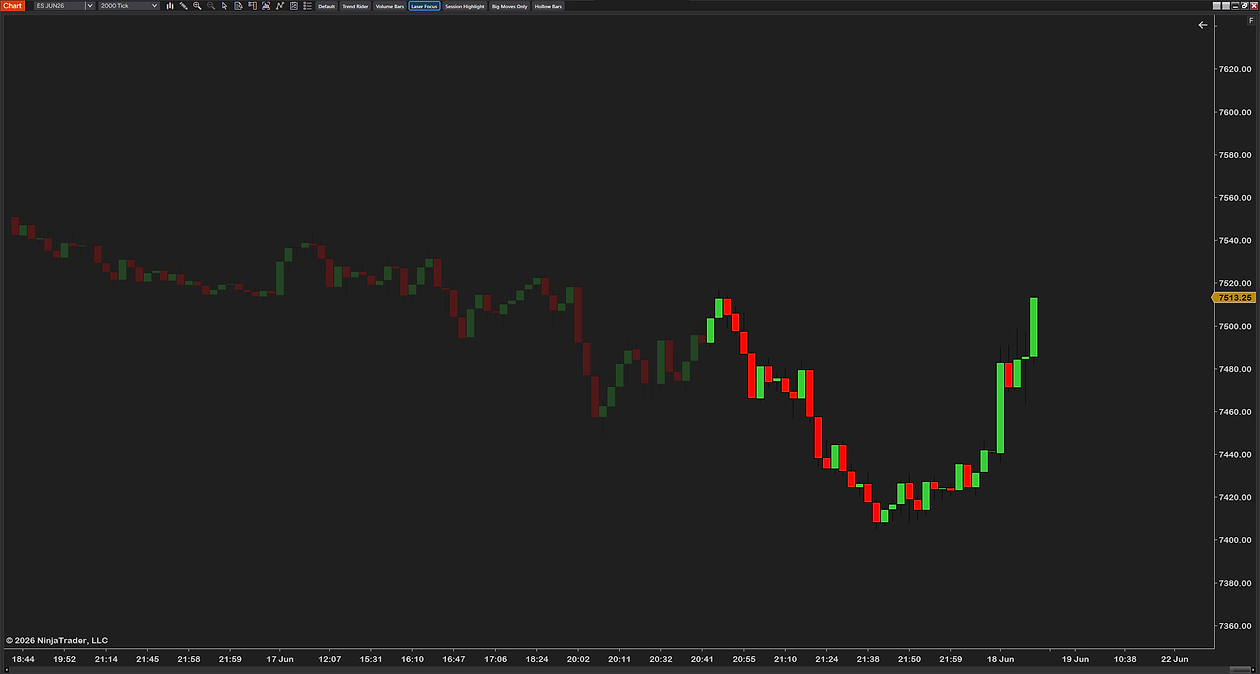
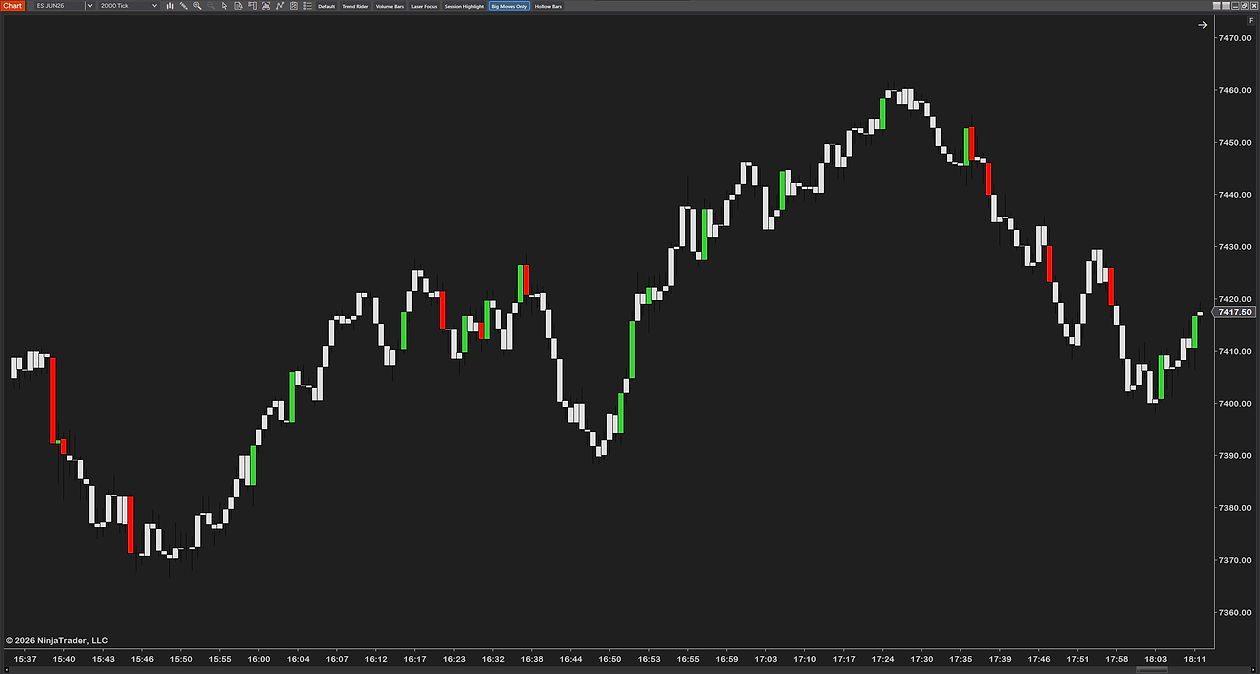
Laser Focus keeps the recent bars vivid and fades the rest; Big Moves Only grays out everything except outsized bars. The chart shows you only what's actually moving.
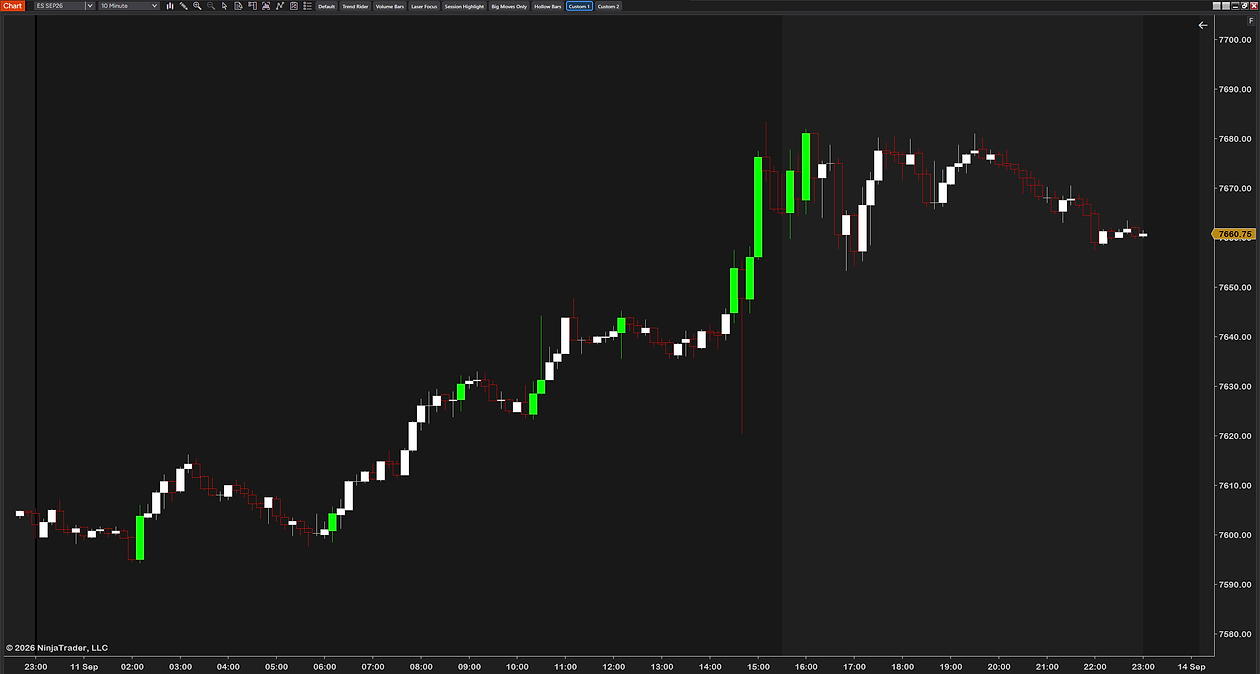
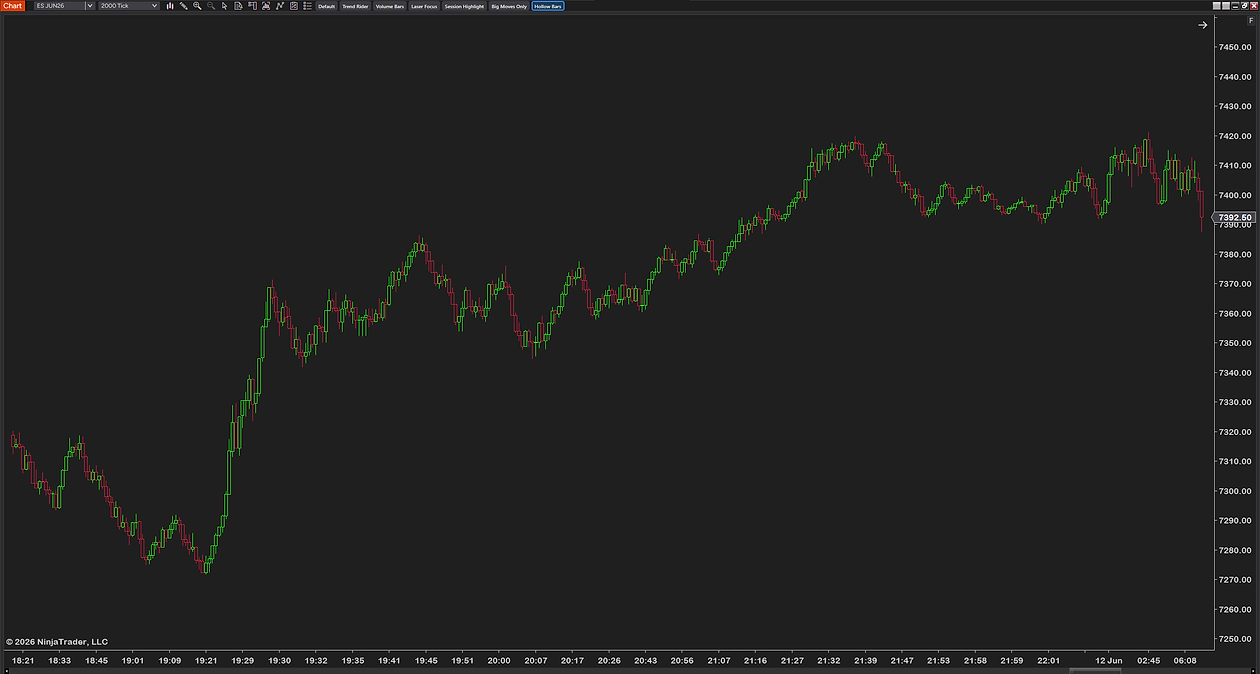
A scalping look during the session, hollow bars for the evening review, a clean look for the stream — each its own button, and Default restores your original chart instantly.
None of these change your data — same bars, same prices, presentation only. What you do with a faster read is still up to you.
Want to restyle your candles? Read our full guide — How to customize candlestick colors →
CandleStyler is built to be set up once and left alone. Three numbered groups — General, Toolbar and the eight preset slots — cover everything; each preset is its own little style sheet you can recolor and rename, and nothing is hard-coded. Below is the actual settings panel: plain-English names, no cryptic abbreviations.
After checkout, download the CandleStyler .zip — it's on the confirmation page, and in your email receipt.
In NinjaTrader 8: Tools → Import → NinjaScript Add-On, then select the .zip.
Right-click any chart → Indicators, add CandleStyler, and switch looks from the toolbar.
NinjaTrader 8 (latest version recommended)
Any instrument — futures, stocks, forex
Candlestick or OHLC bar charts — it styles candles
Any data provider — Rithmic, Kinetick, and more
Free forever — no catch, no upsell
Free updates — always current
Step-by-step installation guide
Email support from a working trader
Most traders are up and running in under a minute. Stuck on anything? Email us — we're traders too, and we answer.
Full control over every candle, with one-click presets and smart coloring — free, and built by a working futures trader.
Futures trading involves substantial risk of loss and is not suitable for every investor. CandleStyler is a chart-styling tool only — it is not a trade signal, recommendation, or financial advice. Past performance is not indicative of future results.