A stalled feed or a frozen chart does not announce itself — the price just stops moving, and it is easy to keep trading for a minute or two before you realize you are on stale data. The signals that something is off are there in the platform; NinjaTrader just does not put them where you will see them.
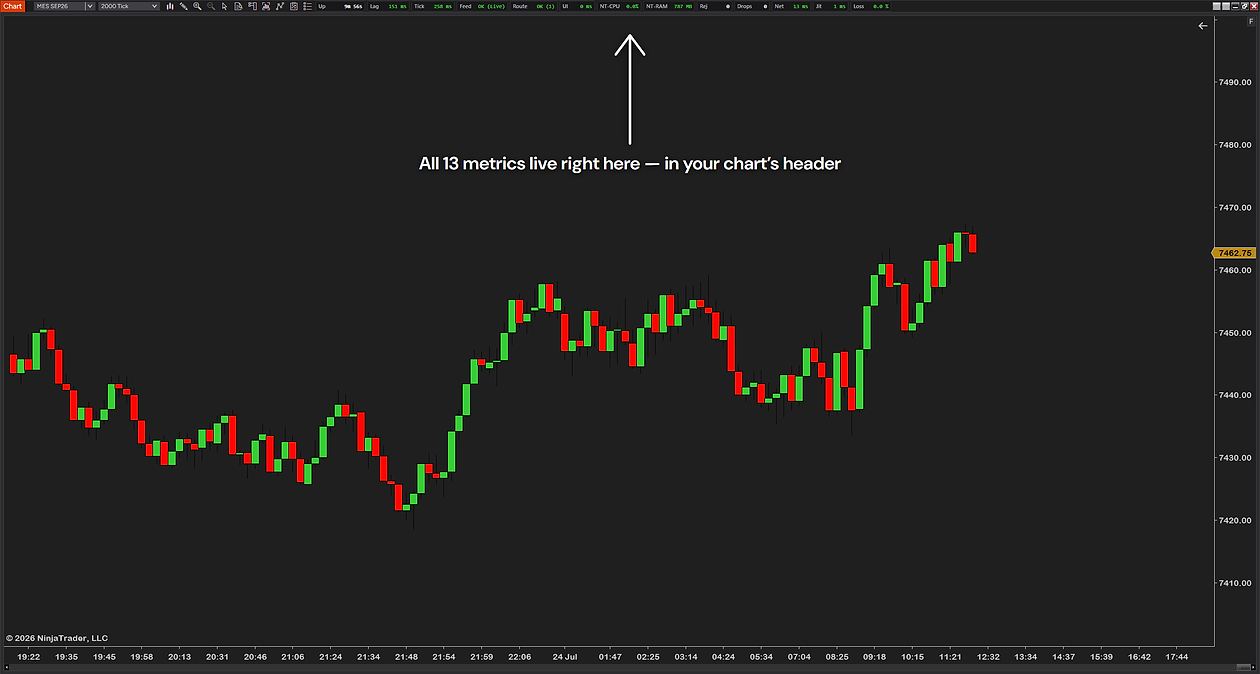
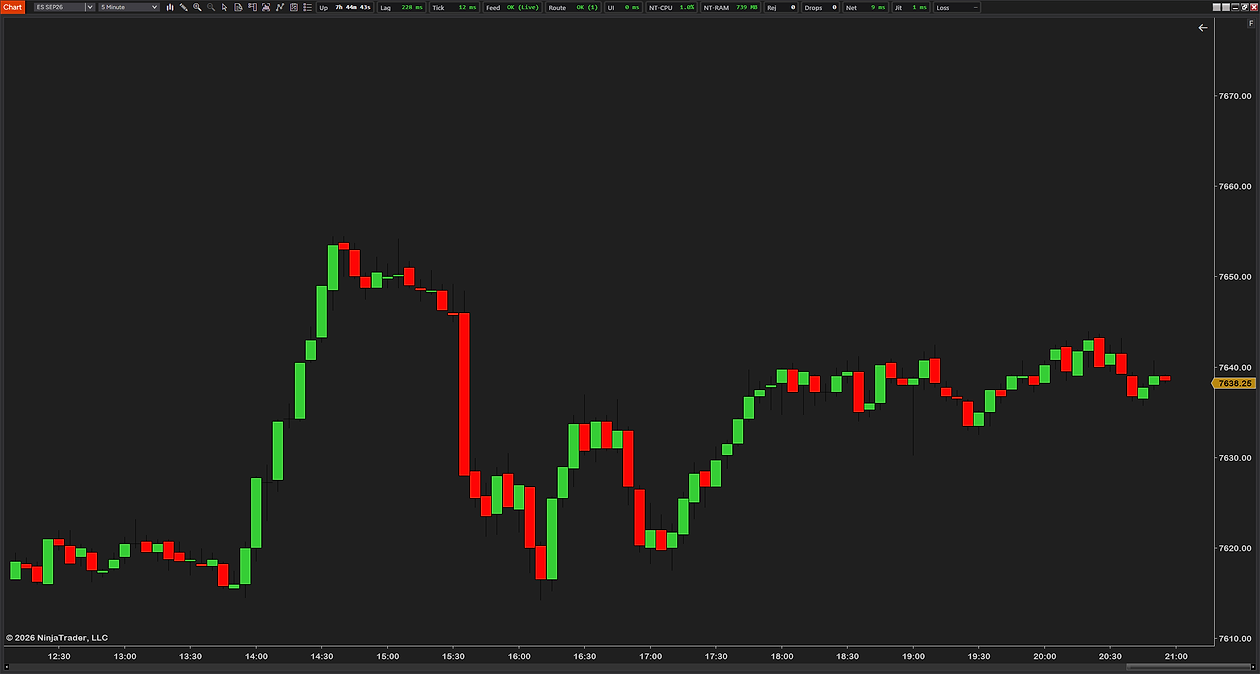
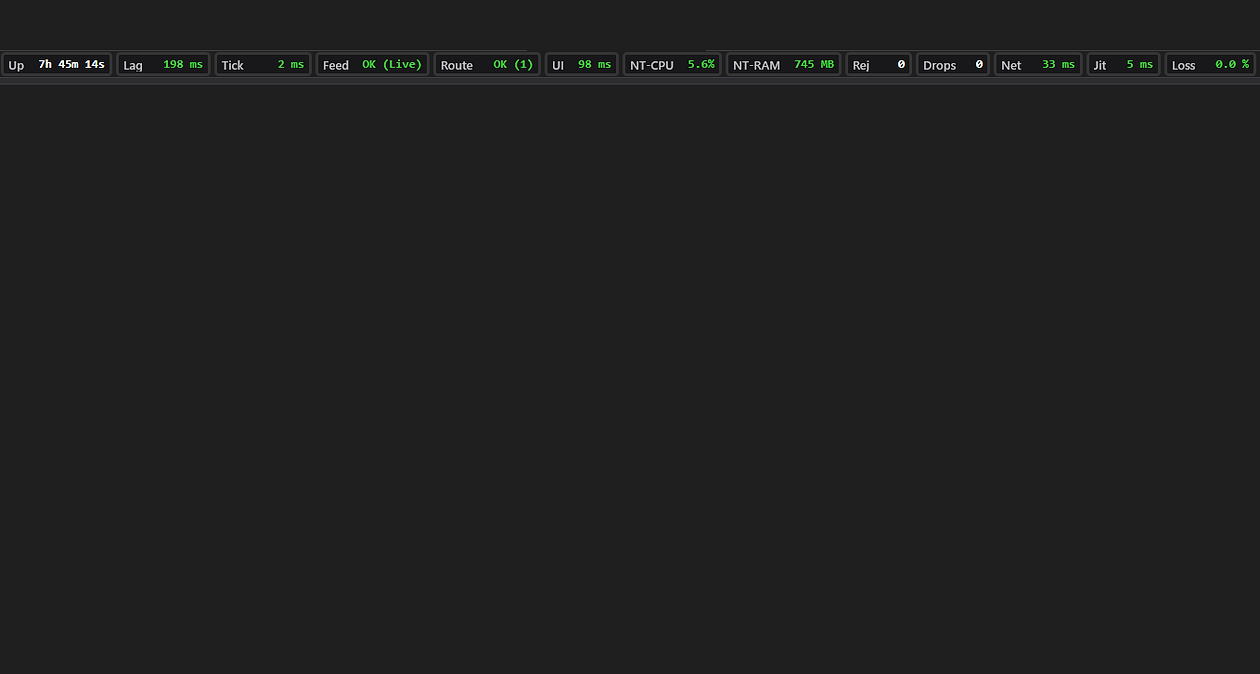
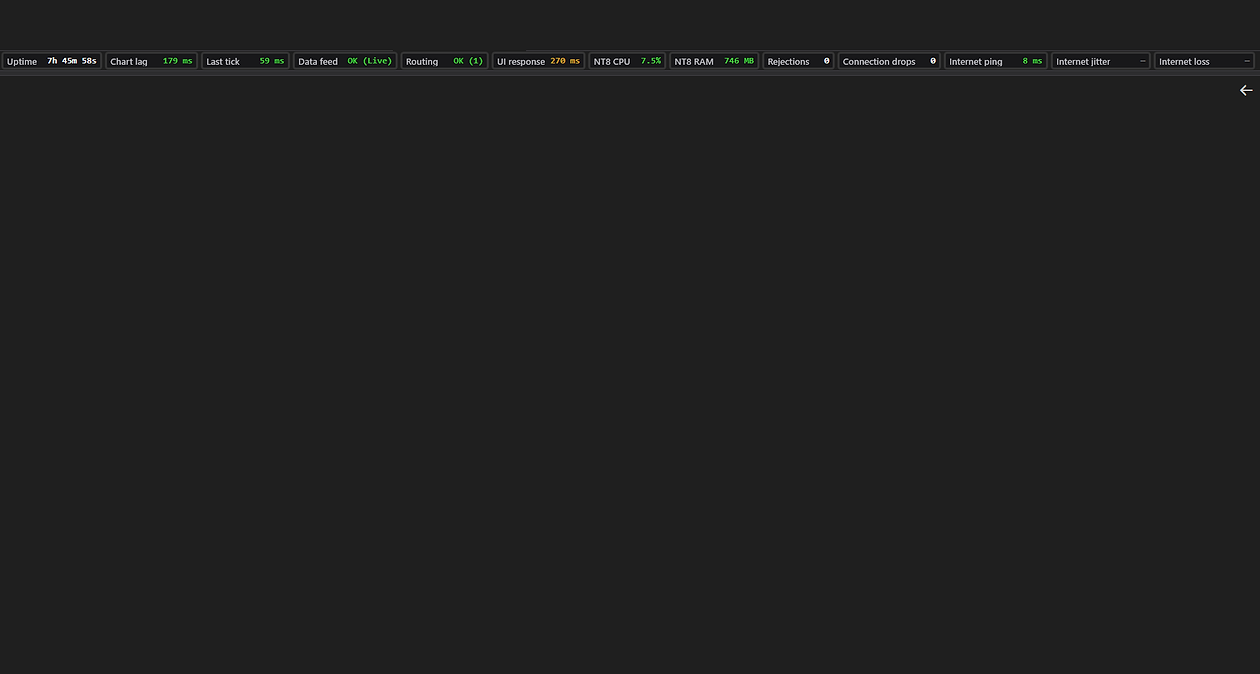
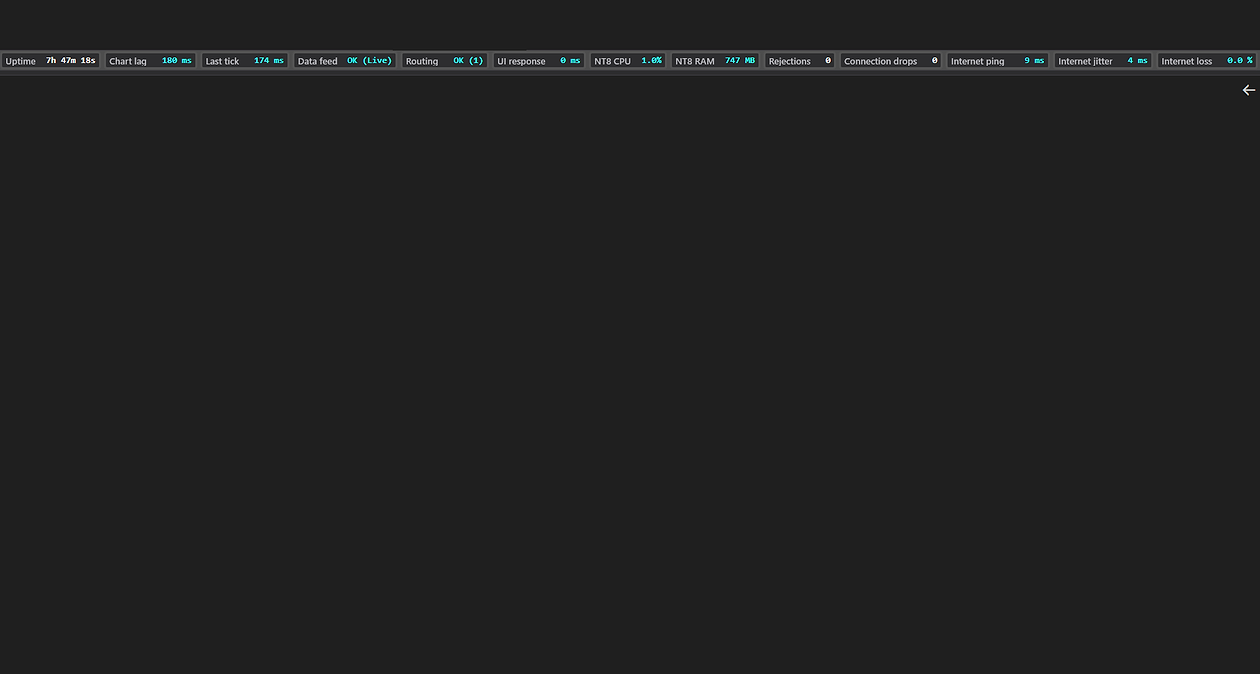
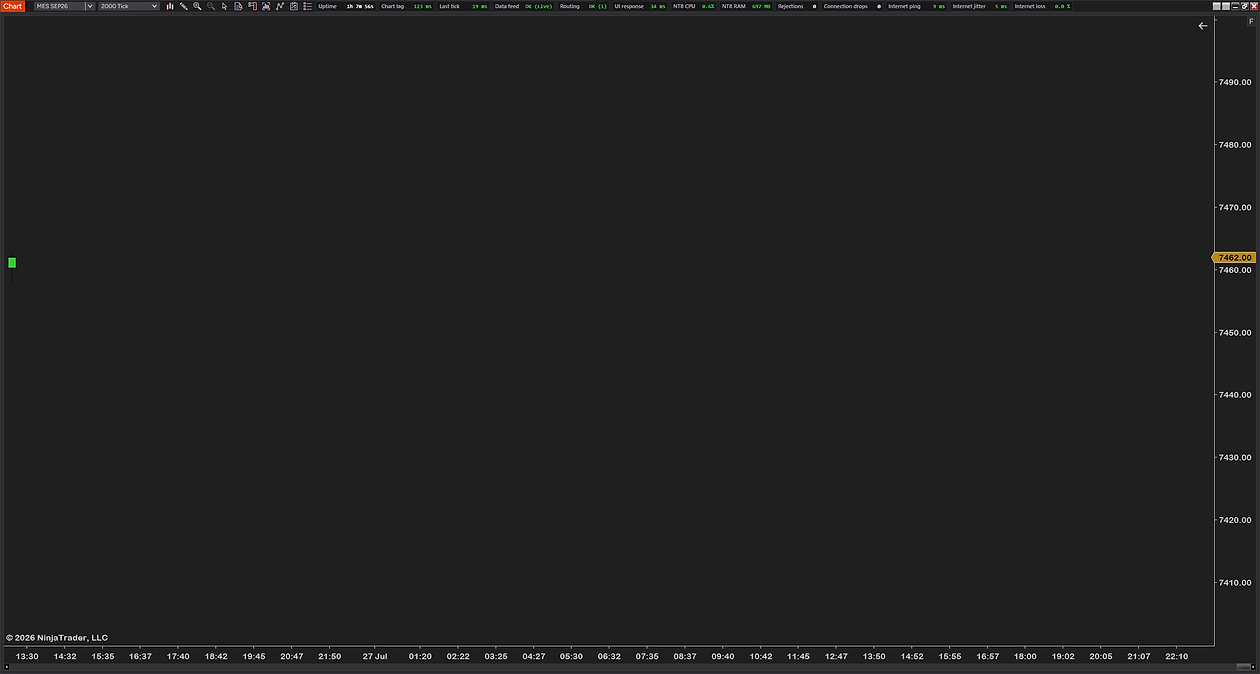
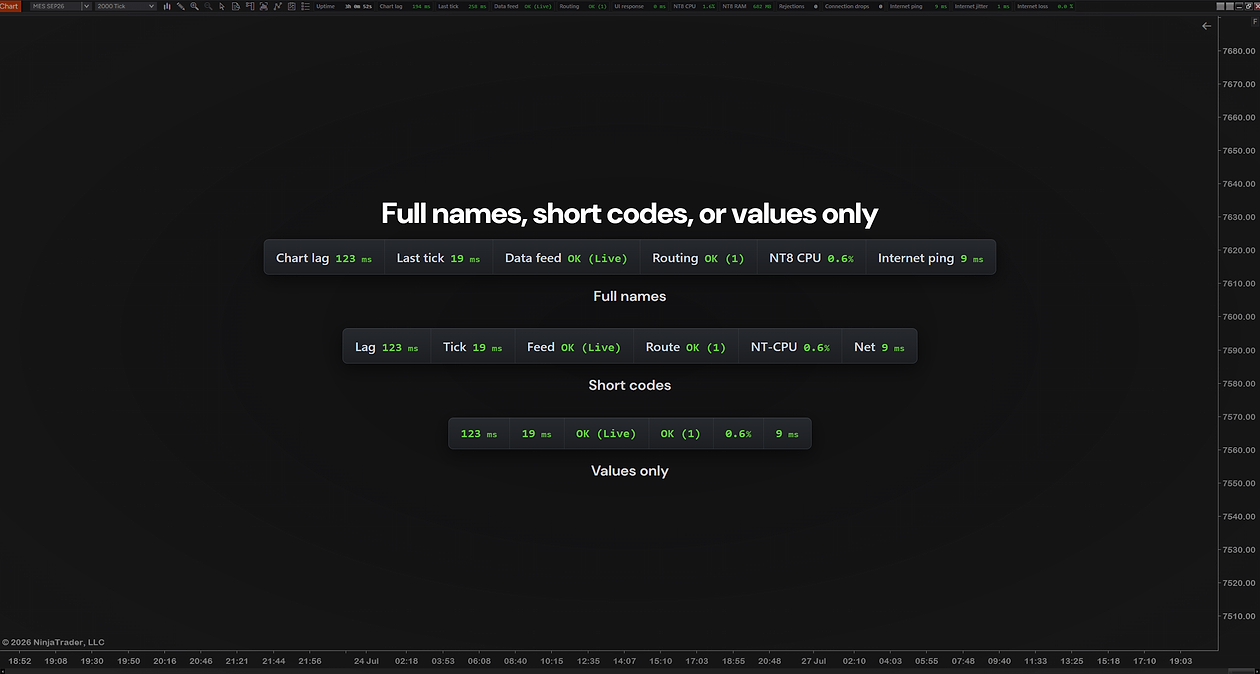
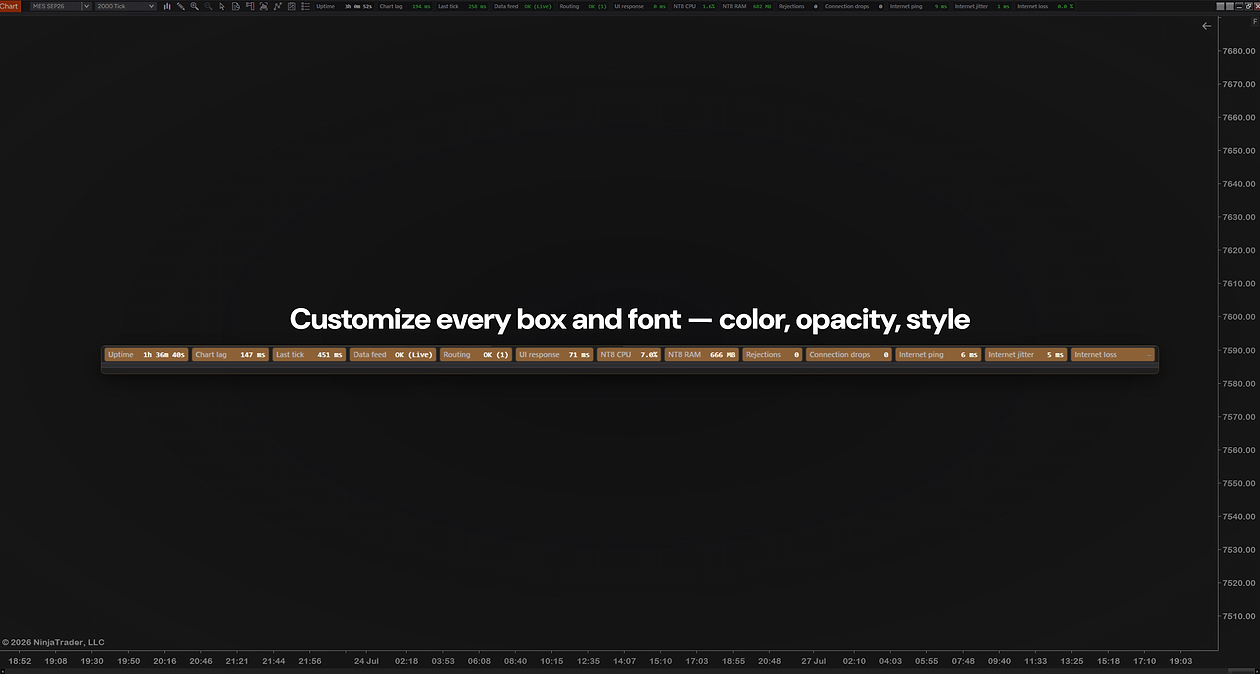
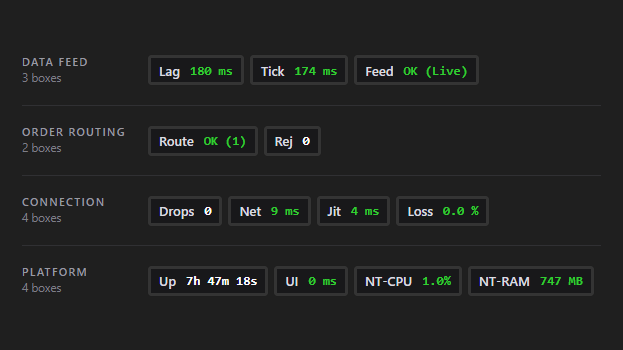
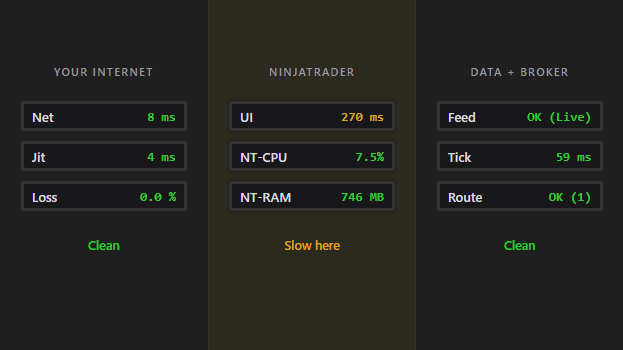
SystemHUD puts 13 live health readings in your chart window's header — chart lag, time since the last tick, data feed, order routing, internet quality, and what NinjaTrader itself is doing. One glance tells you whether what you are looking at is real.
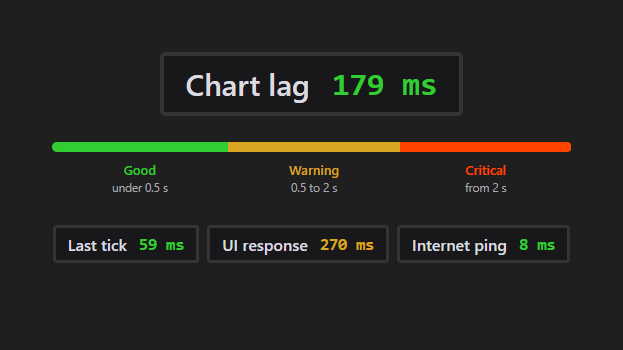
Three questions, answered without leaving the chart. Is my data live? Chart lag and time since the last tick. Can I get an order out? Data feed and order routing are tracked separately, because losing one does not mean losing the other. Is the problem me or them? A real internet ping, jitter and packet-loss reading tells you whether it is your line or theirs.
It also counts the things you would otherwise never notice: how many orders your broker rejected today, and how many times your connection dropped — both surviving a restart, so an ugly morning is still on the board at lunch.
NinjaTrader tells you when a connection fully drops. It does not tell you that your feed went quiet four minutes ago, that your ping tripled, or that the platform is starting to choke. Those are the failures that cost money, and they are all invisible.
So we built the whole thing to one rule: show the correct number, or show nothing at all. Every reading has an honest blank state. If a measurement cannot be trusted — blocked ping, a clock that disagrees with the data, a reading that has gone stale — the box shows a dash instead of a comfortable-looking number. It will not tell you everything is fine when it is not.
No magic here: this is a display, not a fix. It never places, changes or cancels an order, and it will not reconnect anything for you. It tells you what is happening so you can decide what to do.
Before the open, one look confirms the feed is live, the broker link is up and the line is clean — instead of finding out on your first order.
Price has not moved in a while. The Last tick box tells you instantly whether the market is quiet or your feed has stalled.
Charts feel laggy. Internet reads clean but chart lag is climbing — so it is not your connection, and you can stop rebooting the router.
Two drops and one rejection on the board tell you the session was rough on infrastructure — useful context when you review the day.
None of these are trade signals. SystemHUD does not know anything about the market — it only knows about your platform, your feed and your connection.
Not sure why your chart lags? Read our full guide — Why is my NinjaTrader chart lagging? →
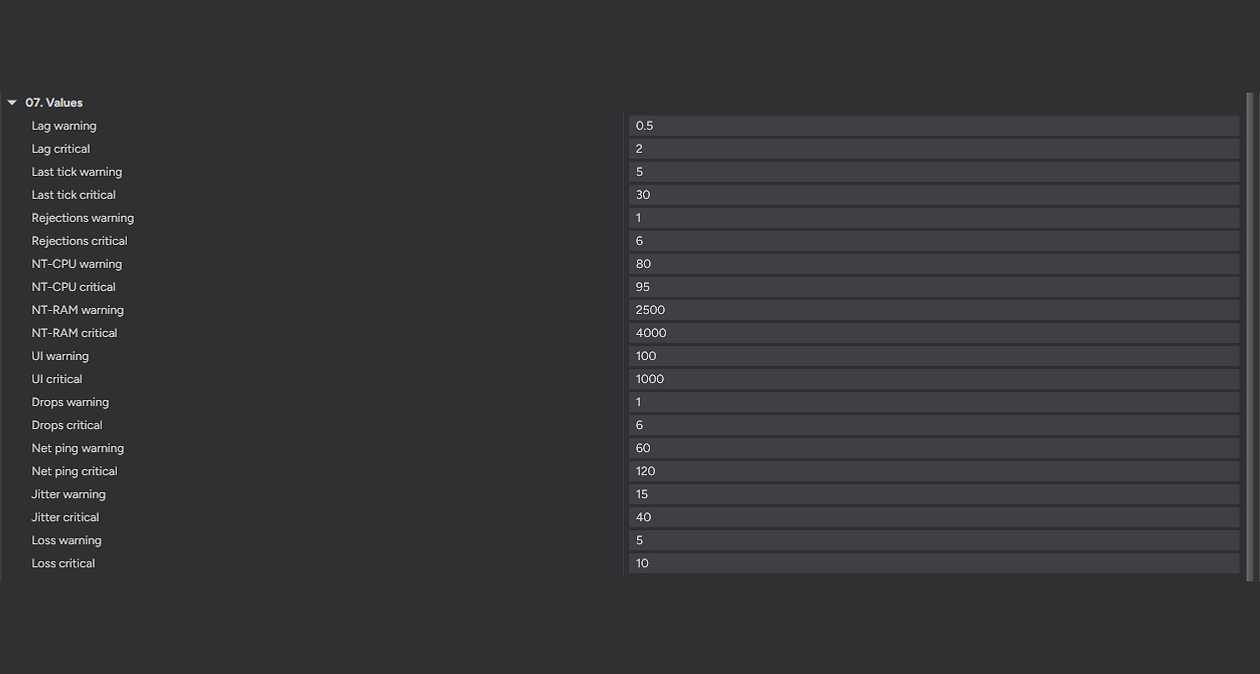
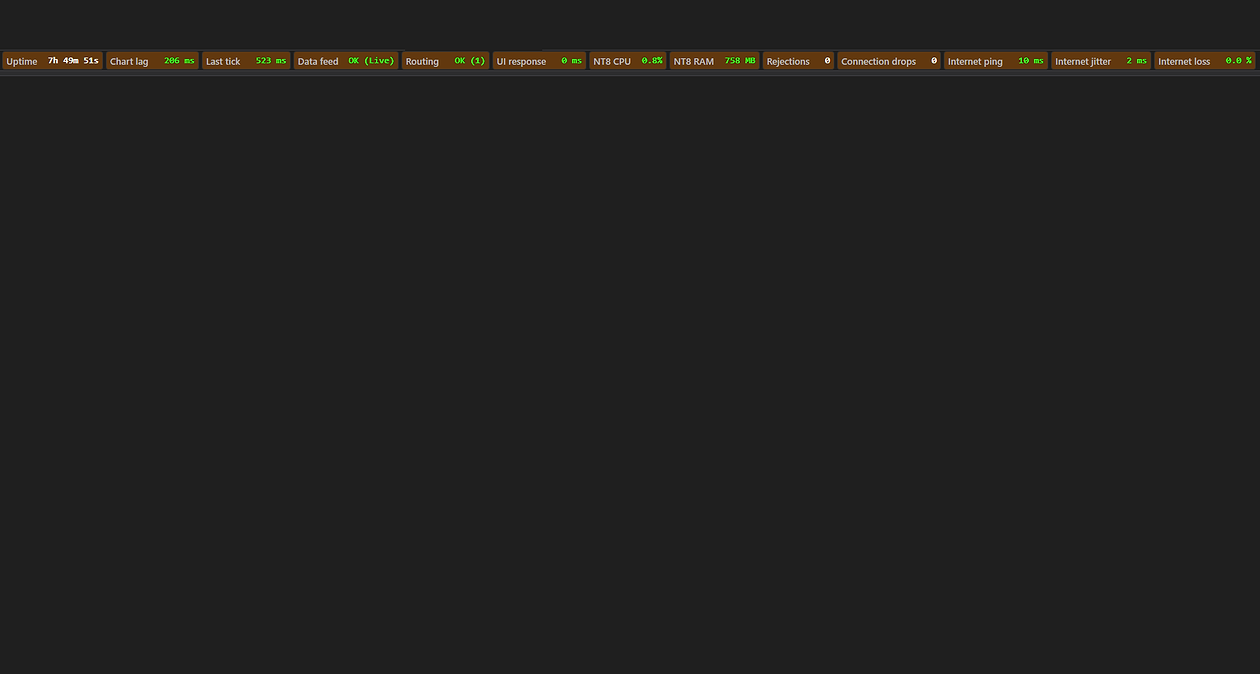
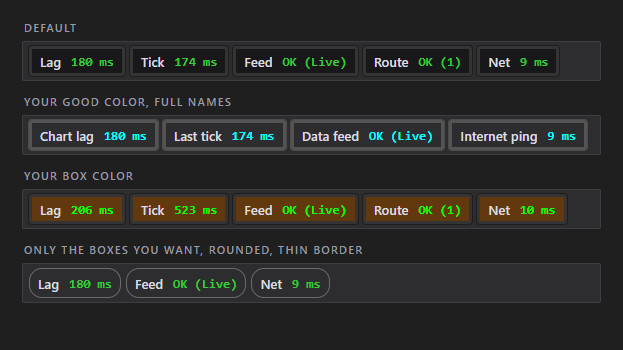
Everything is adjustable and nothing is hard-coded. Turn off the boxes you do not care about and the rest close up the gap. Set your own warning and critical level for every metric, pick your own colors, and size the boxes to match your chart. Eight numbered groups, plain-English names, and a description on every single setting explaining what it means and what to do about it.
After checkout, download the SystemHUD .zip — it's on the confirmation page, and in your email receipt.
In NinjaTrader 8: Tools → Import → NinjaScript Add-On, then select the .zip.
Right-click any chart → Indicators, add SystemHUD. The boxes appear in that chart window's header.
NinjaTrader 8 (latest version recommended)
Any instrument — no volume data required
Every chart type
Any data provider — Rithmic, Kinetick, and more
Free forever — no catch, no upsell
Free updates — always current
Step-by-step installation guide
Email support from a working trader
Most traders are up and running in under a minute. Stuck on anything? Email us — we're traders too, and we answer.
Know your feed is live, your broker link is up and your connection is clean — free, and built by a working futures trader.
Futures trading involves substantial risk of loss and is not suitable for every investor. SystemHUD is a monitoring and display tool only — it is not a trade signal, recommendation, or financial advice, and it cannot prevent a disconnection, a data stall, or any resulting loss. Always confirm critical connection and order state in NinjaTrader itself. Past performance is not indicative of future results.